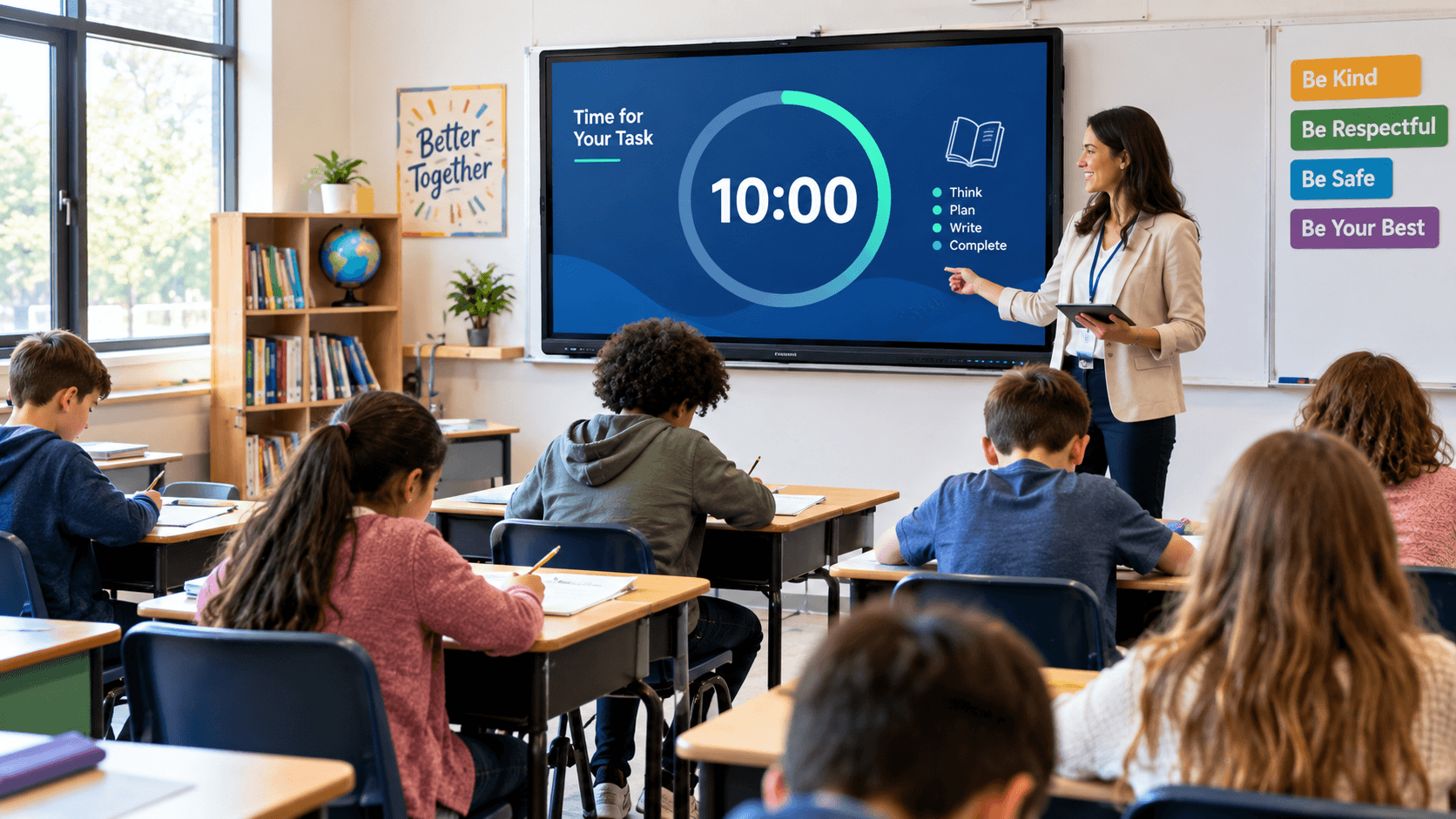
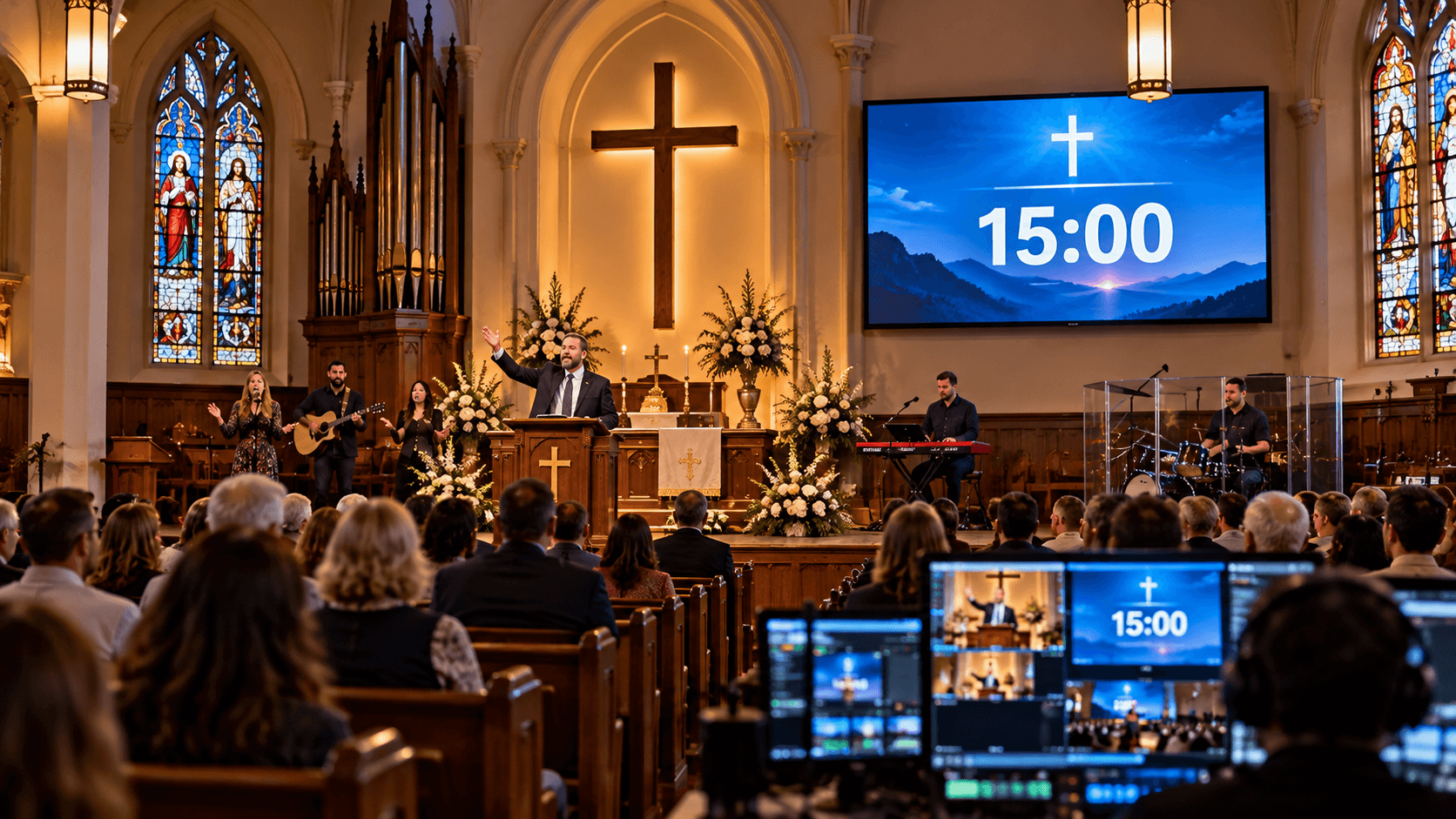
Managing multiple speakers during a live event can be a challenging task, especially when several presenters need to take the stage within a limited timeframe. Whether you are organizing a corporate conference, business seminar, panel discussion, product launch, awards ceremony, or an educational event, effectively managing all the speakers is crucial.
When an event features multiple speakers, even a minor delay can disrupt the entire schedule. A speaker might exceed their allotted time, another might require extra preparation, or the transition between presentations could take longer than expected.
This is why event organizers need a clear schedule, effective communication, and reliable time-management tools. With proper planning and the use of tools like StageTimerControl, organizers can manage speakers' time, keep track of presentations, and ensure the entire event stays on schedule.
Why is it important to manage multiple speakers at a live event?
Live events often feature several speakers, each with a unique speaking style, subject matter, and specific time requirements. Without proper arrangements for all speakers, presentations may exceed their allotted time, leading to delays in subsequent sessions.
Effective speaker management helps event organizers maintain an organized schedule and ensures that every speaker has an appropriate opportunity to deliver their presentation.
Key benefits include:
Better time management: Each speaker can be assigned a specific duration for their presentation.
Seamless speaker transitions: The next speaker can be prepared before the current presentation concludes.
Enhanced audience experience: An organized event keeps the audience engaged and minimizes unnecessary waiting.
Professional event management: A clear schedule makes the event appear more structured and professional.
Reduced delays: Monitoring the timing of presentations ensures that a delay in one session has minimal impact on the overall event schedule.
Best practices for managing multiple speakers at a live event:
To ensure a live event is successful and well-organized, start by creating a clear schedule for all speakers. Allocate an appropriate amount of time for each presentation and inform the speakers of their time limits before the event begins. This will help them structure their content effectively and complete their presentations within the allotted time.
During the event, use confidence monitors and countdown timers so that speakers can easily track the time remaining for their presentations. Additionally, ensure the next speaker is prepared in advance, check microphones and presentation slides, and appoint a stage manager to facilitate smooth transitions between speakers. Tools like StageTimerControl can be used to remotely manage timers and relay important messages to the speakers.
Always have a backup plan in place to handle unexpected delays or technical issues. Build in some buffer time between key sessions and remain prepared to adjust the schedule if necessary. Finally, after the event concludes, review the entire program to identify what went well and what could be improved. By adopting these practices, you can make your live event more professional, organized, and successful.
How does StageTimerControl help in managing multiple speakers?
A standard clock is not enough when it comes to managing multiple speakers. Event organizers need a reliable way to track presentation durations, stay in touch with speakers, and coordinate between different event sessions.
StageTimerControl is an online stage timer designed for presentations, conferences, corporate events, and other live programs.
It offers several useful features for managing multiple speakers:
Multiple Timers: Create separate timers for different speakers and event sessions.
Remote Timer Control: Control the timer from a phone or laptop while displaying the countdown on another device.
Confidence Monitor Display: Allow speakers to see the time remaining for their presentation.
Live Messages: Send visual instructions and time-related reminders directly to the confidence monitor.
Shared Timer Links: Share links to view the timer with speakers and members of the event team.
Visual and Audio Alerts: Keep speakers and organizers informed about key timing milestones using visual cues and optional chimes.
With these features, event organizers can coordinate speaker presentations, manage session timing, and ensure better communication between the stage and the backstage team.
Visit StageTimerControl to get started and discover how an online stage timer can help you manage your next live event.
Conclusion:
Managing multiple speakers during a live event requires careful planning, clear communication, and effective time management.
From creating a detailed speaker schedule to managing transitions between individual presentations, every step plays a crucial role in keeping the event organized.
Using a stage timer can help speakers keep track of their remaining time, while also assisting event organizers in managing the overall event schedule.
Tools like StageTimerControl offer useful features—such as multiple timers, remote control, confidence monitor displays, and live messaging—that can simplify professional event management.
Whether you are organizing a corporate conference, a panel discussion, a seminar, or any other large-scale live event, having a clear schedule and a reliable timing tool ensures that every speaker can deliver their presentation within their allotted time.