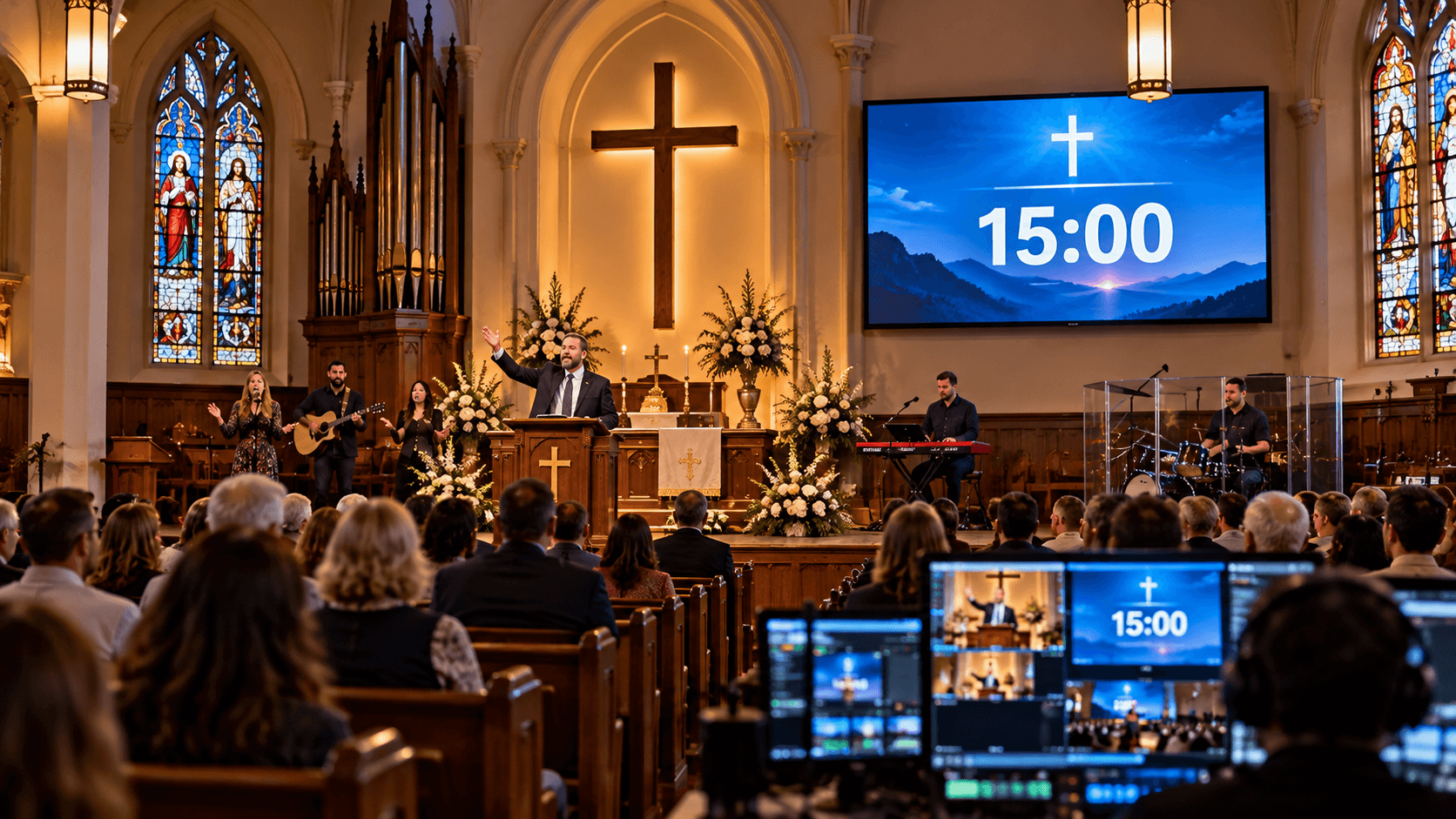
In today's business environment, it's crucial for meetings to start on time and end within the scheduled time. Whether it's an office team meeting, an online meeting, a client presentation, or a project discussion, proper time management can make meetings more organized and effective. Countdown Timer for Meetings is a useful tool that helps you schedule each part of the meeting.
When a meeting involves multiple participants, sometimes a topic can be discussed longer than expected, leaving less time for other important topics. A countdown timer displayed on the screen helps all participants understand how much time remains for a discussion or activity.
Countdown Timer is easy to use in company offices, conference rooms, online meetings, and team workshops. It can be displayed on a computer, projector, large screen, or supported online display.
Why is a Countdown Timer important for meetings?
Creating the right agenda isn't enough for a successful meeting. Setting aside the appropriate time for each topic to be discussed is also essential. A Countdown Timer helps organize meeting time.
Its key benefits are:
Time Management: The allotted time for each topic can be monitored.
Better Agenda Management: Helps ensure all important meeting topics are covered.
Team Participation: Participants clearly see the time limit for discussion.
Reduce Unnecessary Delays: This can reduce the likelihood of spending too much time on any one topic.
End Meetings on Time: Helps ensure the meeting ends within the scheduled time.
The purpose of a timer is not to rush the discussion, but to make better use of the available time.
Countdown Timer for Meeting Agendas:
Preparing an agenda is essential for any meeting to be organized and effective. An agenda lists all the topics to be discussed during the meeting. A Countdown Timer for Meetings allows you to allocate a specific time for each topic, helping to keep the meeting moving forward and focusing on important issues.
For example, in a 45-minute meeting, the first 5 minutes could be dedicated to introductions, 10 minutes to review previous work, 15 minutes to discuss new projects, and the remaining time to discuss suggestions and next steps. Displaying a countdown timer on the screen lets all participants know how much time remains for discussion on a topic.
Using a timer during a meeting can help reduce unnecessary delays and ensure all important topics are covered within the allotted time. However, it's also advisable to adjust the time if an important topic requires more discussion. In this way, Countdown Timer can be helpful in keeping the meeting on time as well as improving the time management of the team.
Using a Timer in Team Meetings:
Team meetings require different employees to share information about their work progress, new projects, and issues. If everyone speaks without a time limit, the meeting can become excessively long. Using a Countdown Timer for Meetings can help allocate appropriate time for each topic and participant.
For example, each team member could be given 5 minutes to provide their update, 10 minutes to discuss project progress, and 15 minutes to address issues. Displaying a countdown timer on the screen helps all participants stay informed of the remaining time and ensure they present their points in an organized manner.
The purpose of a timer is not to put unnecessary pressure on team members, but to make the meeting more organized and productive. With the help of tools like Stage Timer Controller, if available, time management can be simplified by displaying a timer on the screen during the meeting, if available features support it.
Countdown Timer in Online Meetings:
These days, online meetings are conducted through platforms like Zoom, Google Meet, and Microsoft Teams. Time management is crucial in these meetings, especially when multiple participants have the opportunity to share their ideas, give presentations, or discuss a topic. A countdown timer for online meetings allows you to set a time for each activity, making the meeting more organized.
A countdown timer can be displayed during an online meeting through screen sharing, a presentation, or another display. For example, if a team has 10 minutes to discuss a topic, a timer of 10 minutes can be set. This gives all participants a clear view of the remaining time and allows them to better organize their discussion.
To make online meetings more effective, check the timer and screen sharing before the meeting begins. If your timer tool supports features like remote control or multiple screen displays, you can also use them. Tools like Stage Timer Controller can help you manage meeting timing. However, the availability of these features will depend on your tools and device setup.
Countdown Timer for Meeting Breaks:
Short breaks can be useful in long meetings and training sessions. However, if the duration of the break is unclear, it can delay the resumption of the meeting.
For example, a countdown timer can be set for a 10-minute break. Participants should be informed of the duration as soon as the break begins so they can return on time.
Similarly, a timer can be used for small changes during the meeting, such as room arrangements, or preparation for the next activity.
Best practices for using a timer in meetings:
To effectively use a countdown timer in a meeting, first allocate a reasonable amount of time for each topic according to the agenda. Before the meeting begins, inform participants about the length of each topic. This allows everyone to present their views in an organized manner, ensuring adequate time is left for important topics.
Display the timer on a screen, projector, or display where all participants can easily see the remaining time. Remain mindful of the time limit during the meeting, but be flexible in allowing additional time if needed for important discussions or questions. The purpose of the timer is not to pressure participants, but to maintain orderly flow of the meeting.
Finally, set a time for the meeting's conclusions, decisions made, and next steps. If you use a tool like Stage Timer Controller, check the timer, display, and available remote control features before the meeting begins. Proper planning and proper time management can make meetings more productive and effective.
Conclusion:
Countdown Timer for Meetings can help organize meeting times, adhere to agendas, and better manage team activities. It can be used in office meetings, online discussions, client presentations, brainstorming, training, and workshops.
Displaying the timer on a projector or large screen clearly displays the remaining time for all participants. Features like remote control and multiple screen displays can also be useful if the respective timer tool supports them.
A countdown for a meeting can be created with a tool like Stage Timer Controller. The best results are achieved when the timer is used with a clear agenda, realistic time limits, and a flexible approach as needed.