A classroom countdown timer is a useful tool that helps teachers manage lessons, exams, assignments, and classroom activities within a set timeframe. When students are given a specific amount of time for a task, the timer helps them understand how much time has elapsed and how much remains.
In today’s classrooms, teachers employ a variety of teaching methods, including group activities, reading exercises, writing practice, quizzes, presentations, and digital learning. A countdown timer can be a simple and effective way to keep these activities organized.
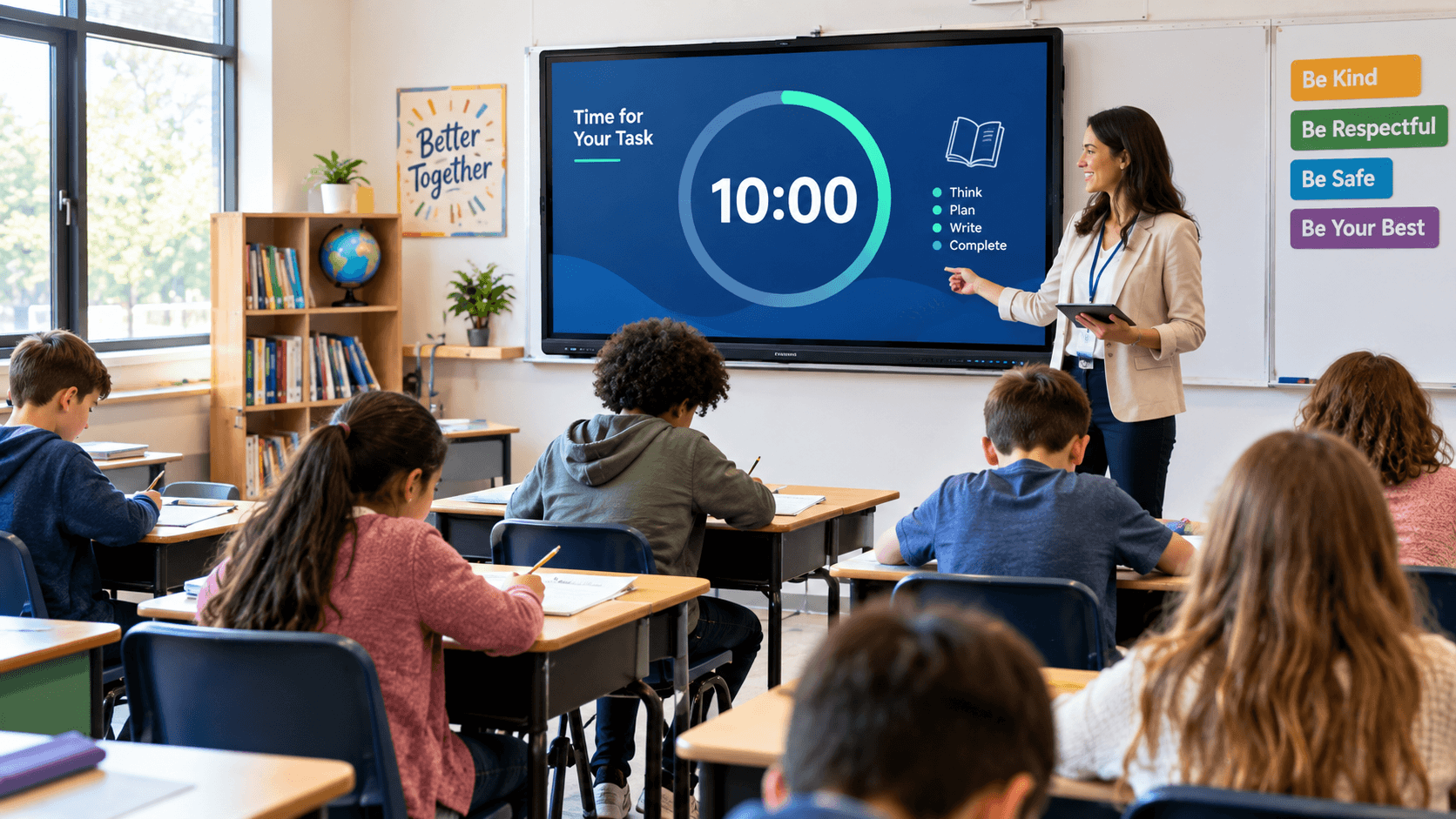
Teachers can display a timer in the classroom using a laptop, projector, smartboard, or TV screen, allowing the entire class to follow the same time reference. With the help of a remote timer control, the teacher can manage the timer from their own device, while students can view the countdown on the screen displayed at the front of the room.
Why Is a Countdown Timer Important in the Classroom?
In a classroom, it is often necessary to set time limits for various activities. For example, students might be given 10 minutes to write an answer to a question, 15 minutes for a group discussion, or 20 minutes to complete a quiz.
When students can clearly see the remaining time, they are better able to manage the pace of their work. It also reduces the need for the teacher to repeatedly announce how much time is left.
A countdown timer should not be used solely to rush students. Its purpose is to teach students time management, keep activities organized, and help ensure that the classroom schedule is followed effectively.
Managing Classroom Activities:
Throughout the day, teachers conduct a variety of classroom activities. These may include working on worksheets, reading, writing, solving questions, or engaging in individual practice.
Setting a countdown timer for each activity ensures that students know from the very beginning how much time they have to complete a task. For example, if students are given 15 minutes to complete a worksheet, the teacher can start a 15-minute countdown. By viewing the timer on the screen, students can manage the progress of their work.
This makes it easier to conduct classroom activities in a more structured manner.
Countdown Timer for Exams and Tests:
Time management is crucial during exams and classroom tests. Students are often required to answer multiple questions within a set timeframe.
A countdown timer can be displayed on the classroom screen to show students the remaining time. For instance, for a 30-minute test, the timer would start at 30:00 and count down toward zero.
This helps students practice allocating their time effectively across different questions. They can choose to solve easier questions first and then address more difficult ones based on the time remaining.
However, the use of a timer during formal examinations must comply with the rules set by the school or the relevant examination authority. Additionally, appropriate arrangements should be made for students who are granted extra time.
Reading and Writing Practice:
A countdown timer can be used in reading and writing exercises to help structure students' practice.
For reading activities, a teacher can set a specific time limit for students to read a passage and answer questions based on it. For writing activities, a timer can be used to give students a set amount of time to compose a paragraph, an essay, or a short-answer response.
For example, students might be asked to write a short paragraph within 10 minutes. The countdown helps them organize their ideas according to the time available.
However, one should not rely solely on a timer when evaluating reading or writing speed. Factors such as the students' accuracy, level of understanding, and individual learning needs are also important.
Manage Your Classroom with a Remote Timer Control:
Teachers shouldn't have to remain standing by a smartboard or projector throughout a lesson. If a timer supports remote control, a teacher can manage it directly from their laptop, tablet, or phone.
For instance, a teacher can monitor the timer while moving among students and adjust the duration as needed.
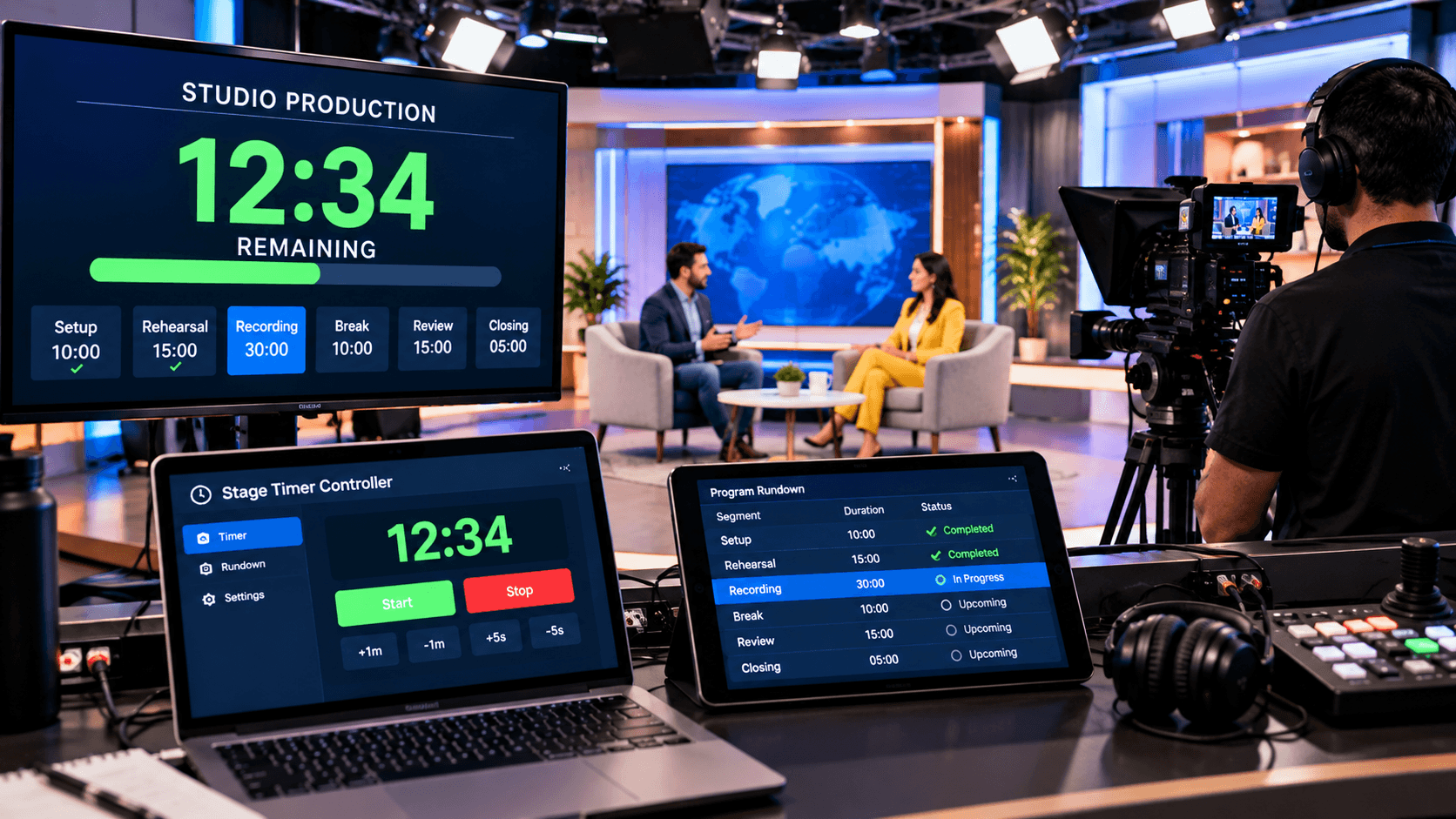
With browser-based tools—such as a "Stage Timer Controller"—the timer can be controlled from one device while being displayed on another. This makes it easy to use separate screens for the teacher and the students.
Before using such a system in the classroom, always ensure that the controller and the display device are properly connected.
Teaching Time Management to Students:
Time Management is not just about completing a task quickly; it also involves planning, prioritization, and making effective use of the available time. A countdown timer provides students with an opportunity to practice these skills.
For instance, when working on a writing assignment, students can allocate specific time for brainstorming ideas, drafting, and finally, reviewing their work.
Once an activity is complete, the teacher can ask students how they managed their time and what they might do differently or better next time. In this way, a timer evolves from a simple classroom tool into an integral part of learning and practicing self-management.
Conclusion:
In the classroom, a countdown timer can be used for exams, assignments, reading exercises, group activities, quizzes, presentations, and lesson planning. It helps teachers organize the timing of activities and enables students to practice time management.
Displaying a timer on a projector, smartboard, or computer screen allows the entire class to clearly see the remaining time. Features such as remote control and synchronization across multiple devices can be particularly useful in classrooms where the teacher and the display screen operate via different devices.
Using browser-based tools—such as a 'stage timer controller'—teachers can set countdowns for classroom activities and manage the timer from various supported devices.
The best results are achieved when a countdown timer is integrated into a flexible teaching approach. The purpose of the timer is not merely to ensure tasks are completed quickly, but to help students develop skills in planning, maintaining focus, and managing their time.