Precise timing in church services is essential not merely for adhering to a schedule but for maintaining the smooth flow of the entire service. A single service may comprise various segments—such as worship, prayer, Bible reading, the sermon, announcements, special programs, and the closing. If any one segment runs over time, it can impact the rest of the program.
In this context, a countdown timer serves as a simple yet highly useful tool. It helps pastors, preachers, worship leaders, and church volunteers keep track of the time remaining for the current segment.
By using a browser-based stage timer, the clock can be controlled from one device, while a clear, easily visible countdown display is shown on a separate screen facing the speaker or pastor. This eliminates the need for someone to repeatedly step onto the stage to signal time updates.
Why is a countdown timer useful in church services?
A church service can comprise various distinct activities. For instance, specific durations might be allocated: 20 minutes for worship, 10 minutes for prayer, 30 minutes for the sermon, and 5 minutes for announcements.
A countdown timer clearly displays the time remaining for each of these segments. It allows the pastor or worship leader to track how much time is left for their portion and know when to move toward their concluding points or the service's wrap-up.
This is particularly beneficial for churches that hold multiple services in a single day. If the first service runs significantly over schedule, it can impact the start time of the subsequent service; a structured timing workflow helps minimize such delays.
Countdown Before the Church Service Begins:
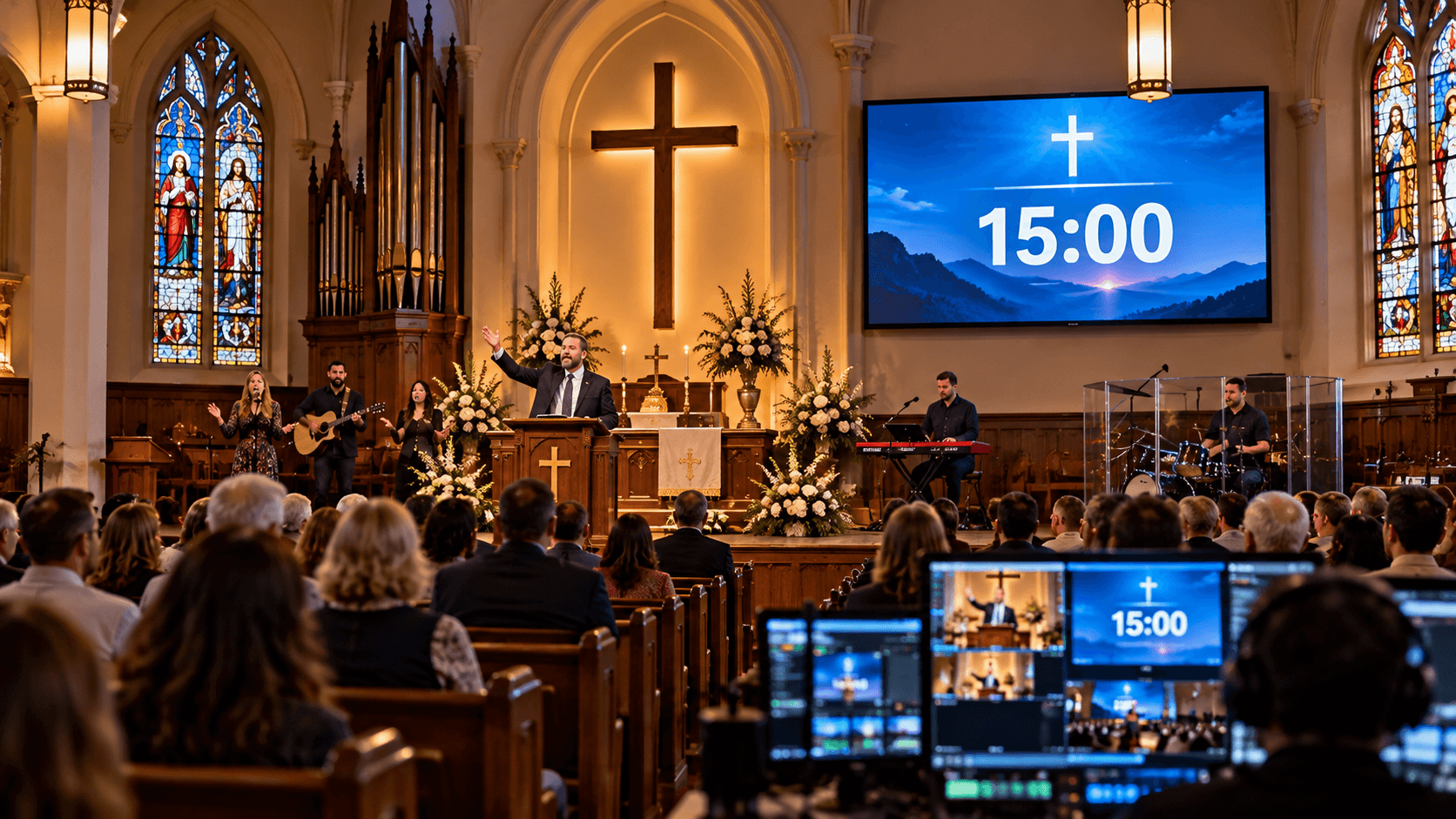
A countdown timer can be used in the minutes leading up to the start of the church service. For instance, a countdown can be displayed on the screen five or ten minutes before the main service begins.
During this time, the pastor, worship team, musicians, volunteers, and AV team can complete their final preparations. The worship team can check instruments and microphones, while the AV team prepares slides, videos, and other essentials.
As the countdown approaches zero, the entire team receives a clear visual signal that the service is about to start. For example, the screen might display "Service Starts In: 10:00."
This can be used not only for Sunday services but also for Christmas services, Easter programs, youth meetings, worship nights, and other special church events. It provides the entire team with a shared timing reference before the service begins.
Countdown Timer for Church Announcements:
Announcements during a church service are usually brief, but speakers sometimes exceed their allotted time. A countdown timer can be used to set a specific duration for these announcements.
For instance, if five minutes are allocated for announcements, a countdown timer can be positioned where the church coordinator or the speaker can see it. This allows the speaker to keep track of the remaining time and prioritize the most important announcements.
The countdown timer can be displayed solely on the speaker's or AV team's confidence monitor, rather than being shown to the entire congregation. This enables the speaker to complete the announcements on time—without distractions—while ensuring sufficient time remains for the next segment of the service.
Coordination Between the Worship Team and Church Volunteers:
A church service is not driven solely by the pastor or preacher; it relies on the collaborative efforts of the worship team, musicians, AV team, volunteers, and service coordinators. Precise timing coordination among these groups ensures a more organized flow to the service.
A countdown timer can serve as a shared timing reference for the entire team. For instance, the worship team can track that five minutes remain in the current segment, while volunteers and the AV team begin preparations for the next one.
Timing cues such as "10 minutes remaining," "5 minutes remaining," and "2 minutes remaining" enable the team to prepare for upcoming stages without the need for constant verbal instructions. This fosters better coordination among the pastor, worship leader, and volunteers, resulting in smoother transitions between segments.
Best Practices for Using Countdown Timers in Church Services:
It is important to keep a few things in mind when using a countdown timer.
Keep timing realistic: Allocate only as much time to each segment as is actually necessary.
Brief the speaker beforehand: The pastor, preacher, and worship leader should be aware of the timer signals.
Display the timer only to the right people: If the timer is not needed by the congregation, display it only on the speaker's confidence monitor.
Rehearse: Conduct a brief timing test before the service, especially for special events.
Include important warning points: For example, cues can be used when there are 5 minutes and 2 minutes remaining.
Maintain flexibility: Sometimes, prayer, worship, or the sermon in a church service may require more time than anticipated. In such situations, the operator should be prepared to adjust the timing.
Using a Stage Timer Controller in Church Services:
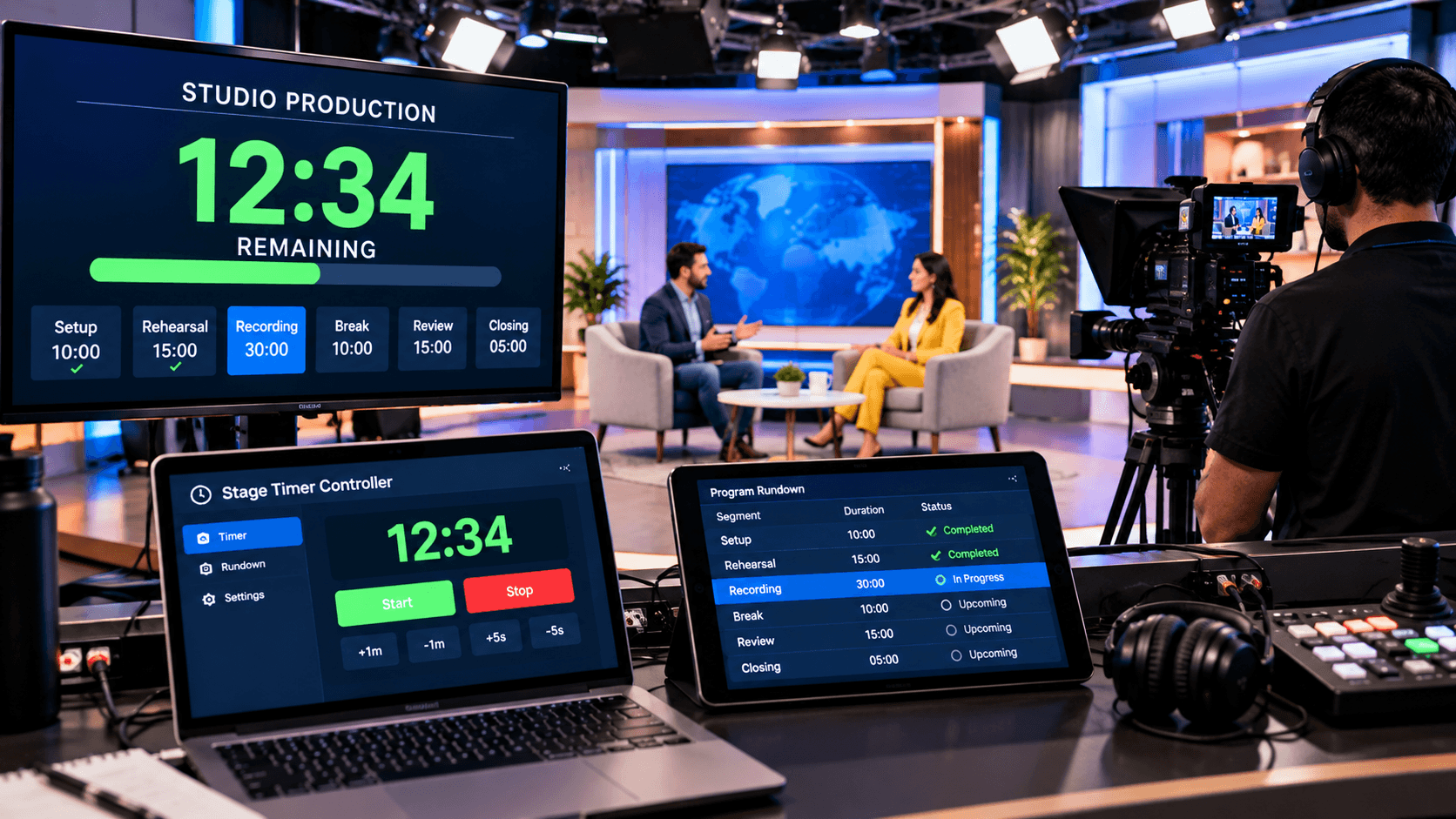
A Stage Timer Controller allows you to go beyond a basic countdown timer and establish a comprehensive timing workflow. It helps manage the distinct timing requirements of the pastor, the worship leader, and the church AV team.
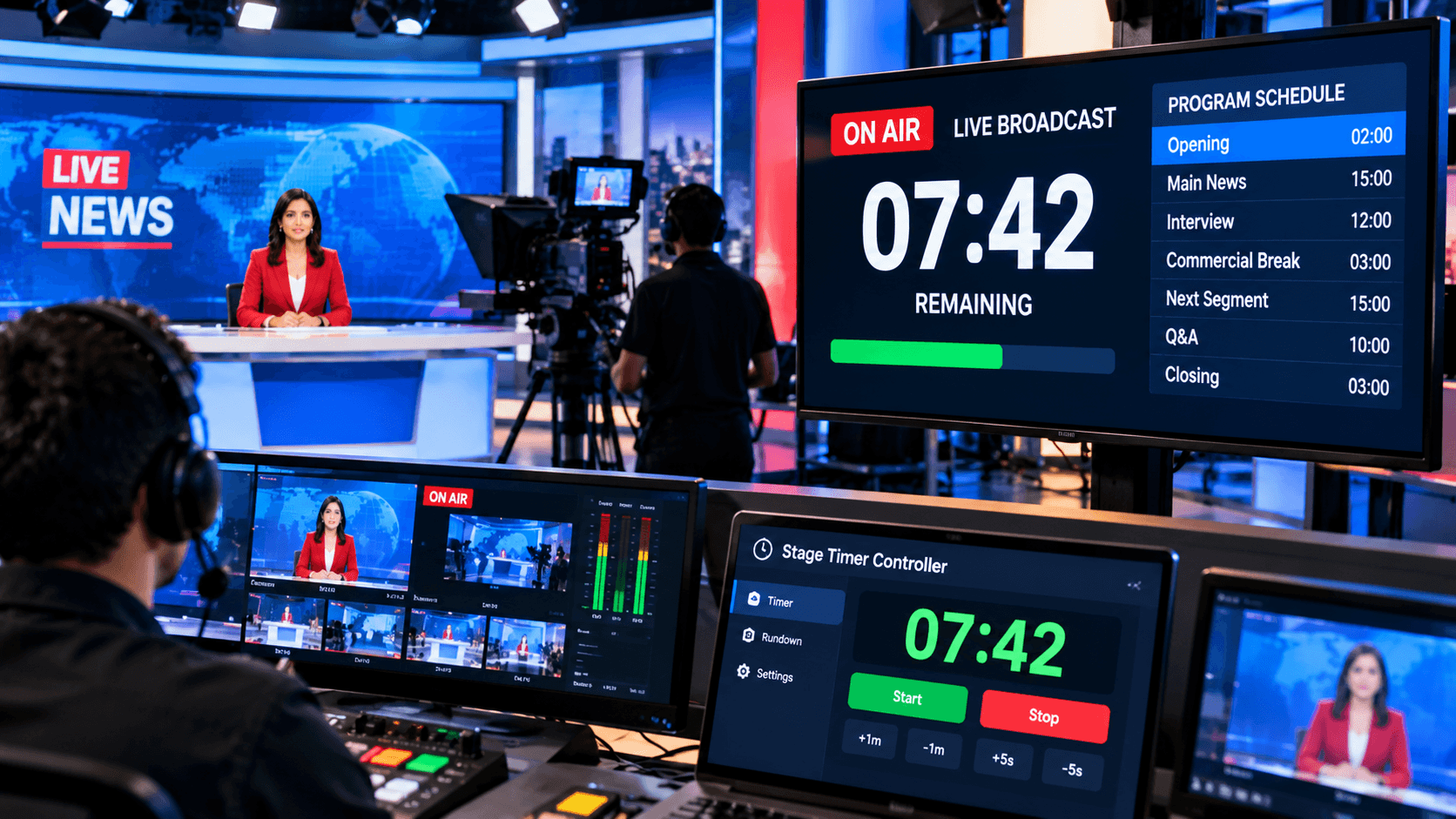
An operator can control the timer from their device, while the speaker sees a clear countdown display on a separate screen. Features such as event rundowns, live speaker cues, color-coded warnings, and synchronization across multiple devices enable the service team to operate within a unified timing workflow.
The primary objective is not simply to finish the service quickly. Instead, the goal is to provide the pastor, worship team, and volunteers with better timing awareness, ensuring that the various segments of the service proceed in a balanced manner.
Conclusion:
The purpose of a countdown timer in a church service goes beyond simply tracking the passage of time. Its primary objective is to provide a shared timing reference for the pastor, worship leader, AV team, and volunteers.
Countdown timers can be utilized during worship, prayer, sermons, Bible readings, announcements, special programs, and service transitions. They allow the speaker to see the remaining time and help the service team understand the timing flow of the entire program.
With features such as remote control, confidence monitors, synchronization across multiple devices, and live speaker cues, a stage timer controller serves as a practical timing solution for church services. It enables the AV operator to manage the timer from a single device, while the pastor or worship leader can view the remaining time without distraction.