Professional Stage Timer Features for Flawless Live Events
Plan every session, control every timer and keep speakers, operators and displays perfectly synchronized. StageTimerControl gives your production team a browser-based command center for live timing, event rundowns, speaker cues and show-critical communication - with no software to install.
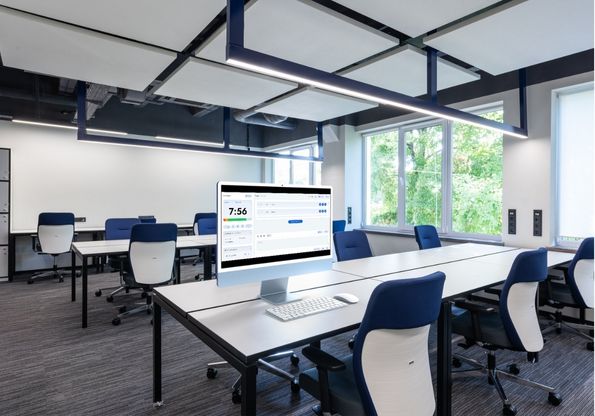
More Than a Countdown Timer - A Complete Live Timing Workflow
A professional event rarely depends on one timer. It depends on the person running the show, the speaker watching the confidence monitor, the moderator following the agenda and every connected screen showing the same information at the same moment.
StageTimerControl brings that workflow together. Prepare your event rundown, assign timers, share secure outputs, send live cues, monitor connected devices and automate transitions from one browser-based workspace. Whether you are running a conference, livestream, church service, studio production or corporate meeting, your team stays informed and your event stays on time.
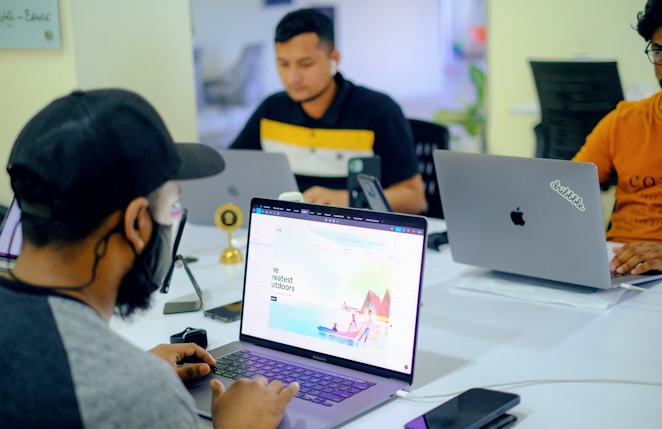
All Features at a Glance
Click any card to jump straight to the details.
Remote timer control from any browser
Control your stage timer from a phone, tablet or laptop while the speaker sees a clean, fullscreen display on a separate confidence monitor. Start, pause, reset, extend or switch timers without walking onto the stage or distracting the audience.
- Control every timer remotely from the browser.
- Keep controllers and viewer displays synchronized in real time.
- Manage countdown, count-up and time-of-day clock modes.
- Make live timing adjustments without interrupting the presenter.
- Use the same room across laptops, tablets, phones, monitors and TVs.

Build and Run Your Complete Event Rundown
Replace scattered spreadsheets and manually prepared timers with one organized event rundown. Add sessions, speakers, breaks and production notes, then connect each item to the correct timer so your team always knows what is live, what is next and how the event is tracking against plan.
- Create and reorder sessions using a clear run-of-show structure.
- Assign planned start times, durations, speakers and notes.
- Link timers so sessions can auto-start or auto-advance.
- Compare scheduled timing with actual event progress.
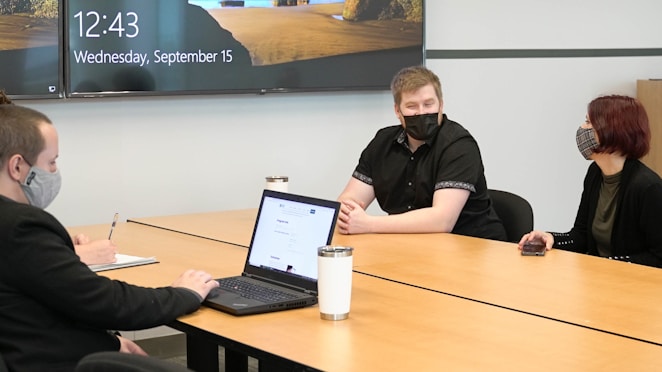
Recover from Delays Without Losing the Show
Live events change. A keynote runs over, a panel starts late or a technical issue interrupts the schedule. Smart Delay Recovery recalculates the effect on upcoming sessions and helps the operator protect fixed times while recovering minutes from flexible parts of the rundown.
- See exactly how one delay affects every remaining session.
- Mark livestreams, sponsor slots, lunch breaks and key sessions as fixed.
- Preview original and revised schedules side by side.
- Review suggested time adjustments before applying them.
- Update approved changes across the agenda and connected outputs.
- Undo changes and retain a clear record of schedule decisions.
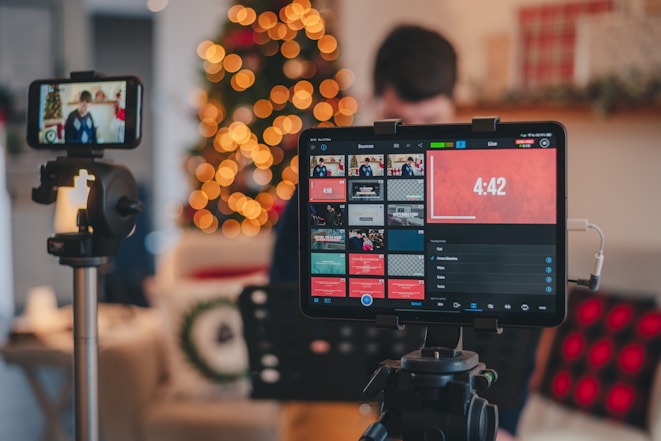
Give Every Speaker a Clear Confidence Monitor
Keep presenters focused with a distraction-free timer that is easy to read from the stage. The confidence monitor can show the remaining time, overtime, current session and urgent cues without exposing backstage controls.
- Fullscreen countdown designed for stage visibility.
- Color-coded warnings for approaching wrap-up and overtime.
- Custom time formats, text sizes and display themes.
- Dedicated presenter output without controller buttons.
- QR code or secure link access for fast speaker setup.
Send Silent Live Cues to Speakers and Talent
Communicate with the stage without hand signals, earpieces or interruptions. Send clear messages directly to the confidence monitor so speakers can adjust their pace, move to questions or wrap up immediately.
- Send prepared or custom messages in real time.
- Use color, flash and emphasis for urgent cues.
- Prepare frequently used messages before the event begins.
- Show cues only on the intended output.
- Allow presenters to acknowledge a message where enabled.
Monitor Connected Devices Before and During the Event
Know whether every important display is online before the speaker walks on stage. Device monitoring gives the operator a clear view of connected screens, user roles, sync status and the last time each device responded.
- See connected, disconnected and stale devices at a glance.
- Identify the device name, assigned role and last activity.
- Detect synchronization problems before they become stage problems.
- Reconnect displays without rebuilding the room.
- Use a backup controller when the primary operator loses access.
Protect the Show with Rehearsal, Autosave and Recovery Tools
Prepare confidently and recover quickly when something changes. Rehearsal mode lets the team test the event workflow, while autosave, version history and undo protect the rundown from rushed edits during a live production.
- Test the show without affecting the live room.
- Duplicate successful events instead of rebuilding them.
- Autosave timer, message and rundown changes.
- Undo accidental edits and restore previous versions.
- Continue displaying the timer through short connection interruptions where supported.

Show reports and payment-ready operational records
Keep a clearer record of activity around plans, rooms, and timing history so teams can manage the business side of recurring events more confidently.
- Useful for recurring productions and account oversight.
- Supports teams that need better visibility after the event ends.
- Fits billing and operational review workflows.
Built for every environment where timing matters
StageTimerControl adapts to the workflow of live events, productions and recurring sessions. Start with a ready-made setup or build a room around the way your team already works.
Help presenters stay on track and cover all key points with a crystal-clear confidence monitor countdown.
Keep discussions on track and ensure all attendees have a chance to speak within their allotted time.
Keep livestreams on schedule and properly time all segments with OBS and Stream Deck integration.
Keep track of time during events — presentations, panels, TEDx talks, and corporate all-hands.
Run live broadcasts with accurate timing for every segment, commercial break, countdown, and on-air transition.
Keep lessons, lectures, and classroom sessions on schedule while covering every important topic with confidence.
Manage multi-track conferences with precise timing for every keynote, workshop, session, and speaker presentation.
Keep worship services, sermons, and ministry segments running smoothly — share a link with volunteers in seconds.
Time every match, tournament round, player break, and broadcast segment with professional precision and accuracy.
Run HIIT, circuits, and workout classes with professional timing visible on any screen in your studio.
Deliver online webinars with perfectly timed presentations, Q&A sessions, breaks, and audience engagement segments.
Coordinate product demonstrations, exhibitor presentations, booth sessions, and live showcases with accurate timing.
Coordinate recording sessions, scene changes, production cues, and filming schedules with reliable countdown timing.
Manage studio productions with synchronized countdowns for rehearsals, recordings, live shows, and crew coordination.
Get Started in 3...2...1
StageTimerControl is the perfect online stage timer whether you're running a conference, a church service, a fitness class, or a corporate meeting. Share a link and you're live in seconds.
Create a room
Create a free room with multiple timers and messages. Your settings will always be saved when you log in, so you can use them later.
Share the link
Instantly send the 'Viewer' link to your speakers via Email or WhatsApp and monitor the activity on all devices.
Run the show
Take charge of the stage — plan your event flow using pre-set timers and drafted messages, while staying synced with speakers instantly.
Why Production Teams Need More Than a Basic Online Timer
When teams try to manage speaker timing with a phone clock, spreadsheets, or isolated display tools, the workflow breaks down under live pressure. StageTimerControl keeps the operator view and presenter view tied together.
StageTimerControl value comparison
The platform is designed for live event timing, not just generic countdown use. That means remote control, shared visibility, and presenter-friendly outputs are built into the core workflow.
| Capability | Basic Countdown Timer | StageTimerControl |
|---|---|---|
| Remote control from another device | Usually not available | Included |
| Speaker confidence monitor | Basic fullscreen timer | Dedicated display with cues and branding |
| Event rundown and agenda | Not included | Sessions, timing, automation and outputs |
| Backstage communication | Not included | Live messages and visual cues |
| Device monitoring and backup control | Not included | Production-focused visibility and handoff |
| Delay recovery | Manual calculation | Smart Delay Recovery - coming soon |
Run the Stage. Protect the Schedule. Keep Everyone in Sync.
From the first rehearsal to the final session, StageTimerControl gives your team one reliable place to manage timing, communication and show flow. Create a room, connect your displays and start running a more professional event in minutes.
Free to start. No installation. Upgrade when your production needs more rooms or advanced integrations.
Questions Teams Ask Before They Go Live
These are the common questions from organizers, production teams, and presenters evaluating StageTimerControl for real event use.
StageTimerControl is browser-based stage timer and event rundown software. It lets an operator control timers remotely while speakers, moderators and production teams view synchronized outputs on their own devices.
Yes. The controller and display can run on separate phones, tablets, laptops, monitors or TVs. The operator manages the timer remotely while the presenter sees a clean confidence-monitor output.
No. StageTimerControl runs in a modern web browser, so controllers and viewers can join using a secure link without installing a desktop or mobile application.
Yes. You can build an event rundown with sessions, speakers, durations, notes and linked timers. Timers can be prepared in advance and configured to start or advance according to the event workflow.
The current rundown shows the operator how the event is tracking. Smart Delay Recovery is being developed to calculate the effect of overruns, protect fixed sessions and suggest practical schedule adjustments before they are applied.
Yes. Operators can send live text and visual cues directly to the confidence monitor, allowing the speaker to adjust pace, move to Q&A or wrap up without an interruption from backstage.
The device-monitoring view shows connected or disconnected displays, recent activity, helping the operator resolve an issue before it affects the stage.
Yes. You can start with the free version to create a room and experience the core timing workflow. Paid plans add higher operational limits and advanced capabilities such as team collaboration, private outputs, branding and integrations.
Ready to Run a Flawless Event?
Join 200+ event organizers using StageTimerControl — the online stage timer that just works. No install. No credit card. Live in 60 seconds.