In video production, time management is as important as high-quality camera work, lighting, and audio. Whether you're filming a YouTube video, doing a studio recording, interview, or commercial, or working on a live production or a large-scale video project, each production comprises several tasks that must be accomplished on a specific timeline.
A video shoot involves a variety of responsibilities, including camera setup, lighting, sound checks, rehearsals, filming, scene changes, and breaks. If a single activity takes longer than expected, the entire production timeline may slip behind.
A video production countdown timer is especially useful in this situation. A clear countdown informs the director, presenter, and production staff of how much time left for a certain segment or activity, allowing the entire team to work more effectively.
What is a countdown timer in video production?
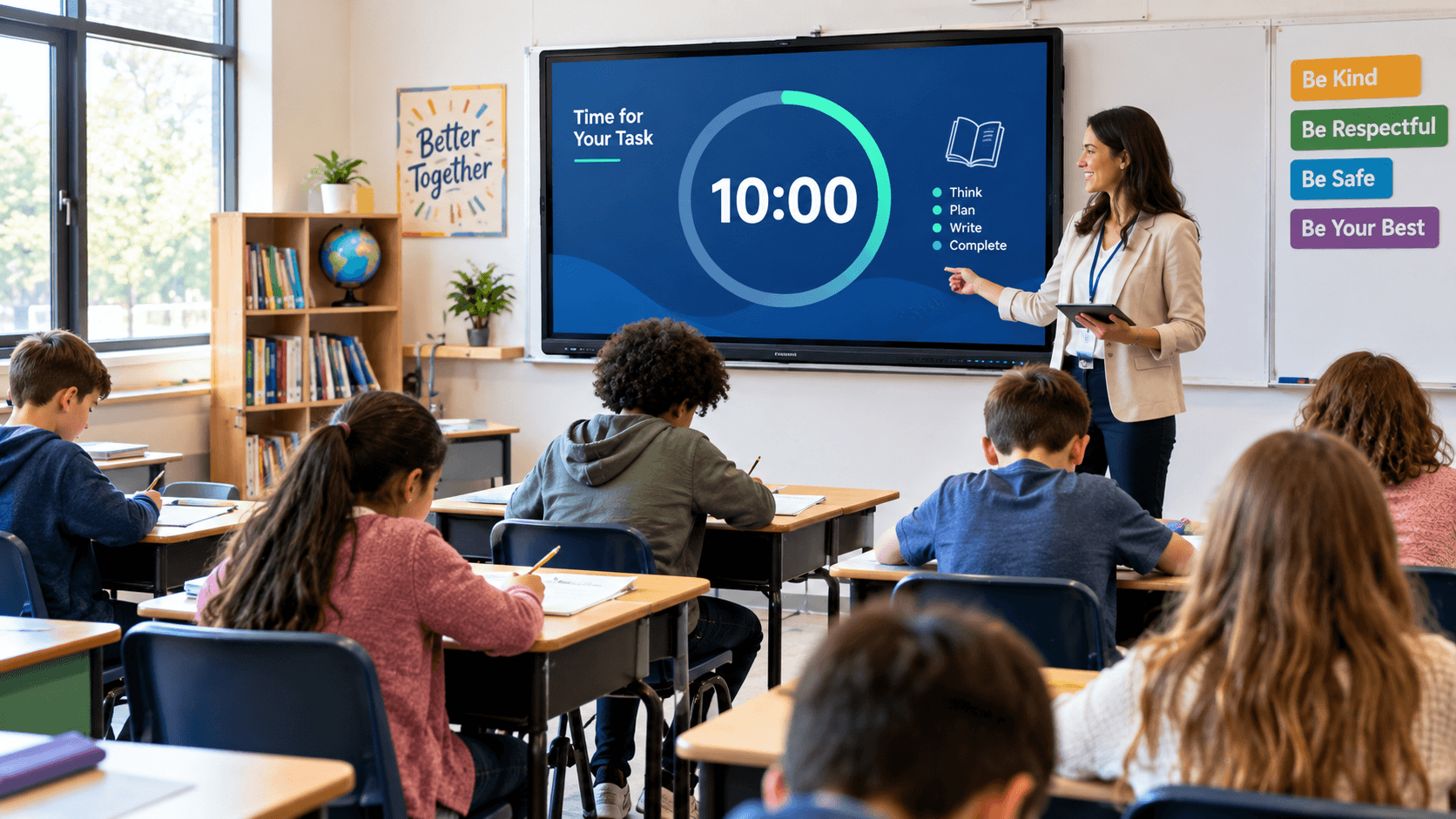
In video production, a countdown timer is a tool that shows how much time is left until a recording, scene, interview, or production segment ends. For example, if a presenter is given 10 minutes to complete their part, the timer will continuously display the time remaining, providing both the presenter and the production crew with a clear indication of the current status.
Countdown timers are important for managing rehearsals, camera setups, scene changes, interviews, and breaks, in addition to recording itself. They enable the production team to track when the current activity will conclude and when the following task will begin.
Remote countdown timers are especially useful in professional video production. An operator can operate the timer from a single place, while the presenter, director, or crew members see the same countdown on multiple screens. This allows the whole production team to synchronize their work around a shared timeline, making it easier to keep the shot on track.
Why is time management important in video production?
Time management is crucial in video production because numerous activities—such as camera setup, lighting, sound checks, rehearsals, recording, and scene changes—must be completed according to a strict schedule during a shoot. If any single task takes longer than anticipated, subsequent activities may be delayed, potentially disrupting the entire production schedule.
Effective time management also fosters better coordination among the director, presenter, camera crew, and production team. Everyone remains aware of the time available for a specific scene or recording session and knows when the next activity is scheduled to begin. This minimizes unnecessary downtime and ensures a more organized production workflow.
Furthermore, factors such as studio bookings, equipment rentals, and crew availability are often time-sensitive. Therefore, precise timing is essential not only for adhering to the schedule but also for optimizing the use of production resources and minimizing extra time and costs.
Countdown Timer During Recording Sessions:
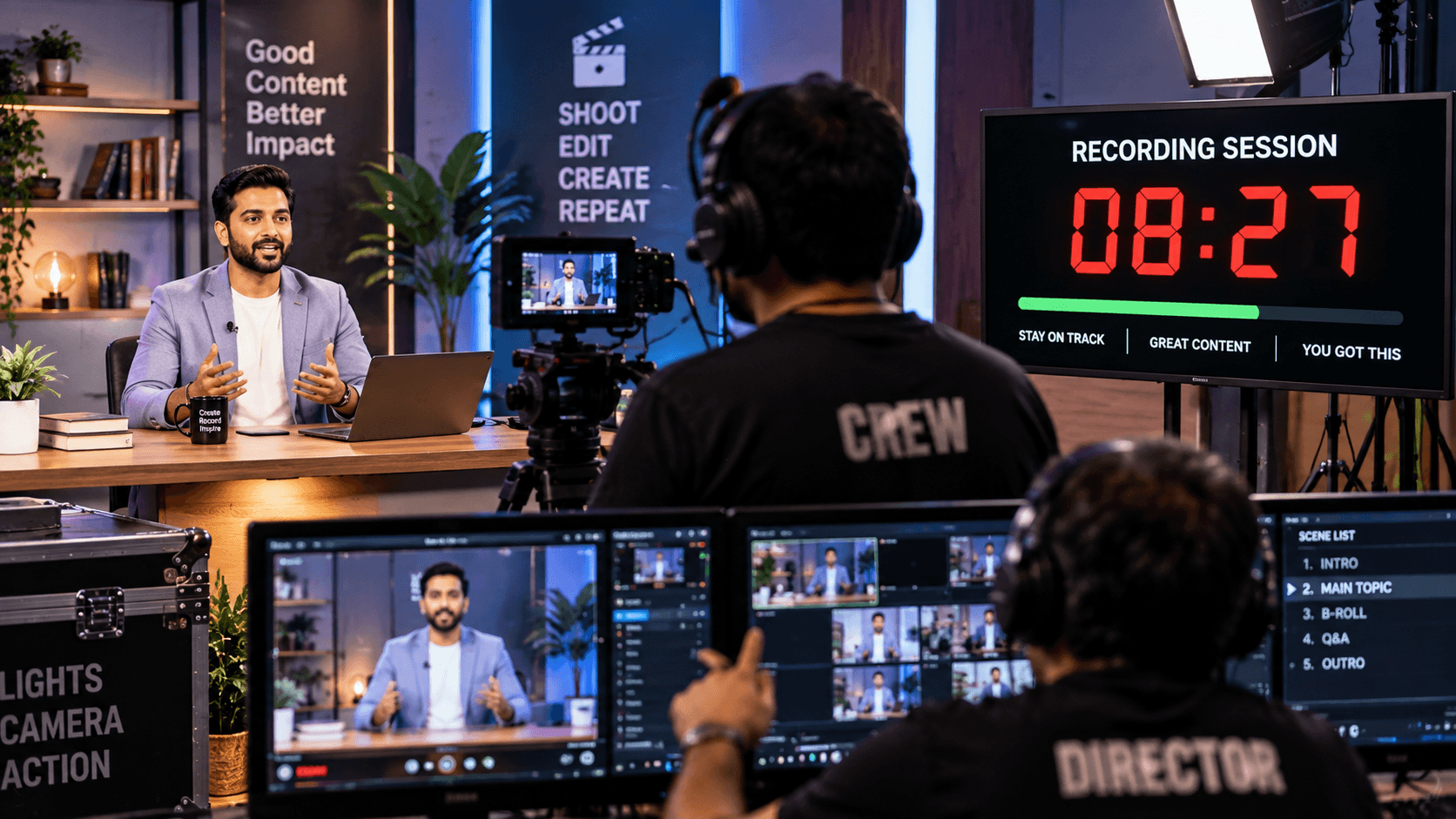
A countdown timer during recording sessions assists the presenter, host, and production team in completing the recording within the allotted time. For instance, if a video segment is scheduled for 15 minutes, a countdown display can be placed in front of the presenter, allowing them to constantly track the remaining recording time.
With the help of a countdown timer, the presenter can adjust their speaking speed and content delivery based on the time left. When only a few minutes remain, they can prioritize key points and wrap up the segment on schedule. This minimizes the likelihood of the recording dragging on unnecessarily and disrupting the production schedule.
In professional video production, the production team can manage the timer from a control room or another device using remote timing tools—such as a stage timer controller—while the presenter views the countdown on their monitor. This eliminates the need for frequent manual time signals during the recording, enabling the entire session to run more smoothly and systematically.
Best Practices for Using Countdown Timers in Video Production:
It is essential to thoroughly test the countdown timer setup before video production begins. The timer must be clearly visible to the presenter, director, and production crew. Establish realistic time allocations in advance for every activity—such as recordings, rehearsals, interviews, scene changes, and breaks—to ensure the production schedule is not unnecessarily disrupted.
It is also crucial to brief the production team on the timer's signals and timing protocols beforehand. For instance, the presenter should begin wrapping up content when two minutes remain on the timer, while the final few seconds could signal preparation for the next production cue. This ensures that the director, presenter, and crew all operate according to the same timing plan.
Schedules may shift during live recording, so maintaining flexibility with the timer is important. If a scene setup, technical issue, or recording takes longer than expected, the countdown should be adjusted to suit the situation. Using a remote timing tool, such as a stage timer controller, allows an operator to manage the timer from a distance, enabling the entire video production to run in a more organized and timely manner.
In which types of video productions can a countdown timer be used?
A countdown timer can be used in almost any type of video production where a recording or live session needs to be completed within a specific timeframe. It is particularly useful for YouTube videos, interviews, podcasts, educational videos, corporate presentations, product demonstrations, commercial shoots, and studio recordings. Having a countdown display in front of the presenter or host allows them to constantly track the time remaining for a recording segment, enabling them to better structure their delivery.
Countdown timers also play a crucial role in live shows, broadcast productions, webinars, and multi-camera studio shoots. They allow the director, camera crew, sound team, and presenter to all work according to a common time reference. With the help of timer solutions like stage timer controllers, the countdown can be displayed on multiple screens; this fosters better coordination among the production team and makes it easier to manage recordings, breaks, and scene transitions according to the set schedule.
Conclusion:
In video production, time management is not just about finishing a shoot quickly; proper timing also facilitates better coordination among the director, presenter, camera crew, sound team, and production staff.
A countdown timer can clearly display the remaining time for recording sessions, interviews, rehearsals, scene changes, breaks, and live segments. This ensures the entire team knows exactly when the current activity is scheduled to end and when the next one will begin.
Whether for a small YouTube studio or a professional video production setup, a clear and easily visible countdown helps streamline the workflow. Features like remote controls and multiple viewer displays make the timing system even more valuable for the production team.