Giving presentations has become an essential communication skill in today's environment. The success of your presentation depends on more than just the quality of the content, whether you are giving a lecture in a classroom, hosting a webinar, speaking at a conference, or presenting at a corporate meeting. It is equally crucial to efficiently present the information within the allocated time.
During a presentation, speakers frequently focus too much on one subject. As a result, they are compelled to quickly go over important aspects, or the conclusion is left unfinished because of time constraints. For a presenter to be effective, time management skills must be mastered. We'll look at some great time management techniques for presentations in this article.
Why is time management important in a presentation?
Because each speaker must successfully deliver their complete message in a predetermined amount of time, time management is essential during presentations. You may set aside enough time for the introduction, main material, and conclusion if you manage your time well. This helps keep the audience's interest throughout the presentation and guarantees that important points are not missed.
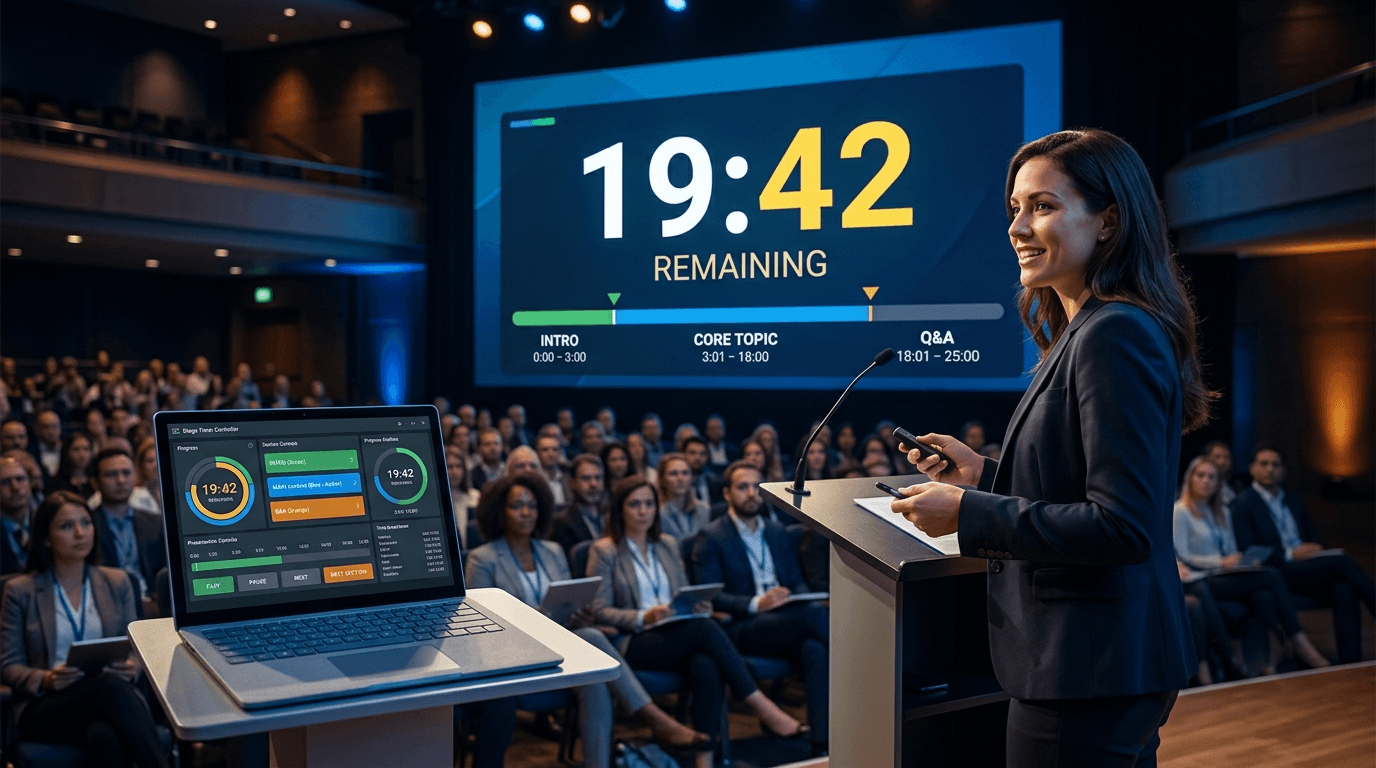
A speaker who struggles with time management may spend too much time on one subject, leaving little time for important details or the conclusion. The presentation can be finished on time with careful preparation and the usage of a timer. Stage timer controllers and other visual timer solutions assist the presenter in keeping track of the remaining time, which improves the presentation's overall organization, professionalism, and impact.
What should you do if you run short of time during a presentation?
Remain composed rather than freaking out if you discover throughout your presentation that your allowed time is running out. Condense less significant instances or supporting details in such a scenario and concentrate only on the main ideas. This enables you to finish the presentation on schedule and guarantees that your main point is adequately conveyed to the audience.
Speak at a slightly faster tempo, but not so fast that it becomes difficult for the audience to comprehend you. Use a visual timer and set aside time in advance for each section, if at all possible. You can quickly modify the flow of your presentation by using tools like stage timer controllers, which clearly show the remaining time.
Above all, always provide time for the ending. An effective ending summarizes the main points of your presentation and makes a favorable impression on the audience. As a result, even in situations where time is limited, avoid ending abruptly and instead provide a succinct yet understandable finish.
Common Time Management Mistakes in Presentations:
Taking the stage without sufficient preparation is the most frequent error made during a presentation. Presenters frequently go over the allocated time or run out of time for important parts when they don't time the presentation in advance. Other typical time management mistakes include focusing too much on a particular subject, packing slides with information, and lengthening the introduction.
Not employing a timer throughout the presentation is another serious error. The presentation's equilibrium may be upset and a hurried ending may result from a speaker not knowing how much time is left. A presenter may easily keep track of the remaining time throughout the session by employing a visual timer, like a stage timer controller, which enables them to pace themselves and give a more powerful presentation within the allotted time.
How does a stage timer controller enhance a presentation?
An essential tool for efficiently controlling time during a presentation is a stage timer controller. The speaker can simply pace their presentation thanks to its clear visual countdown indicator, which informs them of the remaining time. This guarantees that all important issues may be covered in the allocated time and reduces the possibility of devoting too much time to a single subject.
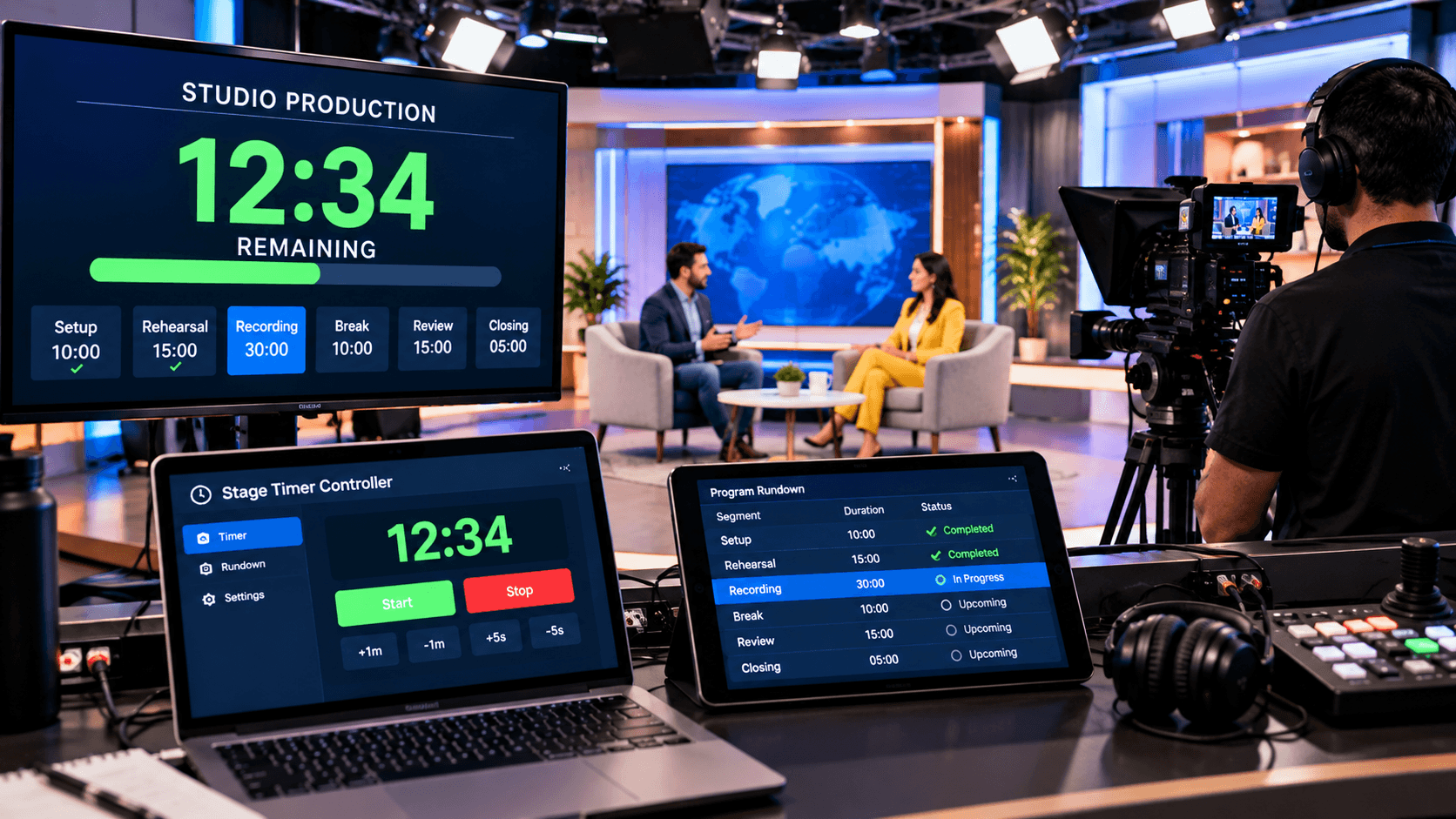
Additionally, both the speaker and the organizers gain from features like visual alarms and real-time control. If any timing adjustments are needed during the presentation, the timer can be quickly changed. Visual cues let the speaker know when the allotted time is up, allowing them to wrap up their talk organically and successfully without having to rush.
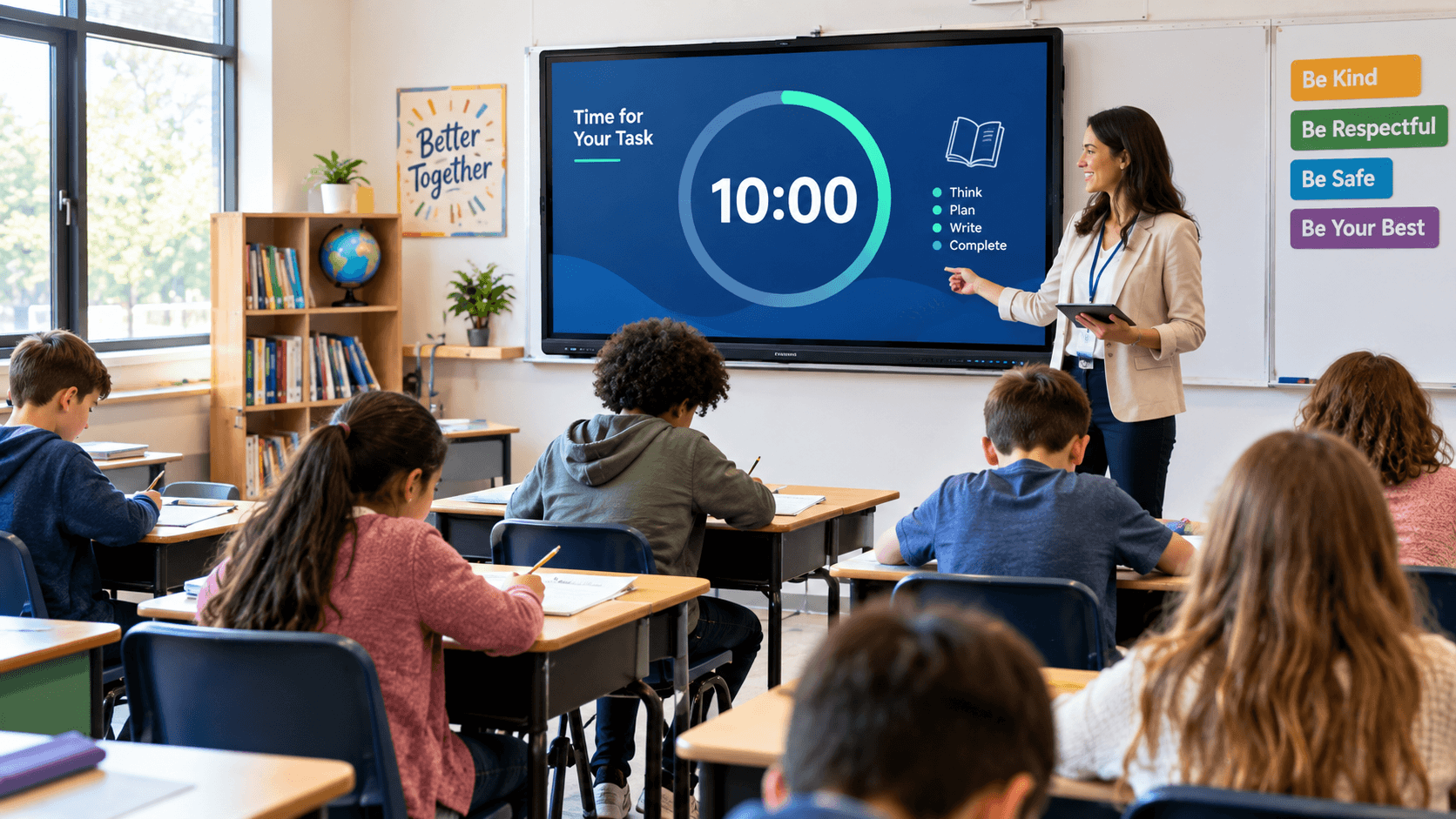
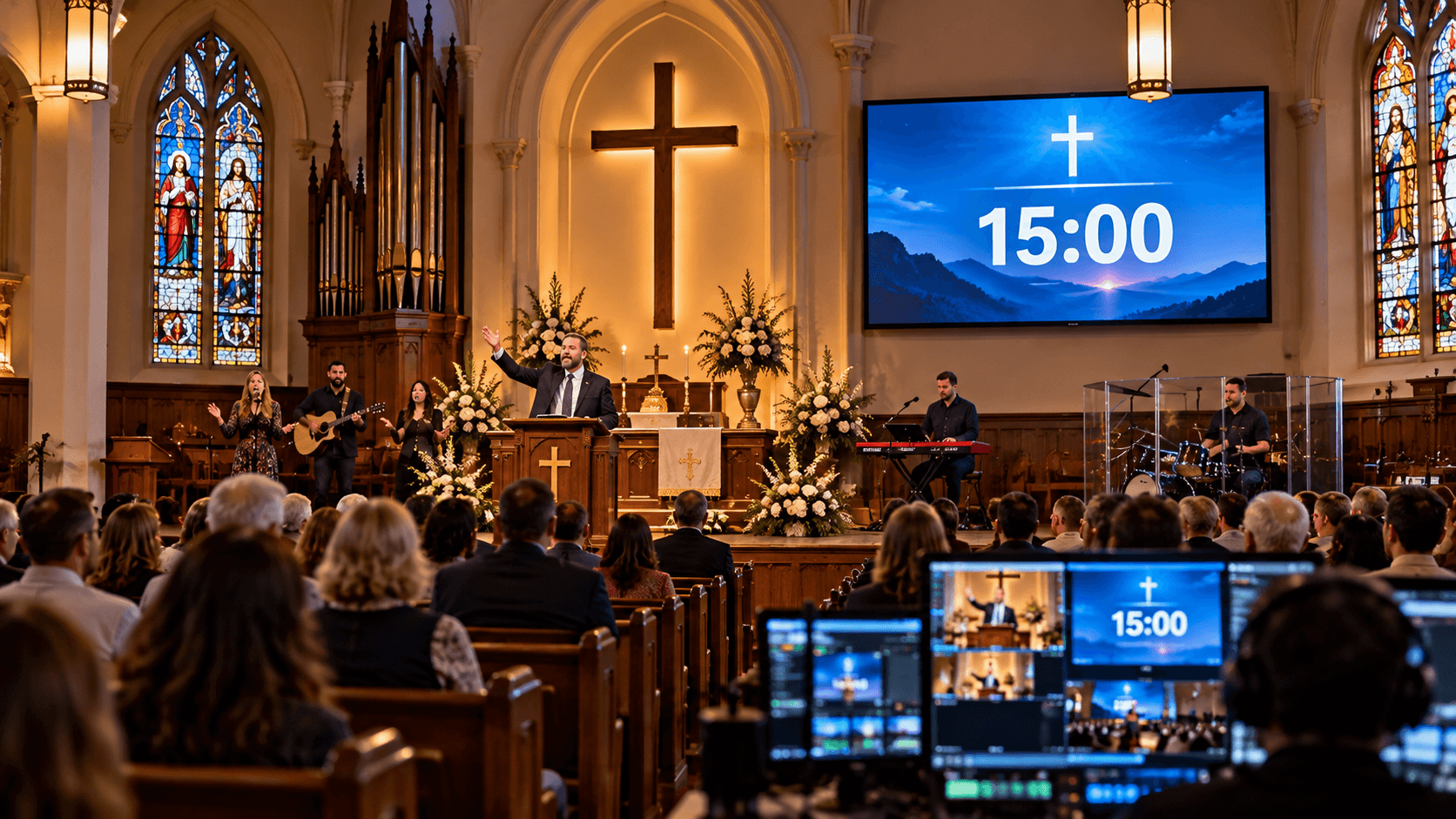
A stage timer controller enhances the organization, professionalism, and timeliness of presentations, whether they are for corporate meetings, seminars, classroom presentations, conferences, webinars, or training sessions. It increases the speaker's self-assurance, keeps the audience interested, and guarantees that everything goes smoothly and on time.
Quick Tips for Better Time Management:
Making a detailed strategy for the entire presentation and setting aside a certain amount of time for each portion is the first step towards ensuring efficient time management throughout a presentation. Prioritize the most important issues before you start. Make sure you can cover all of your material in the allocated time by practicing your presentation in advance and using a timer.
It is also quite helpful to have a visual timer during the presentation. A "Stage Timer Controller" or other similar tool gives the presenter a clear indication of how much time is left, enabling them to modify the pace and content of their speech as necessary. Additionally, make sure you allow enough time for audience questions and the conclusion. This will avoid a hurried finale and guarantee that the entire session runs smoothly.
In conclusion:
An essential quality of a great speaker and presenter is time management. You should concentrate on advance planning, consistent practice, and precise time allocation in order to finish your presentation within the allocated time. You may convey a more impactful message in less time by prioritizing your material and removing extraneous details.
Keeping track of time during a presentation is made easier by using tools like visual timers. With unambiguous countdowns, real-time management, and visual alarms, solutions like stage timer controllers help presenters manage their presentations more skillfully. You can make your presentation more impactful, focused, and professional with careful preparation and efficient time management.