In studio production, precise timing is essential not only for adhering to the schedule but also for ensuring effective coordination across the entire production team. Television shows, podcasts, music recordings, video productions, live streams, interviews, and other studio sessions involve multiple people working simultaneously. Presenters, hosts, directors, producers, camera crews, and audio teams must all complete their respective tasks on time.
In such a production environment, a countdown timer serves as a valuable timing tool. It indicates to the presenter and the production team exactly how much time remains for the current session, recording, scene, or segment.
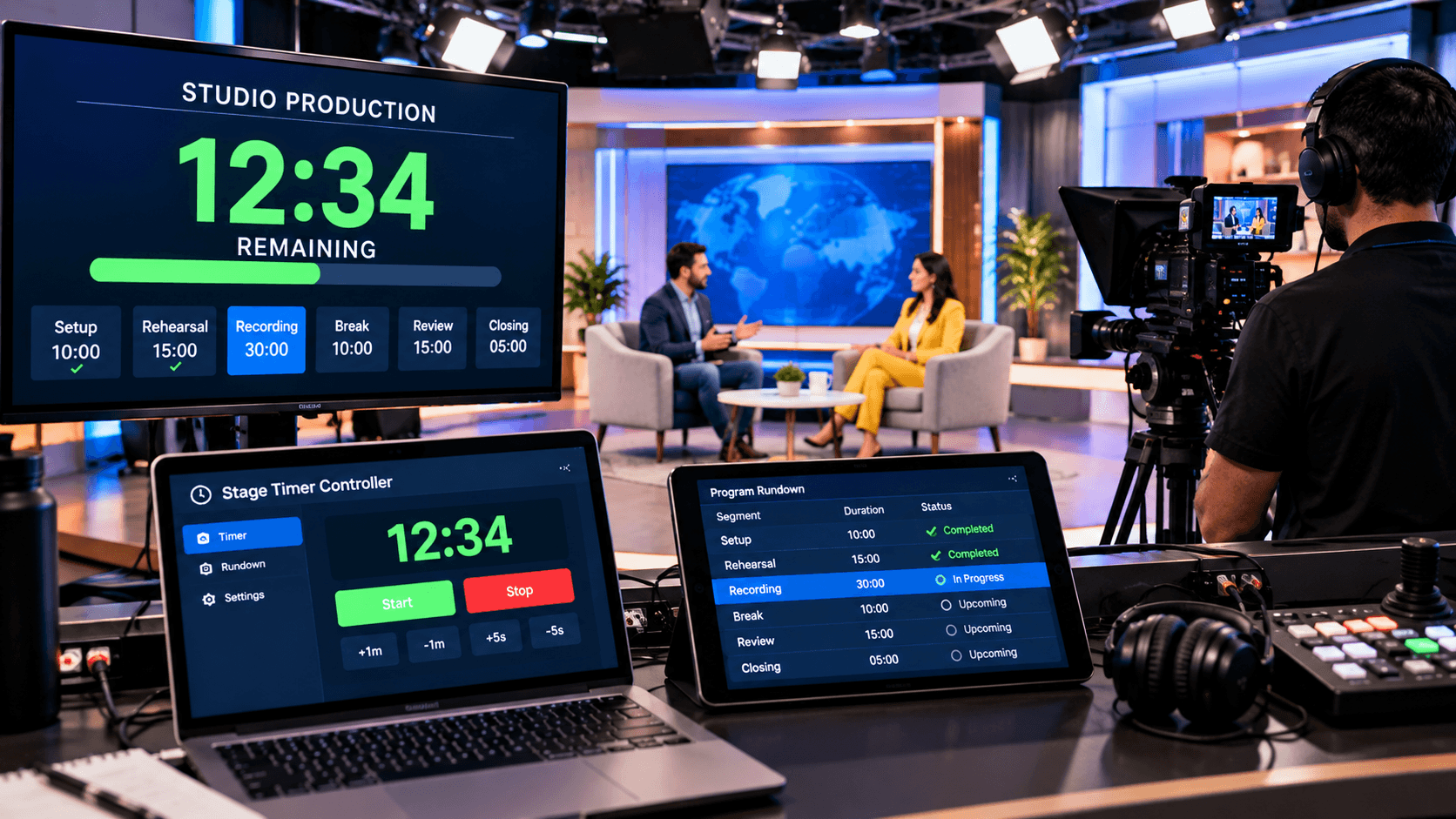
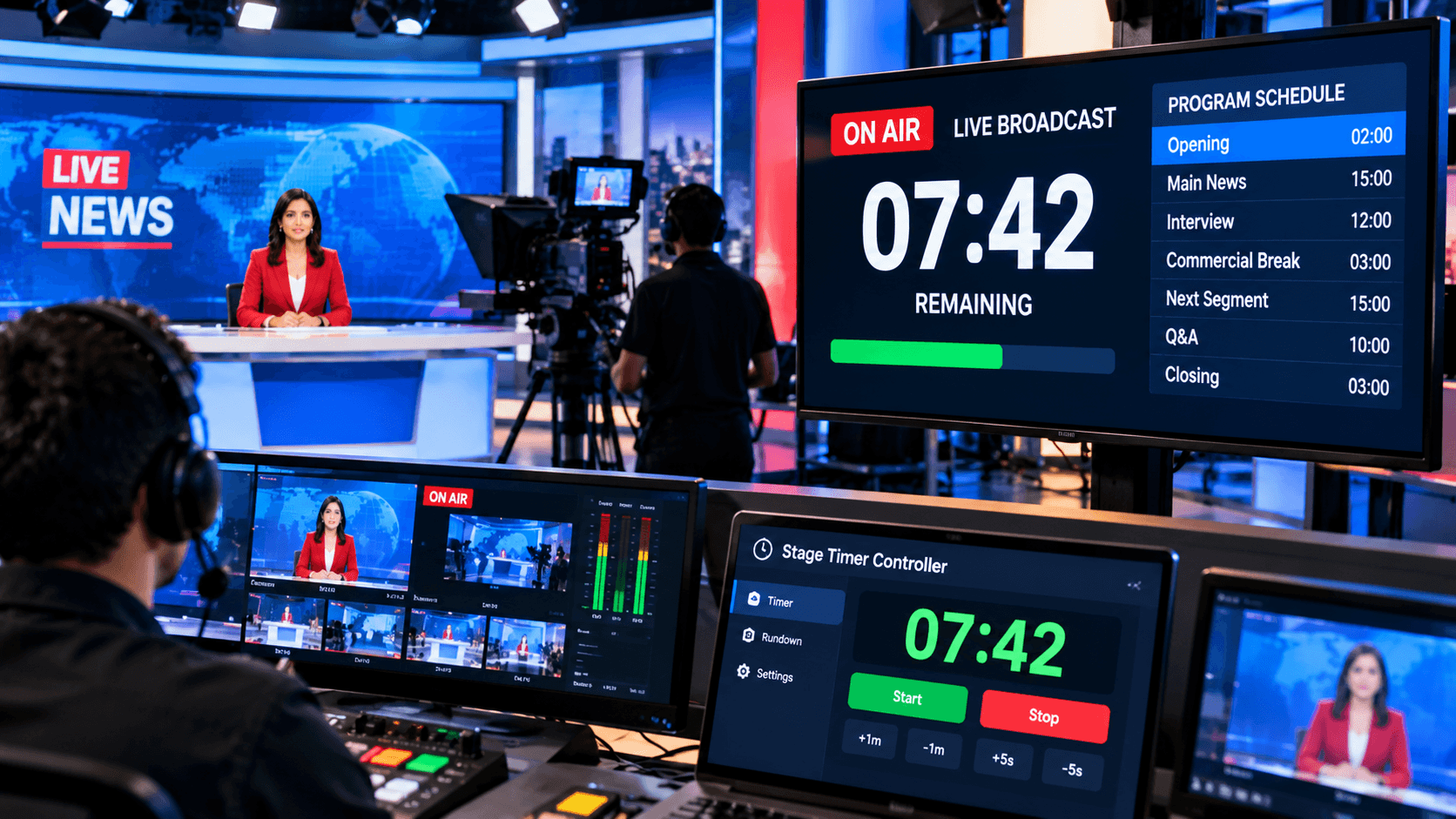
A major advantage of a browser-based timer is its versatility across different devices. A production operator can control the timer from a laptop, tablet, or phone, while the presenter or talent views a clear, full-screen countdown on a separate display. StageTimerControl offers features such as remote timer control, confidence monitoring, multi-device synchronization, and live cues.
Why is a countdown timer essential in studio productions?
A studio production schedule is often broken down into several smaller tasks. For instance, 10 minutes might be allocated for camera setup, 15 minutes for rehearsal, 30 minutes for recording, and 10 minutes for a break.
If a particular task takes longer than expected, it can impact subsequent tasks. A countdown timer continuously displays the remaining time to the team, allowing the production staff to adjust their workflow accordingly.
The timer is also useful for the presenter or talent. They do not need to repeatedly ask the producer or director how much time is left; by viewing the timer on the confidence monitor, they can complete their segment or performance within the allotted time.
Countdown Timer During Recording Sessions:
In studio recording, a specific duration may be allocated for each segment. For instance, 20 minutes might be set aside for an interview, 30 minutes for a podcast segment, or 15 minutes for a video scene.
A countdown timer keeps the presenter informed about the remaining time. As the timer approaches zero, the presenter can prioritize key points and wrap up the segment accordingly.
It is also useful for the production team, as it gives them an idea of when the current recording will conclude and when to begin preparations for the next activity.
Countdown Timer for Rehearsals:
Rehearsals are crucial in professional studio productions. Before a live show or recording begins, presenters, hosts, actors, and the crew may need to practice specific scenes or the program flow.
Separate countdowns can be set for each segment of the rehearsal. For example:
Introduction — 3 Minutes
Scene Rehearsal — 10 Minutes
Camera Rehearsal — 10 Minutes
Audio Check — 5 Minutes
Final Practice — 15 Minutes
This provides the entire team with a clear timing reference for the rehearsal schedule.
With StageTimerControl, you can prepare timers and rundowns for the rehearsal workflow in advance and conduct testing before production begins. The features page also highlights the Rehearsal Mode and event workflow testing capabilities.
Adjusting Timing During Live Shows:
In live studio production, things do not always proceed according to the planned schedule. A guest interview might run over time, or a technical issue could delay the start of the recording.
In such situations, adjusting the timer live is useful. The production operator can increase or decrease the remaining time as needed.
StageTimerControl offers the feature to make live timing adjustments during an active session, allowing the production team to update the timer in response to changing circumstances.
Best Practices for Using Countdown Timers in Studio Productions:
Keep the following points in mind to effectively use a countdown timer within the studio workflow:
1. Test the timer before production begins
Test the controller, display, and connected devices before starting the recording.
2. Position the display clearly for the presenter
The timer should be large and clear enough for the presenter to see the remaining time without disrupting the flow of production.
3. Pre-determine the duration for each activity
Set specific timings for recording, rehearsals, breaks, setup, and reviews.
4. Include important warning points
For instance, visual cues can be used when there are 5 minutes, 2 minutes, and 30 seconds remaining.
5. Keep a backup device ready
A backup controller or display can prove useful if the primary device encounters issues during production.
6. Use the timer during rehearsals as well
Rehearsing with the same timing workflow prior to the live recording helps the crew understand the actual production flow.
Conclusion:
In studio production, the impact of timing extends beyond the duration of a single session. If a recording runs over time, it can disrupt the subsequent segment, guest schedules, crew availability, and the overall production plan.
A countdown timer provides a shared timing reference for the presenter, producer, and production crew. By using a timer during rehearsals, recording sessions, interviews, podcasts, music sessions, film shoots, live streams, and studio shows, various activities can be managed in a more structured manner.
Features such as remote control and multi-device synchronization make a stage timer controller even more valuable in studio production. An operator can manage the timer from one device, while the presenter or talent views a fullscreen countdown and essential timing cues on another screen.
Combined with a proper production rundown, clear timing cues, and regular rehearsals, a countdown timer helps the production team adhere to the production schedule.