Whether one is a professional or a student, being focused and productive has become a huge difficulty in today's environment. Our focus can quickly stray between study, office job, online classes, meetings, and other everyday duties. In this situation, a visual timer is a straightforward yet useful tool that helps us focus better on the task at hand while simultaneously keeping us aware of the passing of time.
More than just a tool for keeping track of time, a visible timer encourages people to do work within a predetermined amount of time. One's focus automatically shifts to the task at hand when they perceive the time running out in front of them. This post will discuss the advantages of using visual timers for both professionals and students, as well as how they improve focus and productivity.
What is a Visual Timer?
A visual timer is a type of digital timer that shows the remaining time on a screen in addition to just indicating the time. Users may quickly see how much time is left for a task, meeting, presentation, or study session thanks to a countdown feature. Users may now reliably determine the time without continuously checking a clock thanks to this.
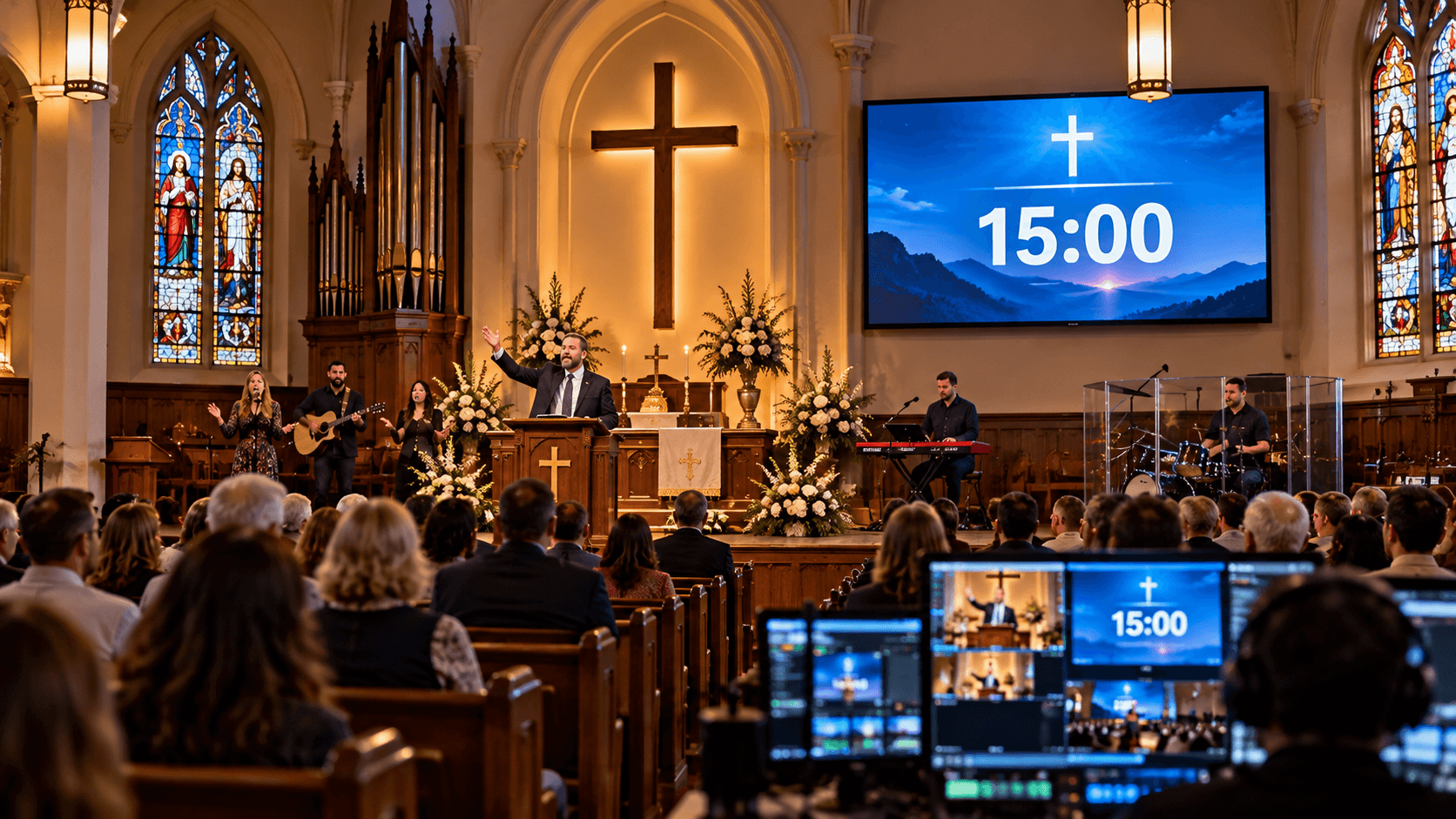
Because they display time visually, visual timers are thought to be more efficient than traditional timers. Students, instructors, professionals, and event planners can all benefit from the countdown that is shown on a big screen. It keeps everyone aware of the time and motivates them to finish their assignments within the allocated time.
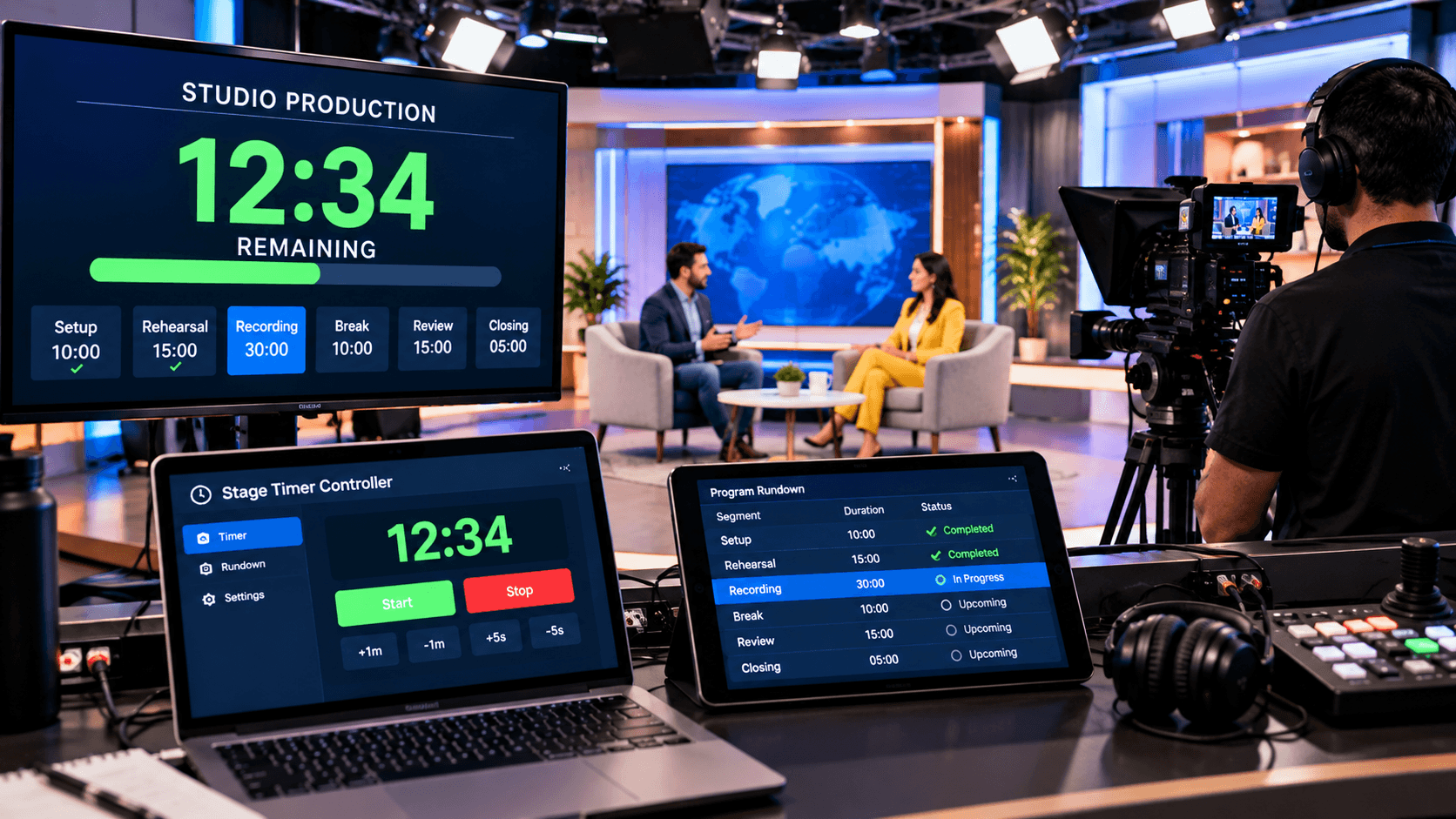
With features including a clear countdown display, real-time control, and visual alarms, the Stage Timer Controller is a visual timer solution. During meetings, online classes, presentations, team discussions, and other activities, it can be utilized to increase productivity and enhance time management.
How do visual timers improve focus?
People can concentrate on the time allotted for a particular task with the aid of visual timers. The person is always aware of how much time is left to do the task when the remaining time is prominently displayed on the screen as a countdown. This lessens the possibility of distraction and motivates the person to focus on completing the activity within the allotted time.
Visual timers also assist in dividing complicated or lengthy jobs into manageable time slots. Professionals can use them for meetings, office work, and concentrated work sessions, while students can use them for study and revision. With clear countdowns and visual alerts, timer solutions—like a Stage Timer Controller—make it simple to maintain time awareness, improving concentration and productivity.
How do visual timers boost productivity?
By clearly defining a task's timescale, visual timers contribute to increased productivity. People are better able to concentrate on their task and avoid wasting time on pointless activities when they can continuously see—on a screen—how much time has passed and how much is left. This makes it simpler to divide big activities into manageable time chunks and finish them in a more systematic way.
Additionally, a countdown timer encourages people to finish activities on time and can help break the procrastinating habit. Students, professionals, and teams can set precise deadlines for concentrated work sessions, meetings, and other activities by using online timers, such a Stage Timer Controller. Better time management and increased productivity are the results of this.
Enefits of Visual Timers for Students:
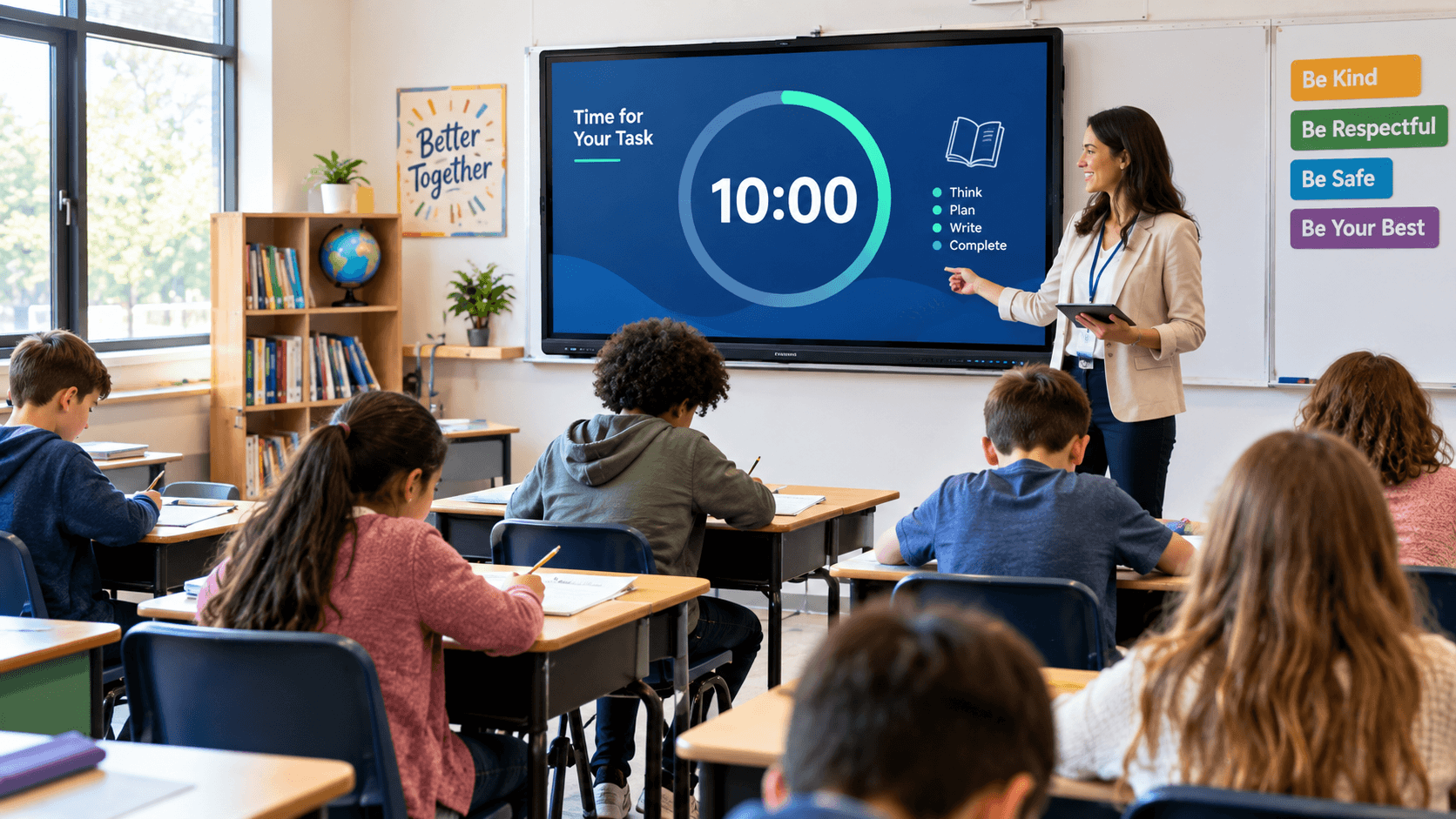
Students must be able to focus and efficiently manage their time when studying. Students can divide their study sessions into more manageable time periods by using visual timers. This makes it clear how much time is set aside for studying and how much time is left. They can better focus on their objectives by avoiding distractions like social media and cell phones by employing a timer.
Exam preparation, review, reading, homework, and online classes are all activities that can benefit from the usage of visual timers. Students can better pace their work and make an effort to finish assignments on time by keeping an eye on the countdown. Using visual timers on a regular basis can also foster good habits like focus, discipline, and time management.
Visual Timers in Online Classes:
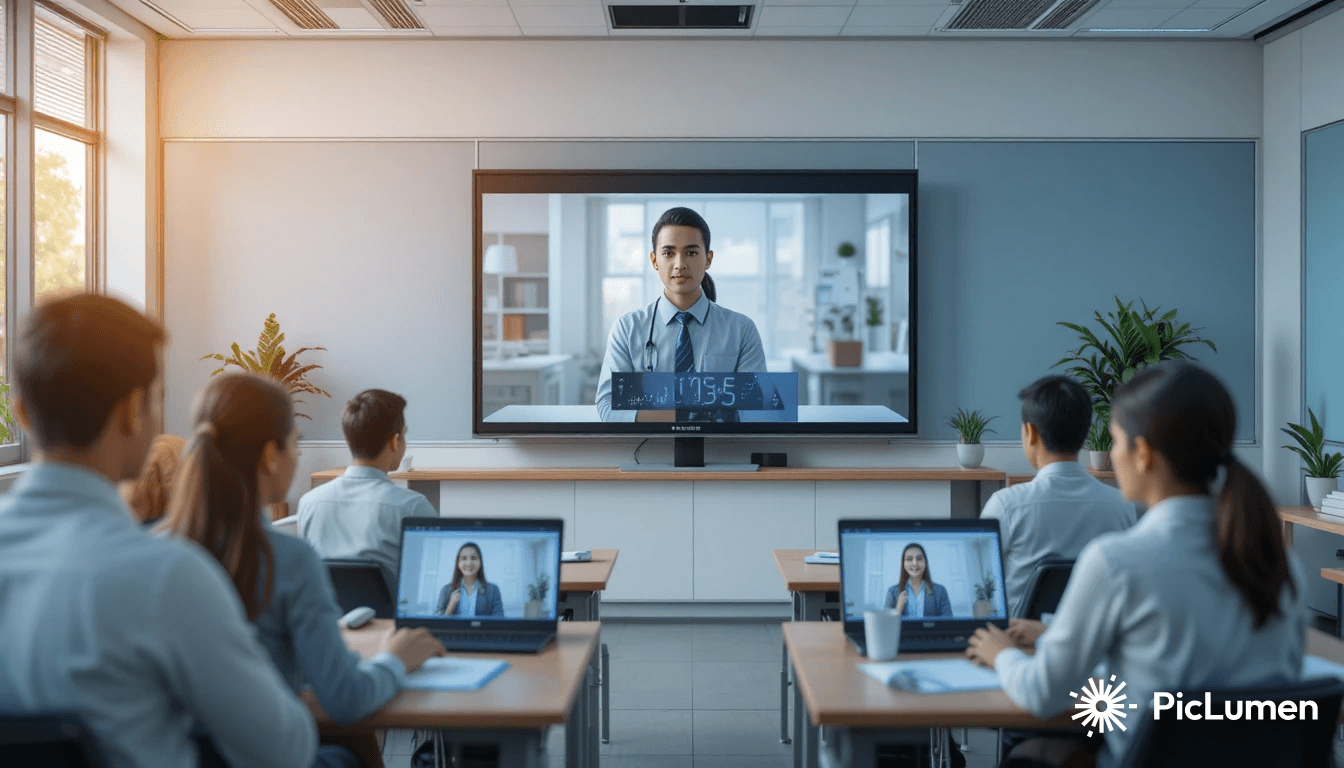
For both students and instructors, efficient time management is essential in online courses. Students' focus can easily stray throughout lengthy classes. Students can clearly see how much time is left for a lecture, study session, or activity when using a visual timer. This encourages kids to maintain concentration and finish assignments within the allocated time.
Visual timers are another tool that educators can use to plan lectures, debates, tests, and breaks. Teachers can control class activities in accordance with the timetable by using online timer solutions, including stage timer controllers, which provide a clear countdown display. This helps students develop better time management skills and keeps online classes more structured.
How does the Stage Timer Controller help?
One helpful online tool for visual timing is the Stage Timer Controller. It can be used to manage time effectively during meetings, presentations, online lectures, training sessions, and other activities.
Its clear countdown display allows users to clearly know how much time remains for a session or activity. Features such as real-time control and visual notifications make time management even easier.
Both students and professionals can use the timer to arrange their concentrated work sessions, while professors, trainers, and meeting organizers can use it to guarantee the entire activity proceeds according to the scheduled time.
Conclusion:
Visual clocks can be a simple and efficient approach for both students and professionals to boost focus and productivity. By plainly exhibiting the passage of time, they stimulate users to concentrate on their activities, limit lost time, and accomplish work within the allocated timeframe. Visual timers can be used in a variety of contexts, such as meetings, online classes, office work, and study.
You can utilize an online timer solution like the Stage Timer Controller to more methodically manage your everyday chores, meetings, or educational sessions. Features such as visual countdowns, real-time control, and clear displays simplify time management and help you make better use of your time.