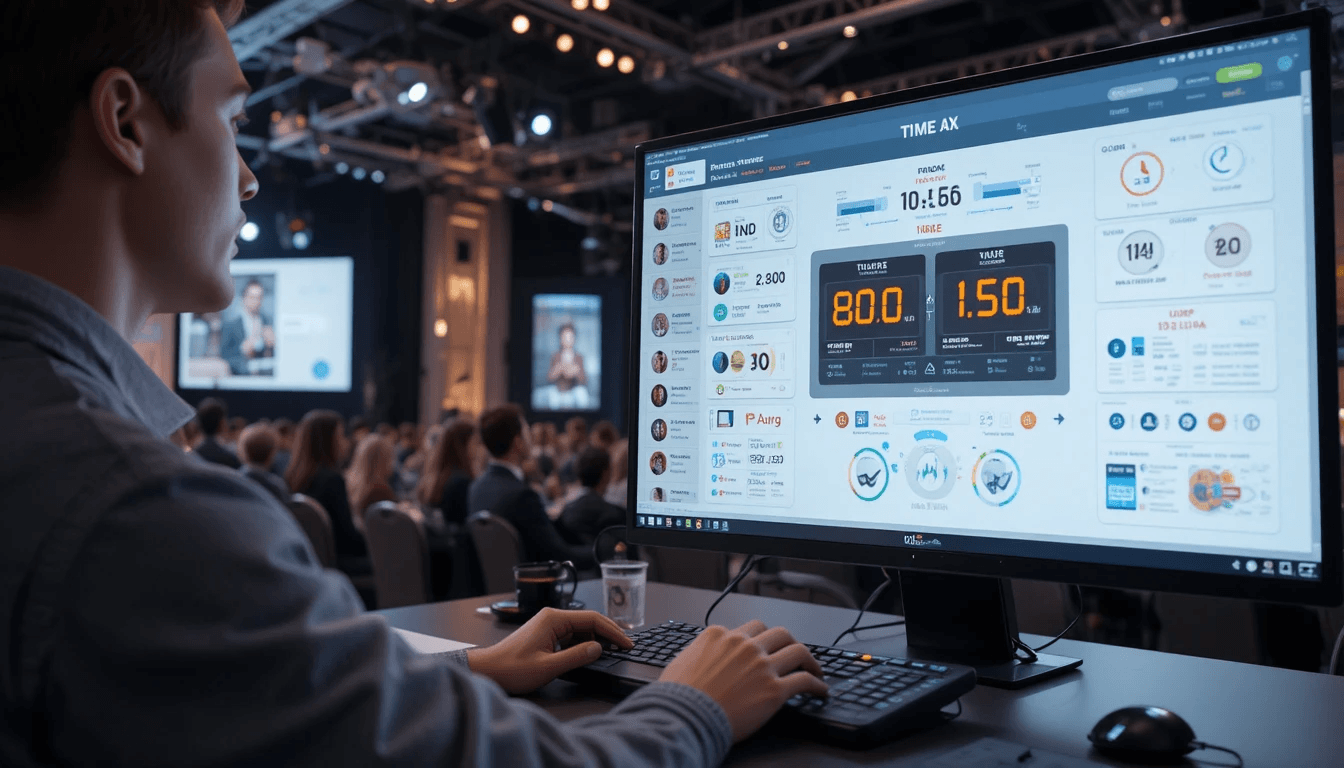
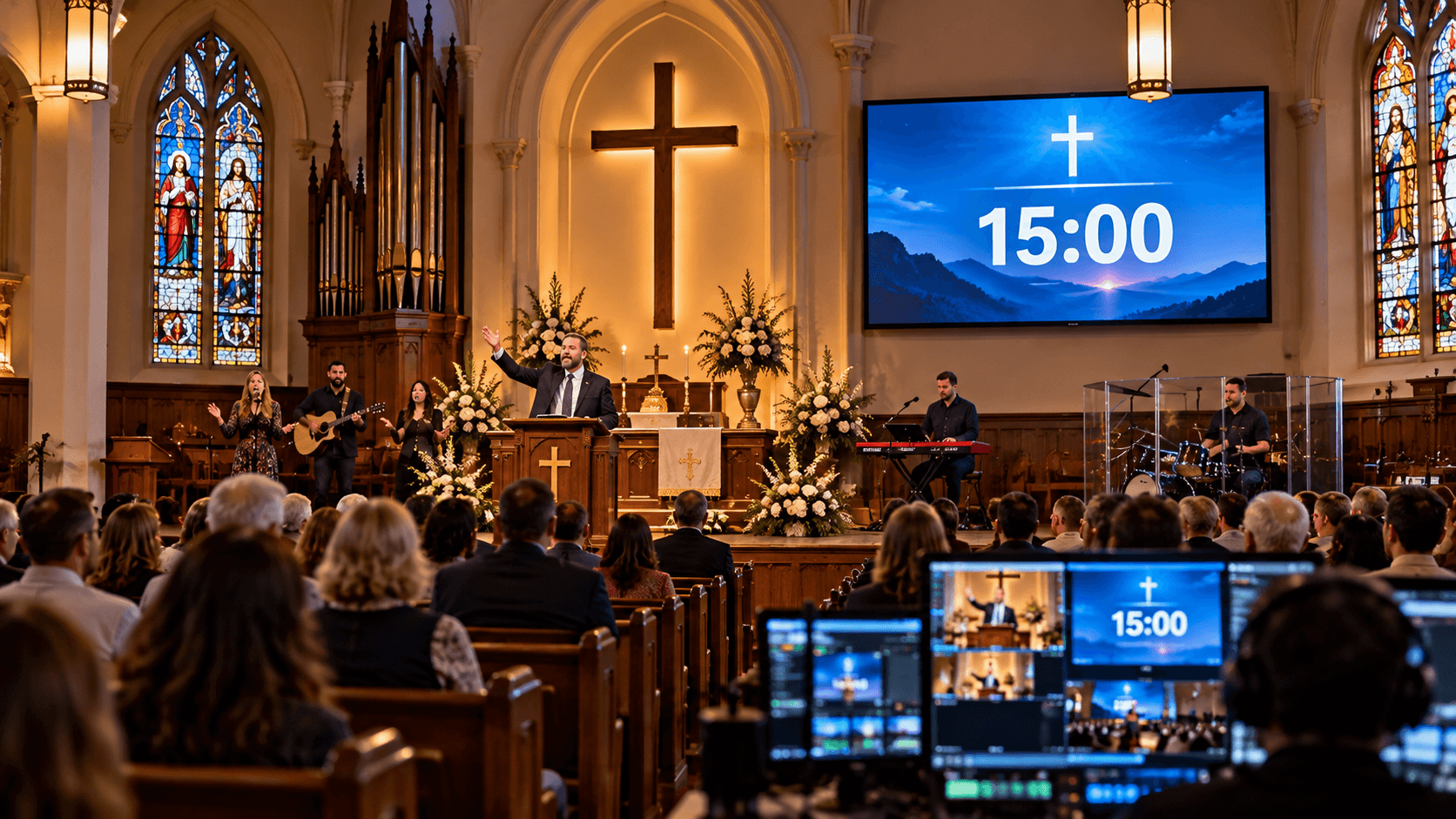
In today's society, events are more than just gatherings; they have become immersive experiences. Whether it's a conference, seminar, webinar, theater play, or school program, time management is critical to the success of any event.
During events, presenters routinely overstay their given time, sessions overlap, and the entire schedule becomes disorganized. This is why Live Event Timers are gaining popularity in modern professional events.
In this article, we'll go over what a Live Event Timer is, how it works, and how it can help your event look and feel more professional.
What is a Live Event Timer?
A Live Event Timer is a digital tool for tracking and managing time during an event. It allows organizers to provide specific time slots for each segment, speaker, or activity and monitor them in real time. With its support, every aspect of the event begins and ends on time, guaranteeing that the entire program is structured.
It stands out from regular timers with a slew of additional capabilities, including the ability to set numerous timers, display the time on a live screen, and send notifications or cues when time runs out. This also keeps presenters informed of their remaining time, allowing them to plan their speeches appropriately.
The Live Event Timer has become an essential tool for today's professional events, as it not only saves time but also transforms the entire event into a professional and seamless experience.
How does a Live Event Timer work?
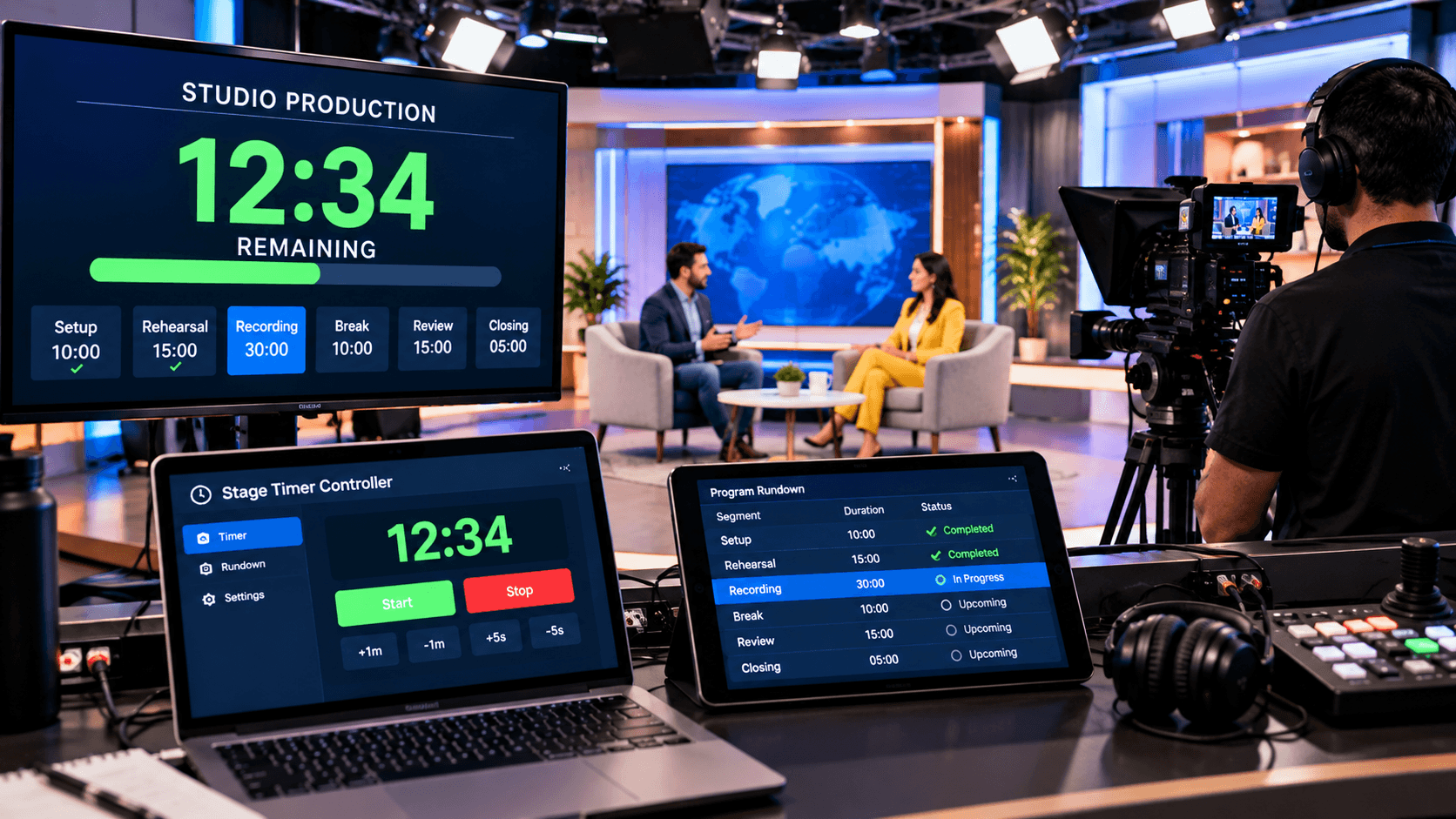
The Live Event Timer is a digital system in which organizers pre-configure distinct timers for each portion of an event. For example, in a conference, each speaker is given a fixed amount of time, such as 15 or 20 minutes. All of these timers are placed in a single control panel or dashboard, where organizers can start, halt, and reset them as needed.
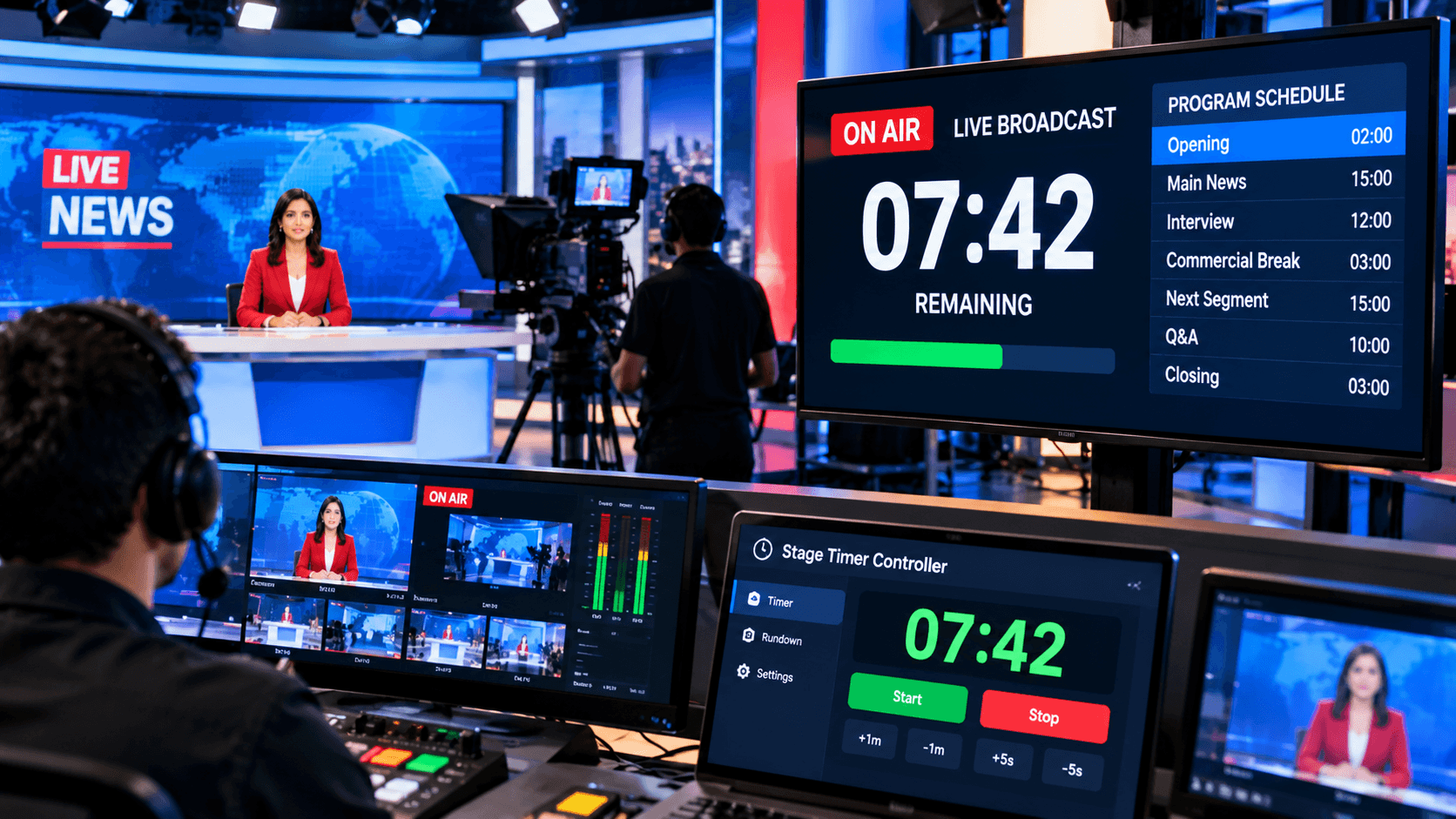
Once the event begins, the timer is presented on a live screen or connected devices, allowing both the speakers and the support team to track the remaining time in real time. As the specified time expires, the timer may change color or sound an alert, indicating to the speaker that it is time to end their presentation.
Furthermore, the Live Event Timer has real-time control capabilities, allowing organizers to extend or shorten the duration of the event. If a session ends ahead of schedule or exceeds its permitted time, rapid modifications can be made. As a result, this tool is critical in ensuring that the entire event runs smoothly, on time, and professionally.
Key Benefits of the Live Event Timer:
The most significant feature of a Live Event Timer is that it ensures accurate time management during an event. Each speaker and segment can be assigned a specific time slot, preventing any portion from lasting longer than necessary. This ensures that the entire event runs well and removes the possibility of schedule interruptions. Furthermore, it gives speakers a clear idea of their remaining time, allowing them to better organize their presentations.
Furthermore, a Live Event Timer adds a professional and ordered appearance to the event. Real-time displays, notifications, and visual cues promote greater coordination between the event team and the speakers. This reduces the organizers' effort and eliminates the need for frequent interventions. As a result, the event runs smoothly, the audience's experience is improved, and the entire production leaves a lasting, high-impact impression.
Why is the Stage Timer Controller the best live event timer?
The Stage Timer Controller is a tool that takes live event timing to a new level. Its most valuable asset is its user-friendly yet powerful interface, which allows you to handle numerous timers at once. Whether your event has many presenters or distinct portions, you can easily set, start, pause, and change each timer. This real-time control is quite useful for controlling unforeseen changes that may occur during an event.
The Stage Timer Controller also includes sophisticated features like support for multiple timers, device synchronization, and configurable messaging. Timers can be displayed on huge screens or across several devices to ensure that both speakers and the production crew are aware of how much time remains. Additionally, unique messages and visual cues—such as color changes or alerts—help speakers finish their sessions on time.
Finally, the Stage Timer Controller does more than just manage time; it elevates the entire event to a professional and well-organized level. It reduces the organizers' effort, promotes greater team cooperation, and provides a smooth, impactful event experience for the audience.
How to Use the Live Event Timer Effectively?
To effectively use the Live Event Timer, the first step is to finish all of your planning *before* the event begins. Set up and organize timers for each section, speaker, and break on the dashboard. This ensures that there is no rush or confusion at the event. Furthermore, the entire system should be tested once before the event to avoid any technical issues.
The second critical step is to teach your team and speakers how to use the timer. When everyone understands how the timer works and when they will receive alerts, they can better manage their time. This improves coordination during the event and removes the need to give individual directions.
Finally, it is critical to employ the timer flexibly during the event. If there are any modifications to a section, you should be able to update the timing in real time. Minor tweaks, such as adding or deleting a few seconds or minutes, can help the event operate smoothly. Thus, by combining adequate planning, team coordination, and real-time control, the Live Event Timer ensures that your event is carried out professionally.
In today's environment, a Live Event Timer has become an indispensable part of every event. It not only governs the timing but also adds organization and professionalism to the entire event. Disorganization and delays are common in the absence of a timer; however, a smart timer may eliminate all of these concerns.
Finally, using tools such as a Stage Timer Controller can help you save time while also giving your event a professional appearance.