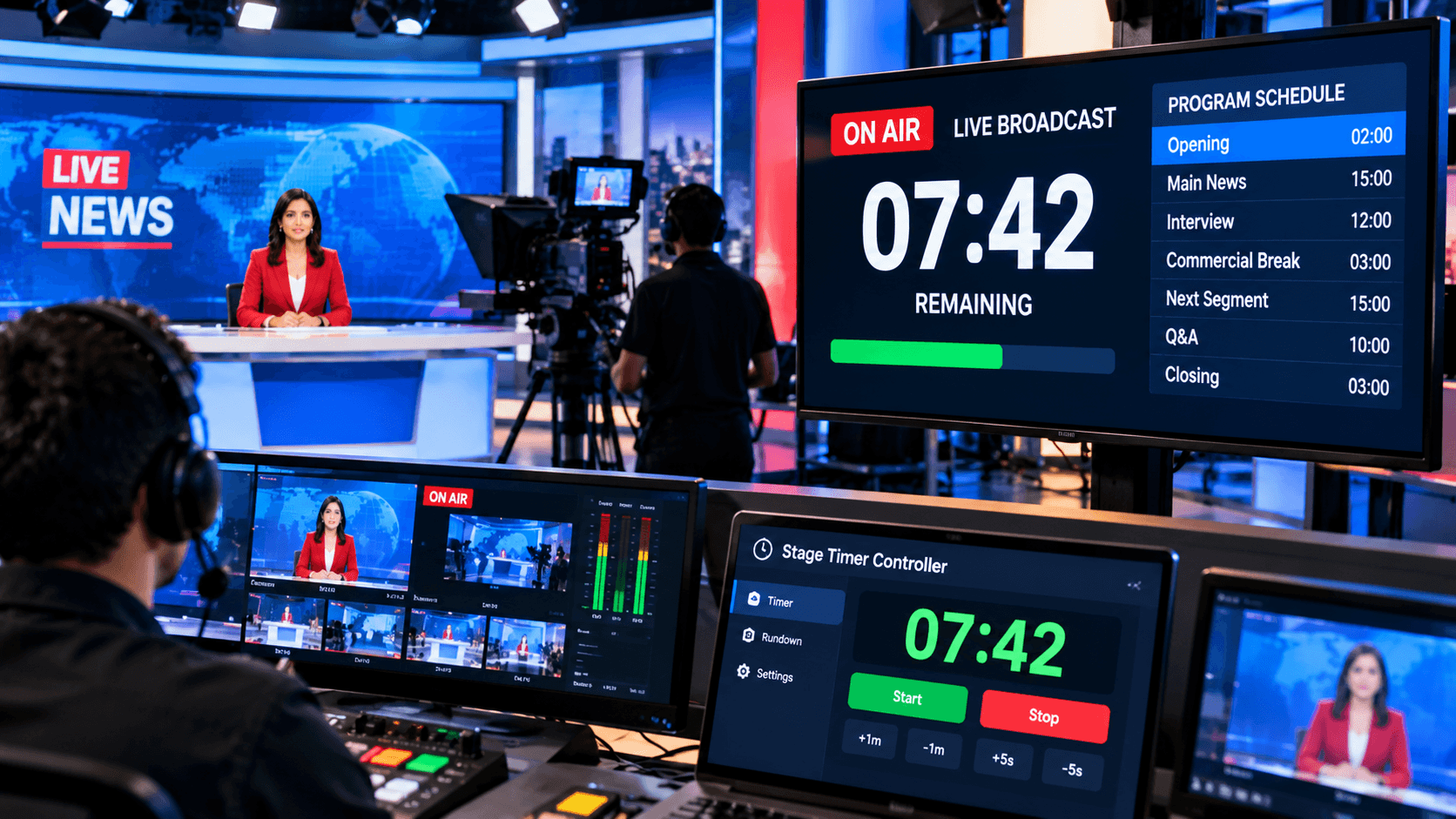
Every segment, presenter, commercial break, and on-air transition must happen at the exact moment when airing live. The entire broadcast schedule can be thrown off by even a small timing delay. For this reason, professional broadcasting teams find a countdown timer to be a useful tool.
Certain time slots are set aside for different segments of news shows, discussion shows, sports broadcasts, corporate livestreams, interviews, web shows, and other live programming. The presenter and production team may monitor how much time is left in the current segment and determine when the next one is scheduled to begin with the aid of a countdown timer.
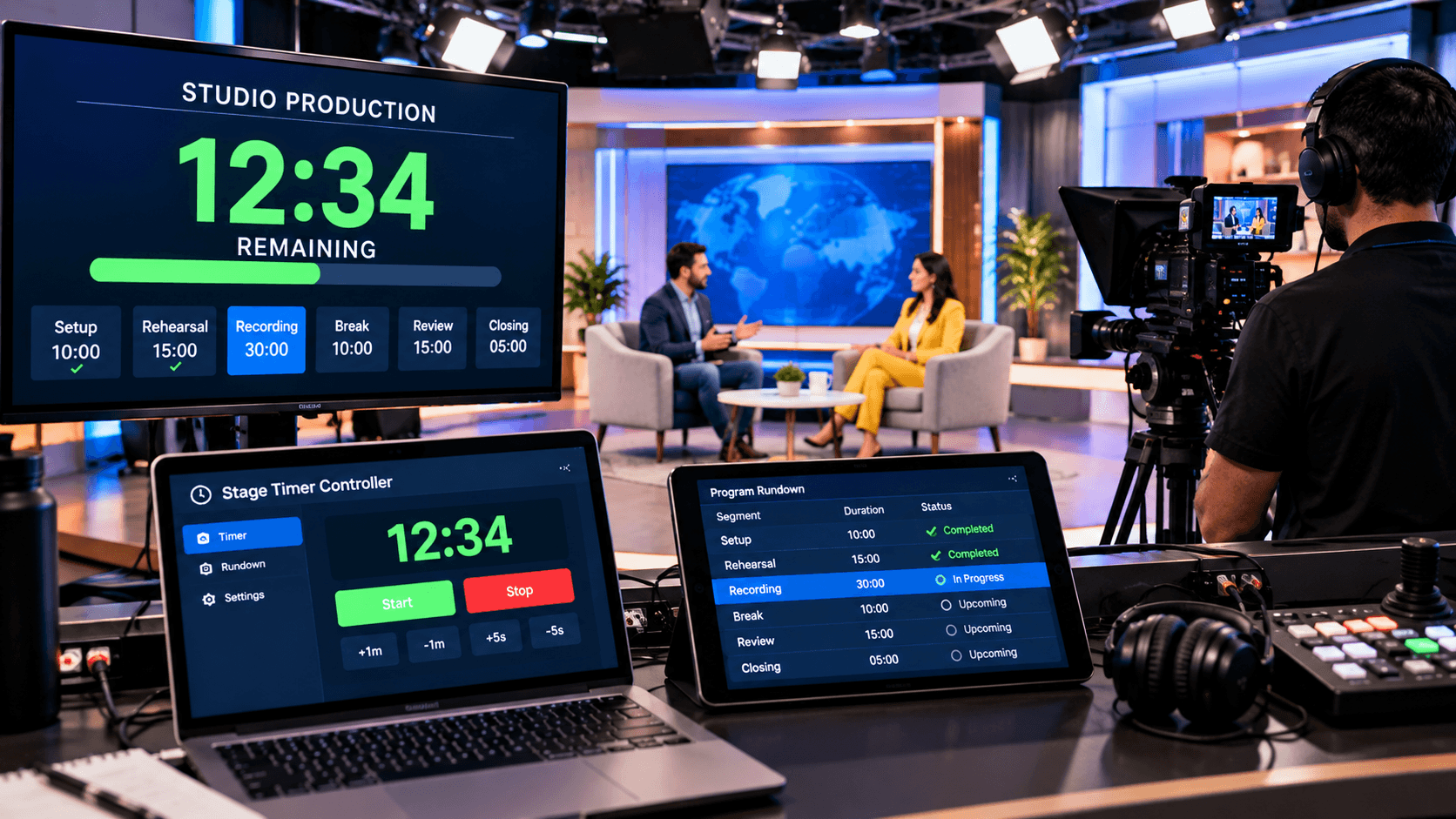
It is possible to use a browser-based stage timer on many devices. For example, a secondary screen facing the presenter or host displays an easily readable countdown display, and the production team can operate the timer from a laptop or tablet. These tools additionally provide capabilities like multi-device synchronization, a fullscreen confidence monitor, and remote timer control.
Why is a countdown timer essential for live broadcasting?
A planned flow is crucial to a live broadcast. The production staff is required to rigorously stick to timings, such as 10 minutes for a news section, 15 minutes for an interview, and 20 minutes for the next live segment.
The presenter is constantly shown how much time is left by a countdown timer. This enables the presenter to modify their topic and speaking pace based on the amount of time allotted. They can wrap up important points and end the section on time as the timer counts down to the last few minutes.
The production team uses the timer as a common timing reference as well. Coordination between the director, producer, host, and presenter is greatly facilitated when all parties have access to the same timing information.
Live Broadcast Segment Timing:
A broadcast program can consist of several distinct segments. For instance, a news show might include an opening, headlines, main news, an interview, a weather report, and a closing.
By setting a countdown timer for each segment, the production team knows exactly how long the current segment is scheduled to run. The presenter can also view the remaining time on their confidence monitor and manage the segment accordingly.
For example, if an interview is allotted 12 minutes, a 12:00 countdown can be started for the presenter. As the time elapses, the presenter can pace their final questions and closing statements to fit within the remaining duration.
Countdown Timer Before a Commercial Break:
Commercial breaks are a crucial part of live broadcasting. The broadcast team needs to know exactly when the program will go into a break and when the next segment will begin afterward.
A countdown timer can be used to provide timing signals to the host or presenter before a break. For instance, if a commercial break is scheduled to occur in two minutes, the remaining time can be displayed on the presenter's monitor.
This reduces the host's reliance on sudden verbal cues or hand signals. The production team can also monitor the timer from their control devices and adjust the timing as needed.
Countdown Timer in the Broadcast Control Room:
In a broadcast control room, the director, producer, and technical team manage multiple tasks simultaneously. In such an environment, having clear timing information is crucial.
A remote countdown timer allows a control room operator to manage the timer from their device, while the output can be displayed on another device or a confidence monitor.
StageTimerControl offers features such as browser-based remote control and real-time synchronization across different devices. This enables the operator to manage the timer from one device while the presenter views the timing on another screen.
Countdown and Count-Up Timers in Live Broadcasts:
A countdown is not the only requirement for every broadcast situation. In some programs, it is more useful to know how long a segment has been running.
For instance, during a live interview, a count-up timer allows the production team to track how many minutes have elapsed since the interview began.
StageTimerControl offers count-up and time-of-day clock modes alongside the countdown function, enabling the production team to use the timing mode that best suits their needs.
Stage Timer Controller Use in Broadcasting:
A simple countdown timer is frequently insufficient in professional broadcasting since the production crew must concurrently handle a number of factors, including presenter timing, segment duration, transitions, and backstage communication.
A stage timer controller allows the presenter or host to see a full-screen countdown on a different monitor while the operator controls the timer from a browser interface. The team as a whole can handle timing data more effectively and methodically by integrating several devices into a single timing workflow.
For live broadcasts with several segments, presenters, and production cues, this method is especially helpful. It allows the operator to transmit live cues straight to the presenter and modify the timer as necessary.
In which broadcasting situations is a countdown timer useful?
A countdown timer can be used in various broadcasting and live production environments, such as:
News broadcasting
Talk shows
Interview programs
Live events
Corporate broadcasts
YouTube Live productions
Livestreams
Web shows
Panel discussions
Product launch broadcasts
Educational broadcasts
Studio-to-live programs
Hybrid events
Live Q&A sessions
In every situation, the purpose of the timer is not merely to display a countdown. Its primary objective is to keep the presenter and the production team coordinated with the program's timing flow.
In conclusion:
Timing in live broadcasting is more complex than simply keeping an eye on the clock. The presenter, host, director, producer, and technical staff must always be informed on the status of the current segment and the start time of the following one in a professional broadcast.
For live broadcasting, a countdown timer might help organize the entire procedure. The production crew can improve time control by using countdowns for a number of components, including segment timing, commercial breaks, presenter timing, transitions, Q&A sessions, and the close.
Operators and presenters can control timing from different devices by using a browser-based remote timer process. Features like multi-device synchronization, live messaging, event rundowns, remote control, and confidence monitoring are all provided by programs like StageTimerControl, which can improve the broadcasting workflow.