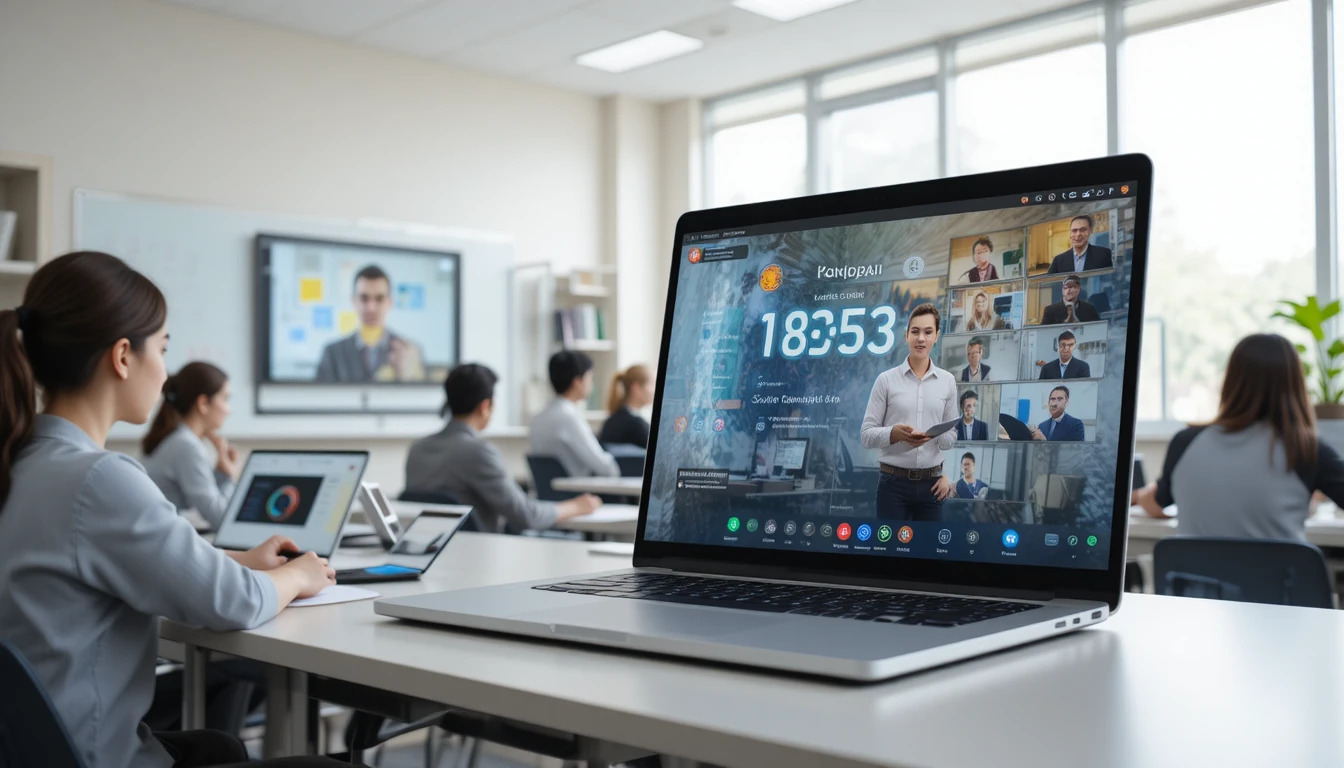
In today's digital world, online classes have become an essential component of education. Schools, schools, coaching institutions, training centers, and corporate training programs are increasingly relying on online platforms. This allows students and teachers to effortlessly connect from anywhere, making the teaching-learning process more comfortable and adaptable.
However, time management remains the most difficult aspect of online learning. If the timing of lessons, conversations, assignments, and breaks is not carefully handled, students may lose focus, thereby disrupting the entire learning process. Thus, adequate time management and the use of appropriate timer tools are required to make online classrooms more successful and organized.
Why is Time Management Important in Online Classes?
Time management is important in online classes because it allows students and professors to better arrange their study and teaching activities. When time is set aside in advance for each subject, activity, and discussion, the entire class can be finished within the allotted time. This guarantees that crucial concepts are not ignored, making the learning process more efficient.
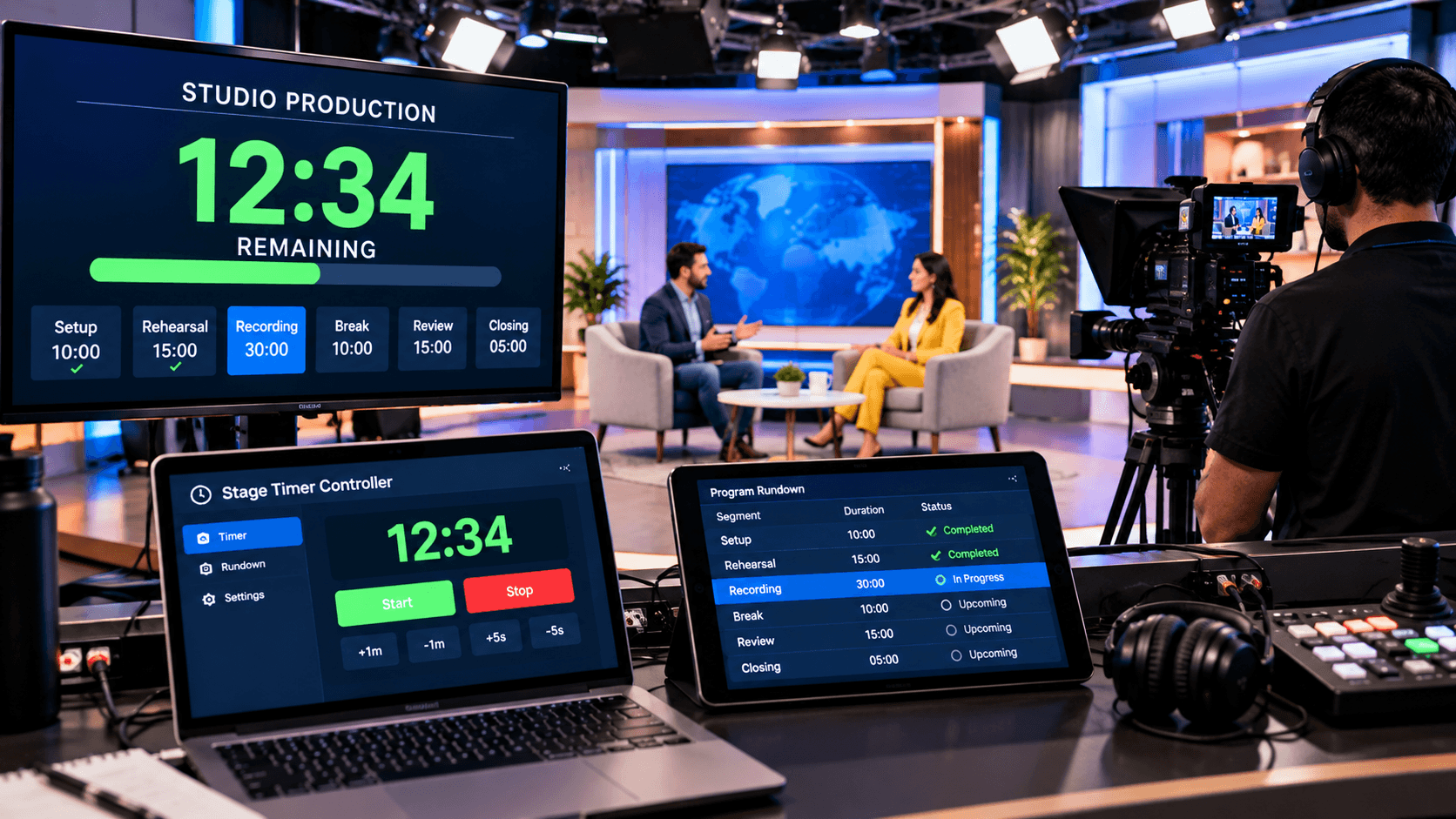
Good time management also keeps pupils from being sidetracked. During online classes, mobile notifications, social media, and other online activities can easily distract students. When a certain duration is assigned to each session and visual timers—such as a "Stage Timer Controller"—are utilized, both students and teachers remain aware of the time, resulting in a more disciplined and productive class.
Finally, proper time management elevates online education to a higher level of professionalism and effectiveness. It provides enough time for activities like as assignments, discussions, quizzes, and revisions, improving the learning experience and allowing the class to run smoothly without unnecessary delays.
Common Issues During Online Classes:
Distraction is the most difficult obstacle when taking online education. The home environment, mobile notifications, social media, and other distractions can easily divert pupils' attention. Furthermore, many students arrive late for class, missing out on important information and introductory instructions.
Another prevalent concern is taking extended pauses and multitasking. Many people check their emails, peruse social media, or do other things while taking an online class. This reduces the quality of learning and makes it difficult to understand the material. Furthermore, if breaks exceed the permitted time, focussing on the lesson becomes difficult.
Furthermore, sessions frequently last longer than expected, resulting in a decrease in both students' concentration and energy. In such cases, employing a visual timer, such as a Stage Timer Controller, can help teachers and students keep track of time. This guarantees that all activities are performed within the timeframe specified, making the entire online class more structured and productive.
10 Excellent Ways to Manage Time During Online Classes:
To make the greatest use of your time during online classes, begin by making a daily plan and assigning particular times for each session. To avoid disruptions, have your notes, books, and internet connection ready before class begins. Using a timer while studying helps you stay to the time given for each subject. Furthermore, taking small breaks rather than studying constantly for lengthy durations is critical for maintaining focus and energy levels.
Turn off social media notifications and other unneeded distractions during online lectures to ensure that your whole concentration is focused on your academics. Make a daily to-do list, organize your class notes, and set aside particular periods for group discussions or clarifying questions. This guarantees that activities are performed on schedule and that your studies stay structured.
Furthermore, instead of waiting until the last minute, stick to assignment deadlines, and set aside time each day to review the things you've covered. Using a visual timer, such as a stage timer controller, makes it easier to complete study sessions on time, increasing productivity and time management during online classes.
Why Use a Countdown Timer in Online Classes?
Using a countdown timer during online classes makes it easier to finish all activities within the time limit. Whether it's a lecture, quiz, group discussion, or project, the timer plainly informs students and professors how much time is left. This keeps all participants on time and focused, resulting in a better organized class.
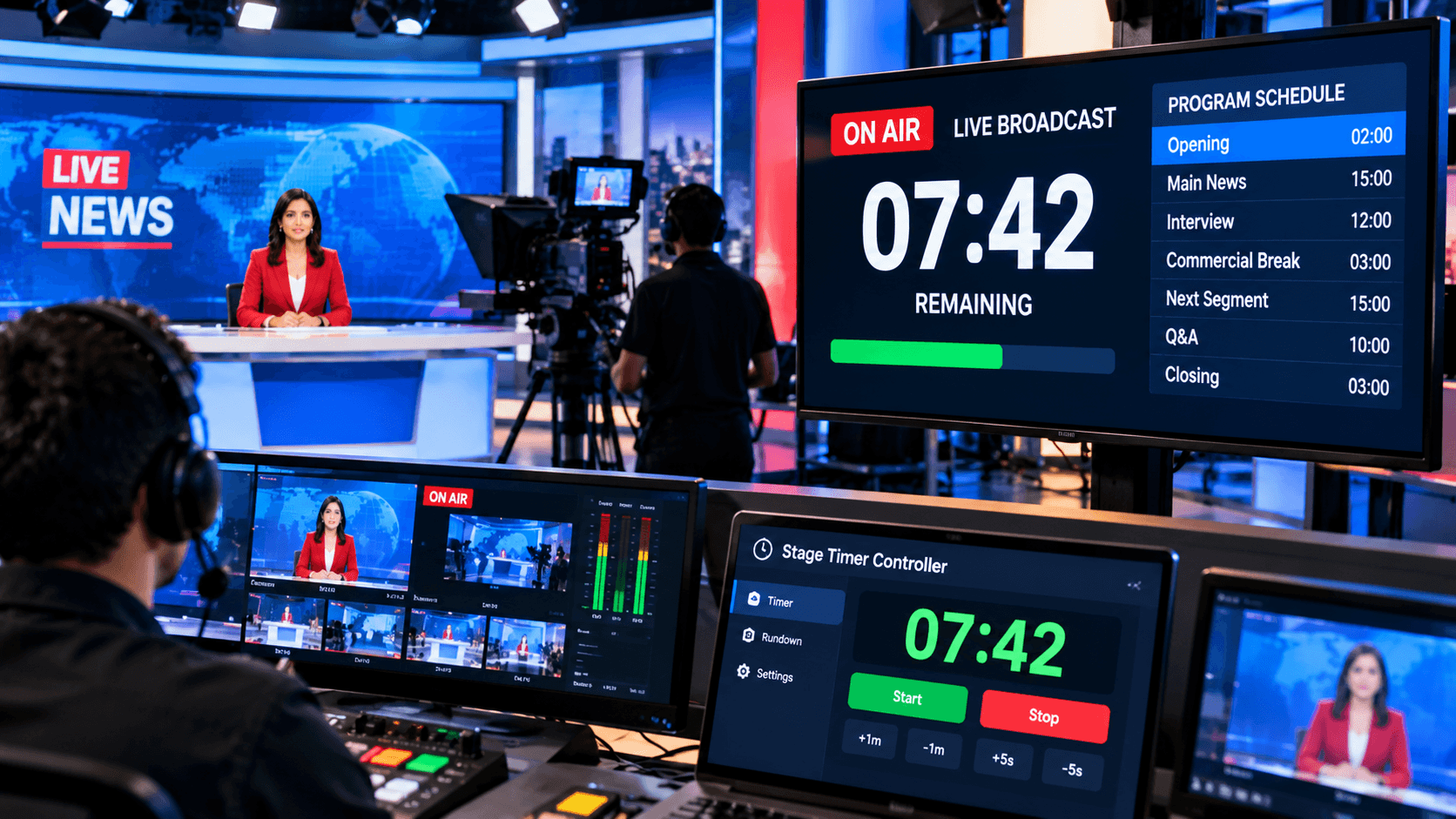
Furthermore, a countdown timer makes online classes more disciplined and efficient. Tools like the Stage Timer Controller provide clear visual countdowns, full-screen displays, and real-time management, allowing teachers to effortlessly regulate the timing of each session. This reduces unnecessary delays, ensuring that all topics are addressed on time, and improves the student learning experience.
Benefits of Countdown Timers for Students and Teachers:
Using a countdown timer during online classes is highly beneficial for both students and teachers. Students remain clearly aware of the time remaining for any activity, quiz, or study session. This helps them stay focused on their studies, manage their time more effectively, and develop the habit of completing assignments or class tasks within the allotted time. Additionally, the timer helps minimize distractions and boost productivity.
For teachers, a countdown timer makes online classes more organized and effective. They can allocate specific time slots for lectures, discussions, quizzes, group activities, and Q&A sessions, ensuring the class runs on schedule. Tools like "Stage Timer Controllers" allow teachers to easily display a visual countdown and control the timer in real-time. This makes the online learning experience more organized, engaging, and professional for both students and teachers.
How does a Stage Timer Controller help in online classes?
A Stage Timer Controller is essential for organizing and keeping online classes on time. It enables teachers to design individual countdown timers for each session, quiz, discussion, and break. The timer, which is plainly visible on the screen, keeps both students and teachers informed of the remaining time, ensuring that the class runs according to schedule.
The Stage Timer Controller's real-time control and visual alert capabilities also help to improve the professionalism and efficacy of online classes. If an activity requires additional time, the timer can be modified immediately. This allows for better time management, keeps students focused on their studies, and makes the entire online class more structured and productive.
Conclusion:
Mastering good time management for online education is one of today's most important needs. Proper planning, constant practice, and disciplined time management not only help students study more effectively, but also improve their concentration, learning capacity, and productivity. Similarly, excellent time management benefits teachers by ensuring that each subject is addressed within the allocated timeframe and making the class more efficient.
If you want to make online classes more organized and professional, a Stage Timer Controller is the perfect answer. A visible countdown, real-time control, and a clear display help students and teachers keep track of time. This guarantees that each session is completed on time, avoids unnecessary delays, and improves the overall organization, productivity, and engagement of the online classroom.