In today's digital world, webinars have become an essential component of business, education, training, and online marketing. A successful webinar, whether you're showcasing a product, giving online training, or hosting a live discussion on a certain topic, demands not just high-quality content but also excellent time management.
During webinars, speakers frequently exceed their allotted time, resulting in insufficient time for crucial topics or a hasty Q&A session. Such situations can cause audience engagement to decrease, reducing the webinar's overall impact. This is precisely why most professional webinar hosts are now using countdown clocks.
In this post, we'll look at why every webinar should have a countdown timer and how it makes the session more organized, engaging, and professional.
Why is time management important in a webinar?
Time management is essential in a webinar because an online audience's attention span is restricted. If a webinar lasts longer than planned or if too much time is focused on a particular topic, participant attention tends to decrease. Effective time management guarantees that all important issues are presented sequentially and that the audience is engaged until the finish.
Good time management enhances the professionalism and organization of a webinar. When each session, presentation, and debate follows a set timetable, speakers and organizers find it easier to manage the entire event. This also allows enough time for Q&A sessions and other key activities.
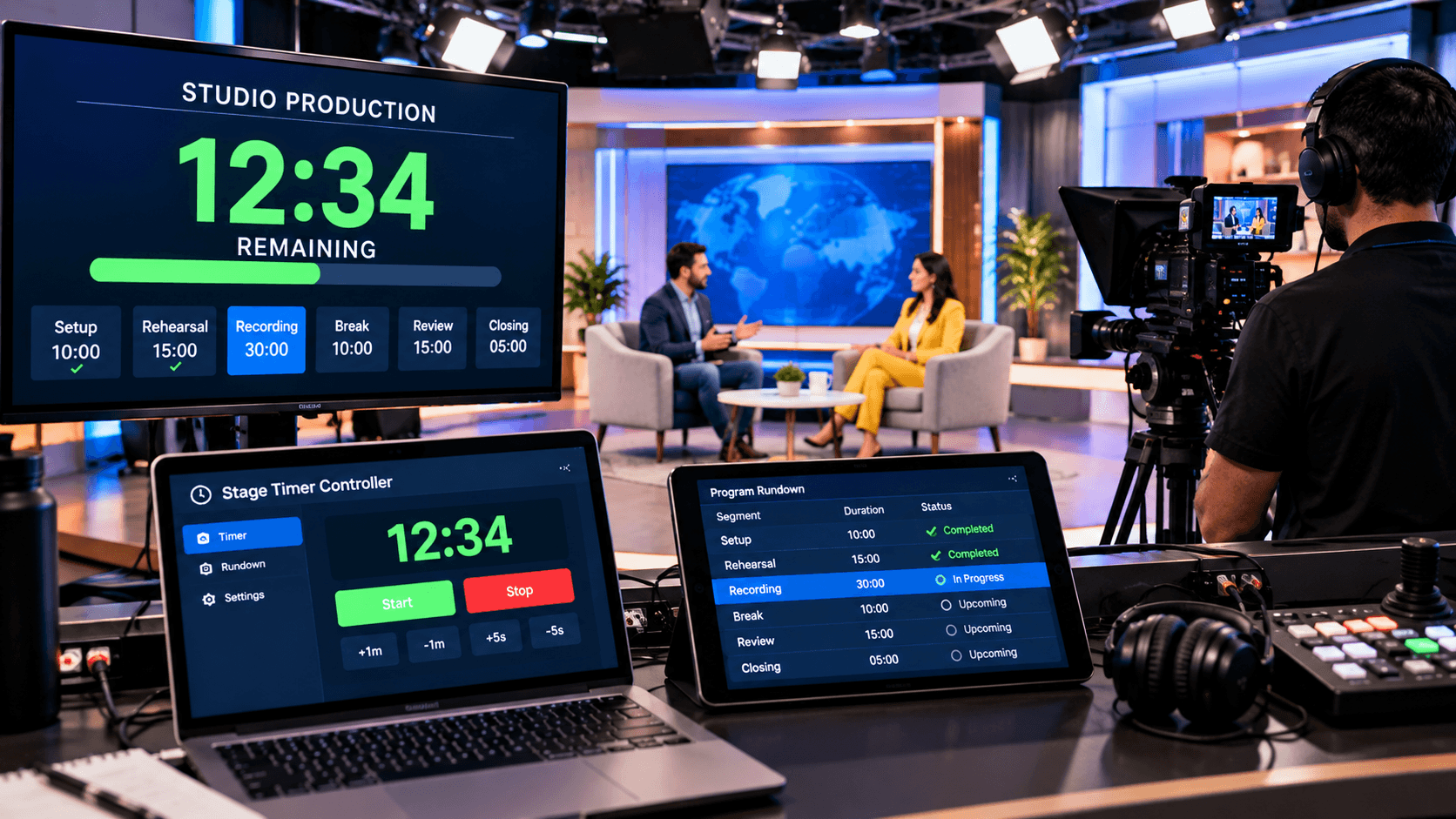
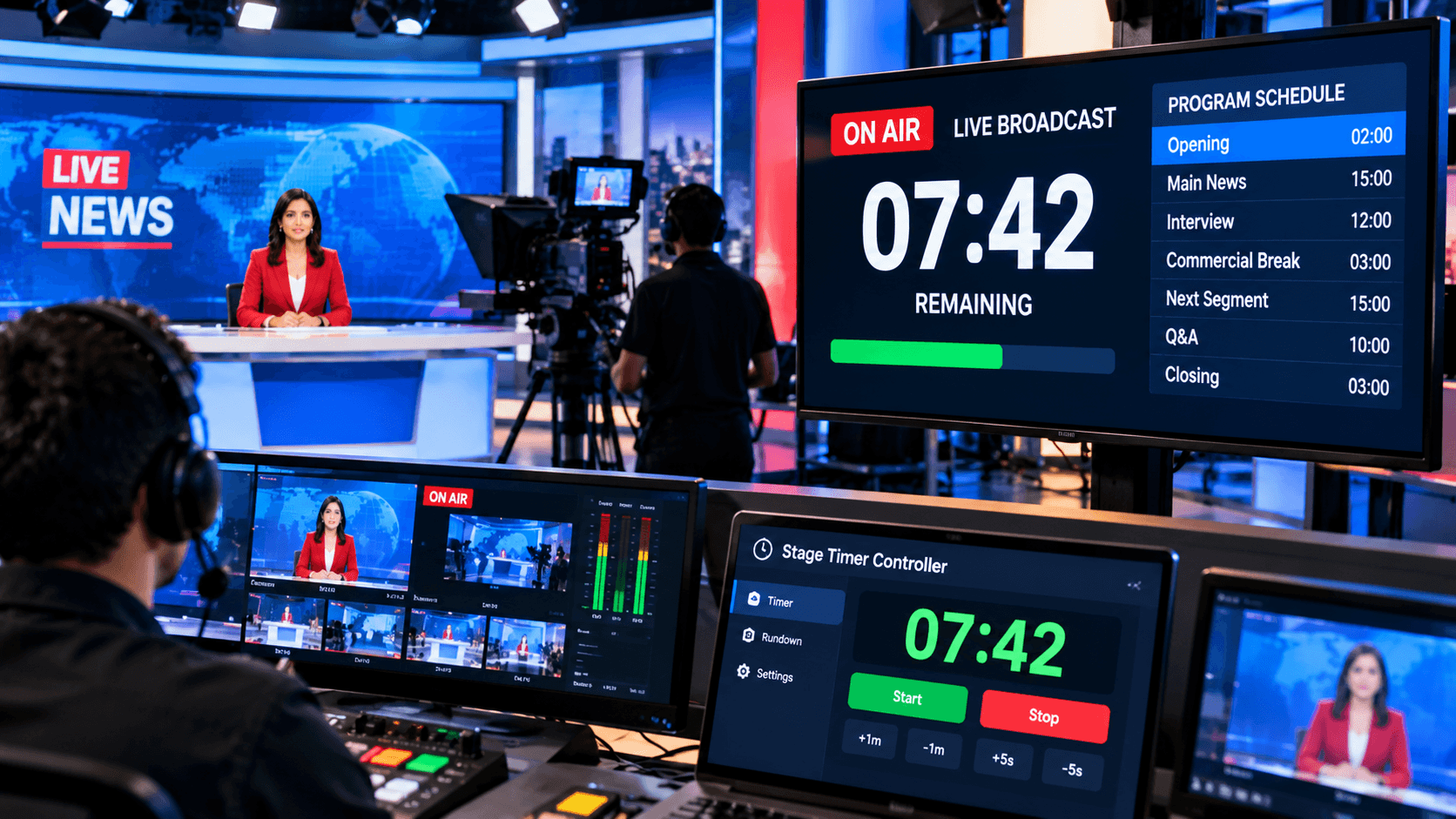
As a result, many webinar hosts incorporate visual timers, such as stage timer controllers. These solutions clearly highlight the remaining time for speakers, allowing them to better manage their presentations and complete the webinar on time.
What is a Countdown Timer?
A countdown timer is a digital or internet timer that counts down from a specific time to zero (0). It is used to indicate how much time left before a task, presentation, meeting, webinar, or activity is completed. When the specified time has passed, the timer sends out an alarm or signal.
Countdown timers are commonly used in education, business, live events, church services, presentations, and online meetings. They keep individuals focused on time and assist guarantee that activities are accomplished within the timeframe specified.
Modern methods, such as stage timer controllers, improve the efficiency of countdown timers. They let users to see the timer on enormous screens, adjust it in real time, and receive visual notifications, making time management easier and more professional.
Benefits of a Countdown Timer in Webinars:
A countdown timer is essential for keeping a webinar orderly and on schedule. When presenters can see how much time remains, they can better organize their presentations. This guarantees that the webinar is completed within the given hour and reduces the possibility of spending too much time on any specific topic.
A countdown timer might also assist keep the audience engaged. When participants know how much time remains in a session, they are more attentive and focused. This adds a structured and professional feel to the webinar, improving the participant experience.
Furthermore, stage timer controllers let webinar hosts to set different timers for presentations, Q&A sessions, and other parts. Visual alerts and real-time controls serve to keep the webinar's general flow smooth, ensuring that all sessions are completed on time.
Where can a countdown timer be used in a webinar?
A countdown timer can be utilized before the webinar starts. A pre-webinar countdown tells participants how much time they have until the event begins; this allows the audience to prepare and gives the webinar a more professional appearance. A timer can also be utilized during the main presentation to ensure that speakers cover all crucial themes within the allowed time.
Countdown timers are also very handy for Q&A sessions, panel debates, and breaks. They ensure that each portion runs on time and that the webinar is well-organized. Tools such as stage timer controllers enable webinar hosts to set timers for different segments and manage time in real time, resulting in a more seamless and professional webinar experience.
How does the Stage Timer Controller help webinar hosts?
The Stage Timer Controller is a practical and efficient option for webinar hosts. It displays a clear countdown during the webinar, allowing both speakers and organizers to keep track of time.
It allows for the development of different timings for presentations, speaker sessions, and Q&A parts. Furthermore, if the webinar schedule changes, the timer can be updated in real time.
The Stage Timer Controller, with its visible alerts and easy-to-use controls, makes webinars more structured, professional, and entertaining.
Conclusion:
A successful webinar requires not just high-quality content, but also good time management. When a webinar goes on time, audience participation is maintained, topics are presented in a systematic manner, and the event appears more professional.
A countdown timer is a basic yet efficient tool for structuring and conducting a webinar. It keeps speakers on track and contributes to the event's overall success.
If you want to make your webinar more professional, organized, and engaging, a timer solution like the Stage Timer Controller is a great choice.