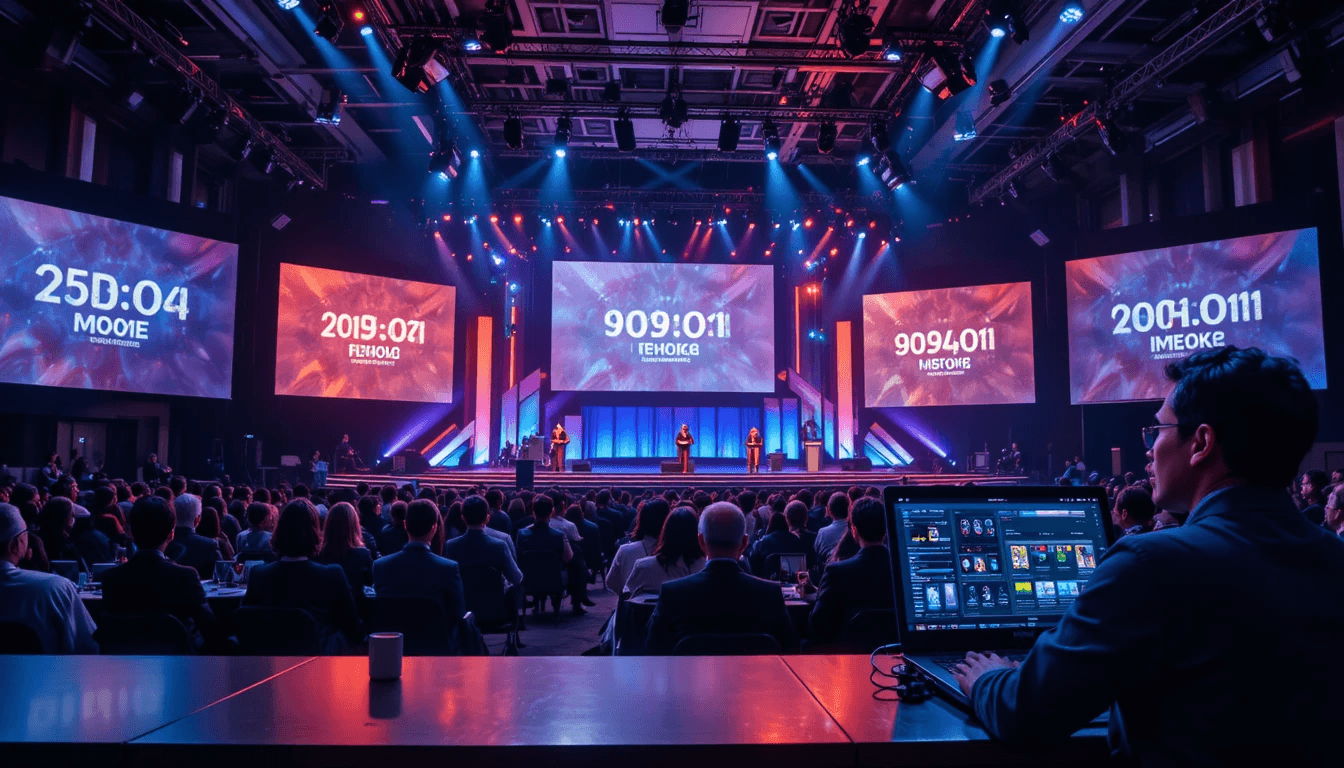
It is now typical to have many speakers at live events such as conferences, seminars, webinars, and corporate meetings. However, as the number of speakers grows, so does the difficulty of properly administering the event. Organizers face a significant challenge in maintaining each speaker's allowed time, ensuring a smooth session flow, and retaining the overall balance of the program.
The greatest challenge is keeping all speakers on schedule while avoiding chaos and confusion. If even one speaker goes over their allotted time, the entire timetable may be thrown off course. This not only disturbs the event's flow, but also detracts from the overall audience experience.
This is precisely why careful planning and the use of the appropriate tools become critical. Managing numerous speakers is simple with proper planning and the use of an effective timing scheme. In this blog, we will lead you through a step-by-step process for making your event go smoothly, efficiently, and professionally.
Why is Managing Multiple Speakers Difficult?
When there are multiple speakers at an event, the most difficult task is to strike a time balance. It is common for one speaker to surpass their given time, while another ends up with less time than expected. This upsets the entire schedule and has an impact on future sessions. Controlling this circumstance becomes incredibly challenging in the absence of an effective time management system.
Furthermore, lack of coordination is a serious issue. Maintaining synergy between diverse speakers, team members, and segments is not an easy feat. Confusion and delays are typical during events that lack clear directions, indications, or a communication mechanism. This not only puts more burden on the organizers, but it also has a detrimental impact on the speakers' and audience's experiences.
Step-by-Step Guide: How to Manage Multiple Speakers:
Step 1: Plan thoroughly.
The foundation of any successful event is proper planning. To effectively manage numerous speakers, you must create a precise plan in advance that specifies each speaker's allotted time, section, and breaks. Robust planning reduces the likelihood of confusion and delays during the event, resulting in a smoother overall flow.
Step 2: Clearly define time slots.
Each speaker must be assigned a unique time period. When presenters are aware of their scheduled time periods in advance, they can adjust their speeches accordingly. This not only maximizes time usage, but also eliminates any overlaps or delays during the event.
Step 3: Use a stage timer.
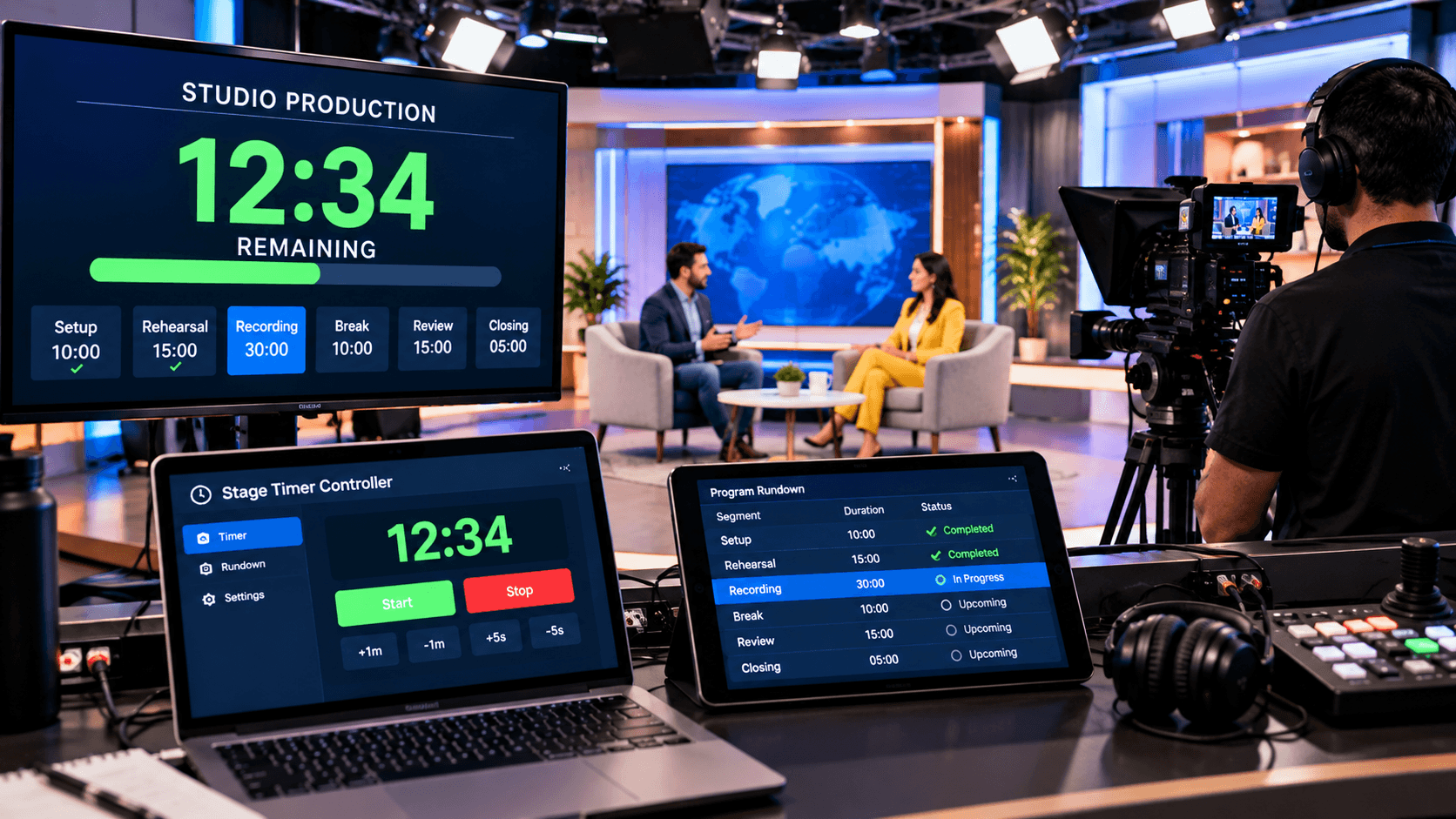
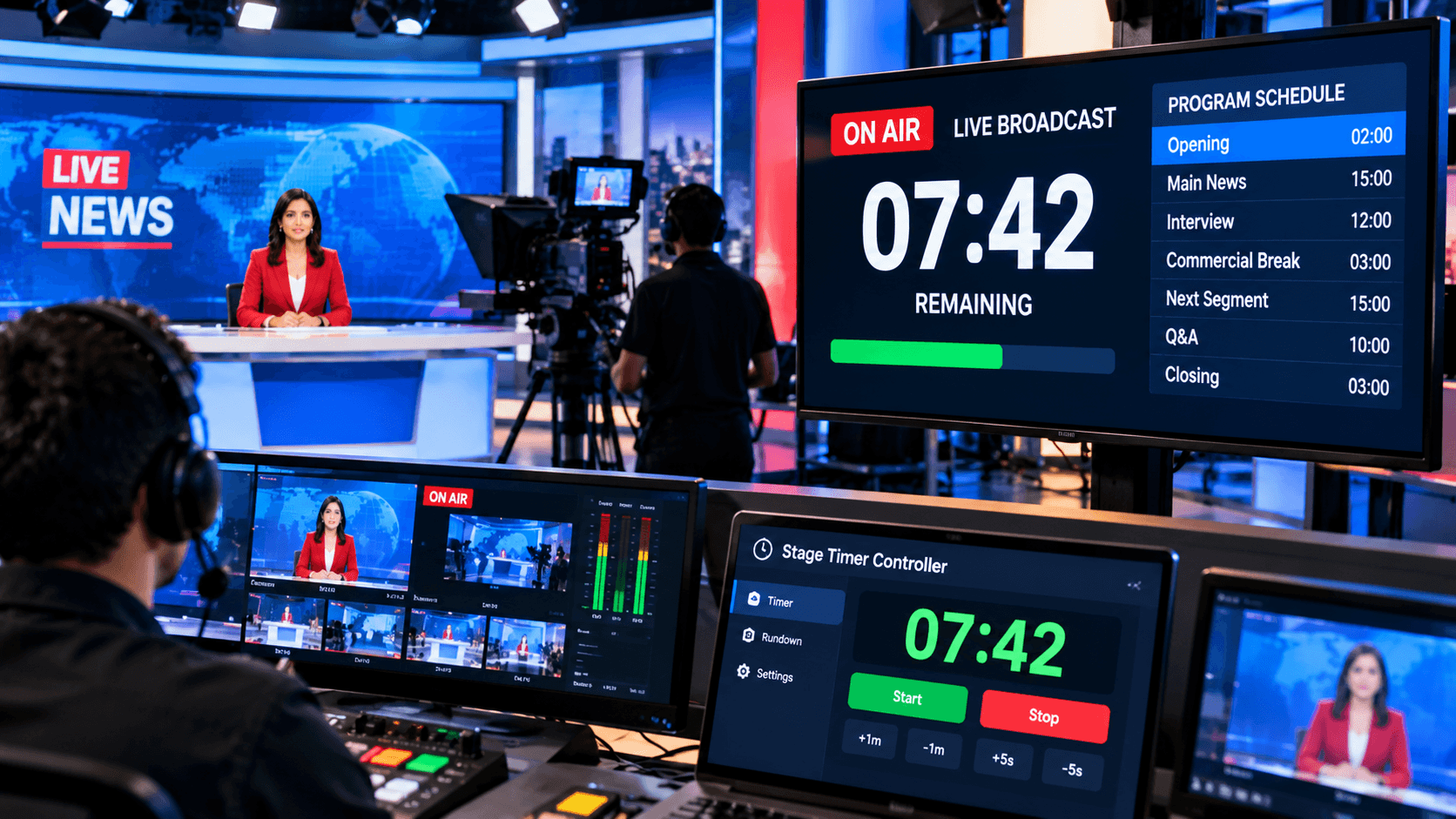
Using a stage timer is the best way to properly manage several speakers. It gives each speaker with a real-time display that shows how much time left. Furthermore, the organizer may regulate all timers from a single dashboard, guaranteeing that the event's timing is completely under control.
Step 4: Brief the Speakers.
It is critical to adequately brief all speakers before the event begins. Provide them with clear information about their time slots, the use of the timer, and the overall flow of the event. This guarantees that speakers have a clear understanding of their allowed time and can deliver their presentations without difficulty.
Step 5: Monitor in real-time
During the event, it is critical to monitor each segment and speaker's activity. Real-time monitoring allows you to observe who is currently presenting and how much time they have remaining. This allows you to take fast corrective action if any delays arise.
Step 6: Maintain flexibility.
Unexpected changes are common at live events, thus retaining flexibility is critical. If a speaker finishes early or exceeds their given time, you must be ready to alter the schedule promptly. This keeps the event running smoothly and prevents the audience from being inconvenienced.
Step 7: Maintain clear communication.
A successful event requires clear communication between the staff and the speakers. Provide regular updates to everyone via signals, messages, and alarms. This enhances coordination and guarantees that the event runs smoothly and uninterrupted.
How Does a Stage Timer Controller Help?
A Stage Timer Controller is a powerful tool for coordinating many presenters and event parts. Its most significant feature is that you can easily handle all timers from a single dashboard. Separate time limits can be specified for each speaker, ensuring that everyone understands their assigned time and preventing anyone from exceeding it. This keeps the event running smoothly and reduces the possibility of the timetable deviating from its intended path.
Furthermore, this technology provides real-time control and visual alarms. If you need to make any changes during the event, you can pause, resume, or modify the times right away. Additionally, speakers receive cues in the form of on-screen color changes, flashing lights, or text messages, allowing them to maintain track of time without interrupting their delivery. This feature improves cooperation and keeps the event running smoothly.
Conclusion:
Managing many speakers can be a difficult chore, but with proper planning and tools, it can be greatly simplified. If you plan ahead of time, maintain good communication, and use an effective timing system, your event will run smoothly and without interruption.
In today's digital world, manual management is not recommended. A sophisticated gadget, such as a Stage Timer Controller, will automate and simplify the entire procedure for you. This not only saves you time, but also ensures that the event runs smoothly and professionally.
Finally, if you want your event to run smoothly, stress-free, and effectively, using the correct strategy and tool for handling numerous speakers is critical.