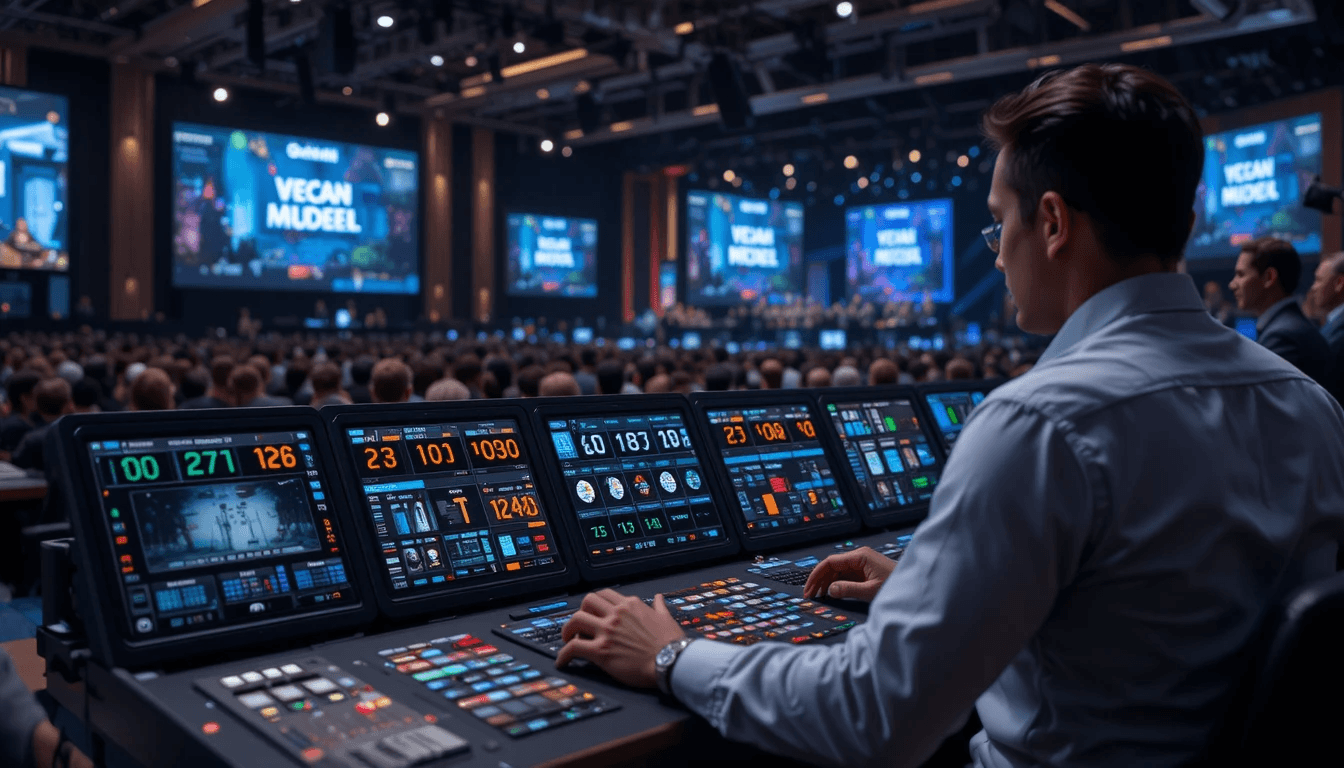
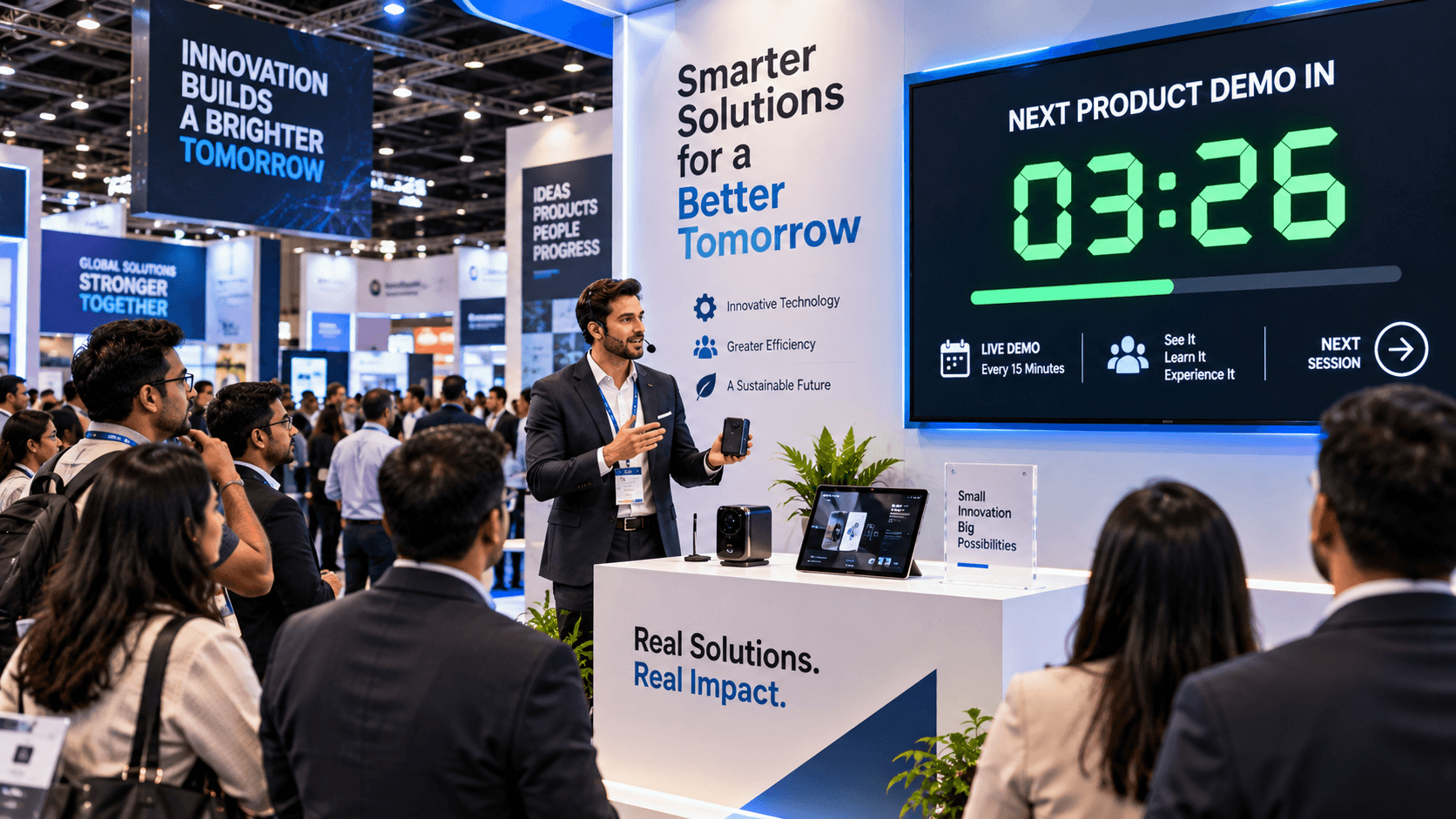
Organizing an event has always been a difficult task. Whether you're holding a conference, a training session, a theater show, or a school function, the most difficult problem is managing time precisely. Maintaining exact synchronization of speaker timings, segment durations, breaks, and performances is critical.
Organizers frequently confront challenges such as a speaker exceeding their given time, a session lasting longer than anticipated, or unanticipated developments occurring during the event. This is when the Stage Timer Controller comes in useful. It is a digital application meant to help events run smoothly and on time.
What is a Stage Timer Controller?
Stage Timer Controller is a web-based platform that provides a straightforward and intelligent method for managing timers during events and presentations. It allows organizers to correctly track the duration of each event segment and speaker slot, ensuring that the event runs on time and in order.
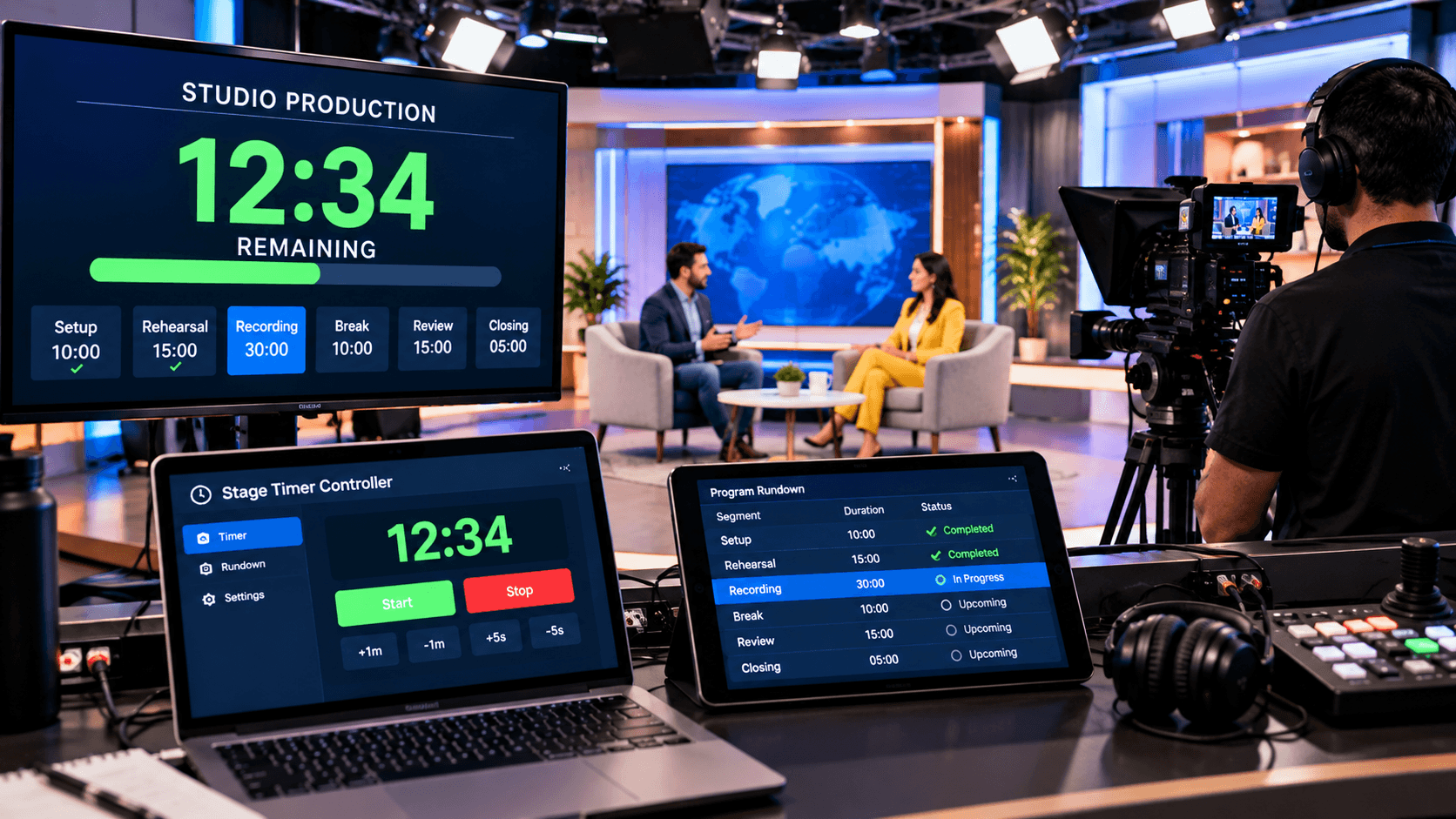
Its main feature is the Dashboard, which allows you to create many timers, link them together, and control them in real time. This makes it simple to handle events of any size—large or little.
Furthermore, Stage Timer Controller enables you to personalize timers, send messages, add labels, and synchronize between devices. This application is the perfect answer for event organizers who want to save time while also elevating their events' professionalism.
Key Features of the Stage Timer Controller:
The Stage Timer Controller has been specifically designed to make events seamless and professional. Its most significant feature is its interactive dashboard, which allows organizers to add multiple timers simultaneously, link them together, and manage them according to the schedule. Whether you are hosting a conference, a training session, or a theatrical production, this feature gives you complete control over every speaker and segment.
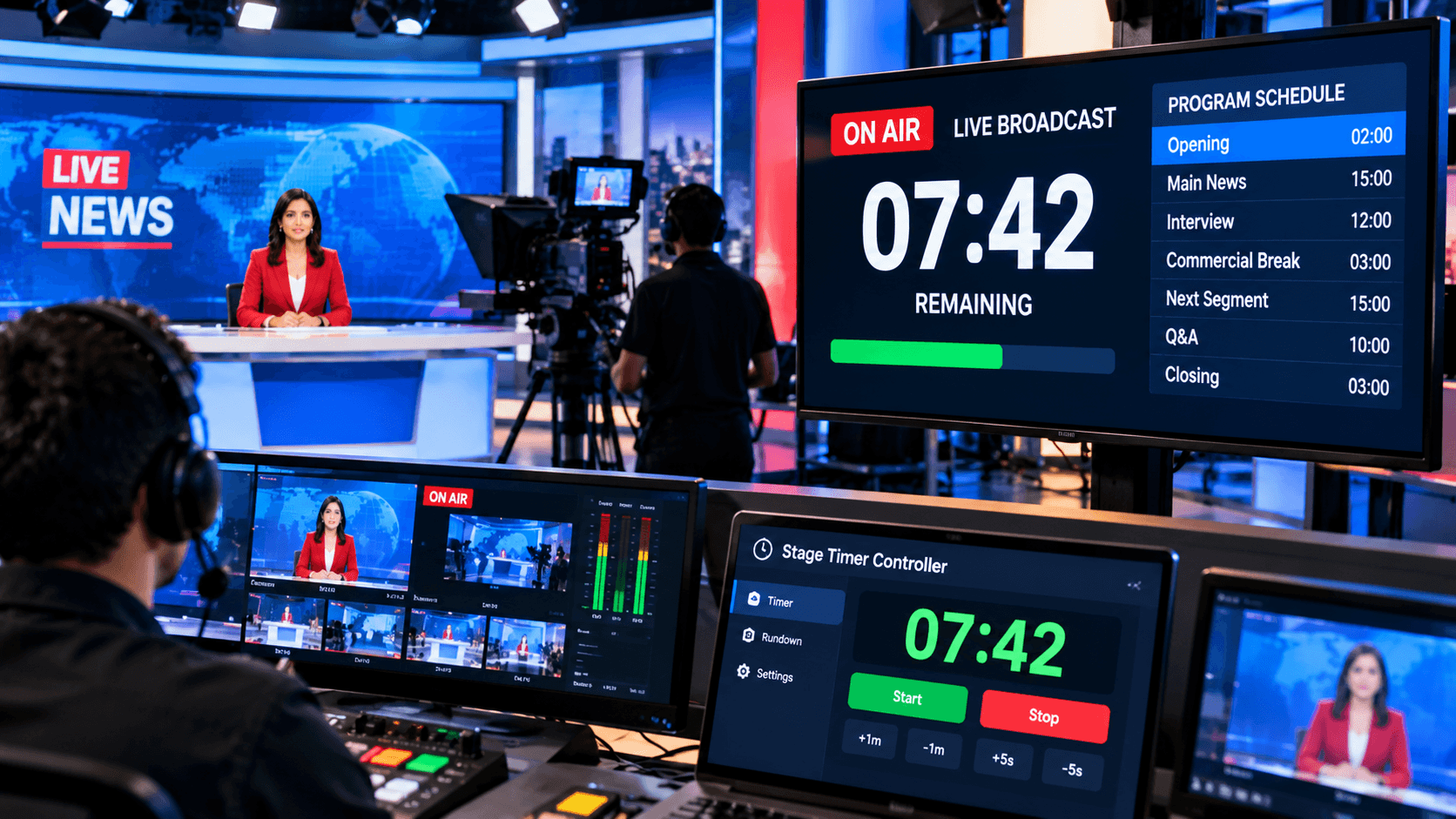
It also offers real-time control capabilities. You can pause, resume, or adjust any timer at any moment. Speakers can be signaled via screen blackouts, flashes, or alerts, ensuring that the event proceeds on time and in an organized manner.
The Need for a Stage Timer Controller for Event Organizers:
Organizing an event requires not just high-quality content, but also efficient time management. Whether it's a conference, a training session, or a theatrical play, each speaker and section must finish on time. A stage timer controller makes this task easier. It allows organizers to set time limitations for each segment, send real-time alerts and messages, and guarantee that the event runs smoothly.
Large-scale events frequently feature numerous speakers and parts. The Stage Timer Controller's "Multiple Timers Management" function enables organizers to set and link several timers at the same time, guaranteeing that the next section begins automatically when the previous one ends. This not only saves time, but also adds order and professionalism to the entire event.
Furthermore, this platform supports Device Synchronization and Real-Time Control. Organizers can pause, restart, or alter timings at any time, and the updated data is shown promptly on all connected devices. Thus, the Stage Timer Controller emerges as the ultimate tool for event managers, allowing them to save time while ensuring flawless event performance.
How to Use the Stage Timer Controller:
Using the Stage Timer Controller is really simple and straightforward. First, go to the Stage Timer Controller Dashboard and add a new timer for your event. You can choose the duration, name, and notes for each speaker or segment. This feature guarantees that each speaker has precise information about their allowed time.
Next, organize all of the timers on the Dashboard and link them as needed so that one timer starts automatically when the previous one stops. Real-time controls allow you to pause, restart, or adjust timers in small increments, making it simple to handle any unforeseen changes that may occur during the event.
Finally, you can utilize the labeling and messaging tools to send fast notifications to speakers and team members. Whether you are managing several screens on a large stage or conducting a training session in a small room, the Dashboard keeps all devices synchronized, allowing you to run the event on time and professionally.
Why the Stage Timer Controller is the Best Tool:
Stage Timer Controller is an excellent time management tool for event organizers. Its sophisticated and user-friendly dashboard enables organizers to manage all times in real time. Whether you're planning a small training session or a major conference, this tool makes time management easy and successful.
Its features, including Multiple Timers, Labels & Messaging, and Device Synchronization, make it extremely versatile and adaptable to any situation. This enables organizers to ensure that all speakers and segments are on time and that the event runs properly.
Conclusion:
The Stage Timer Controller is the ideal time management tool for any event organizer. It not only ensures that an event runs on time, but it also gives organizers complete control and transparency over the entire process. Whether you are planning a conference, a training session, a theatrical play, or a school event, using this tool ensures that your event runs smoothly and professionally.
Multiple timings, real-time management, device synchronization, and messaging make it easy to handle each speaker and segment on cue. You don't have to worry about time limits or the inconvenience of last-minute alterations.