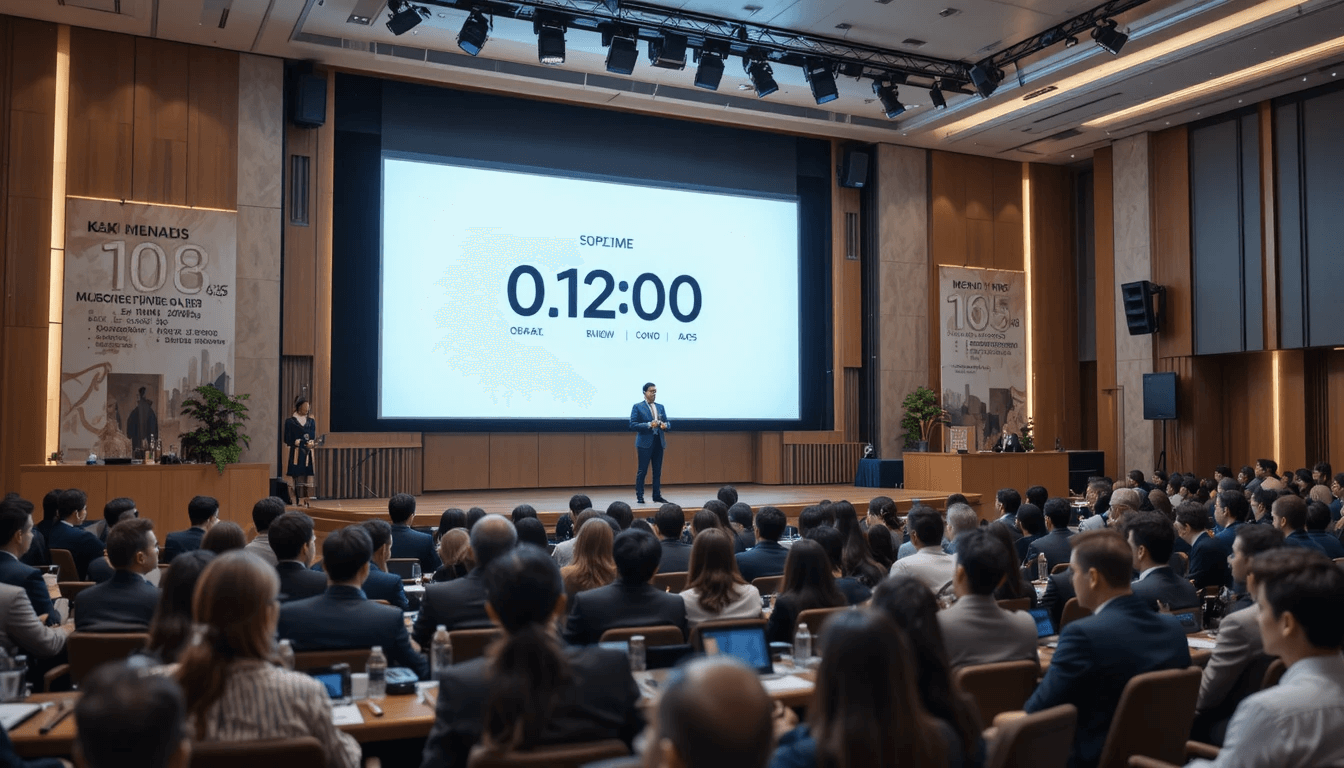
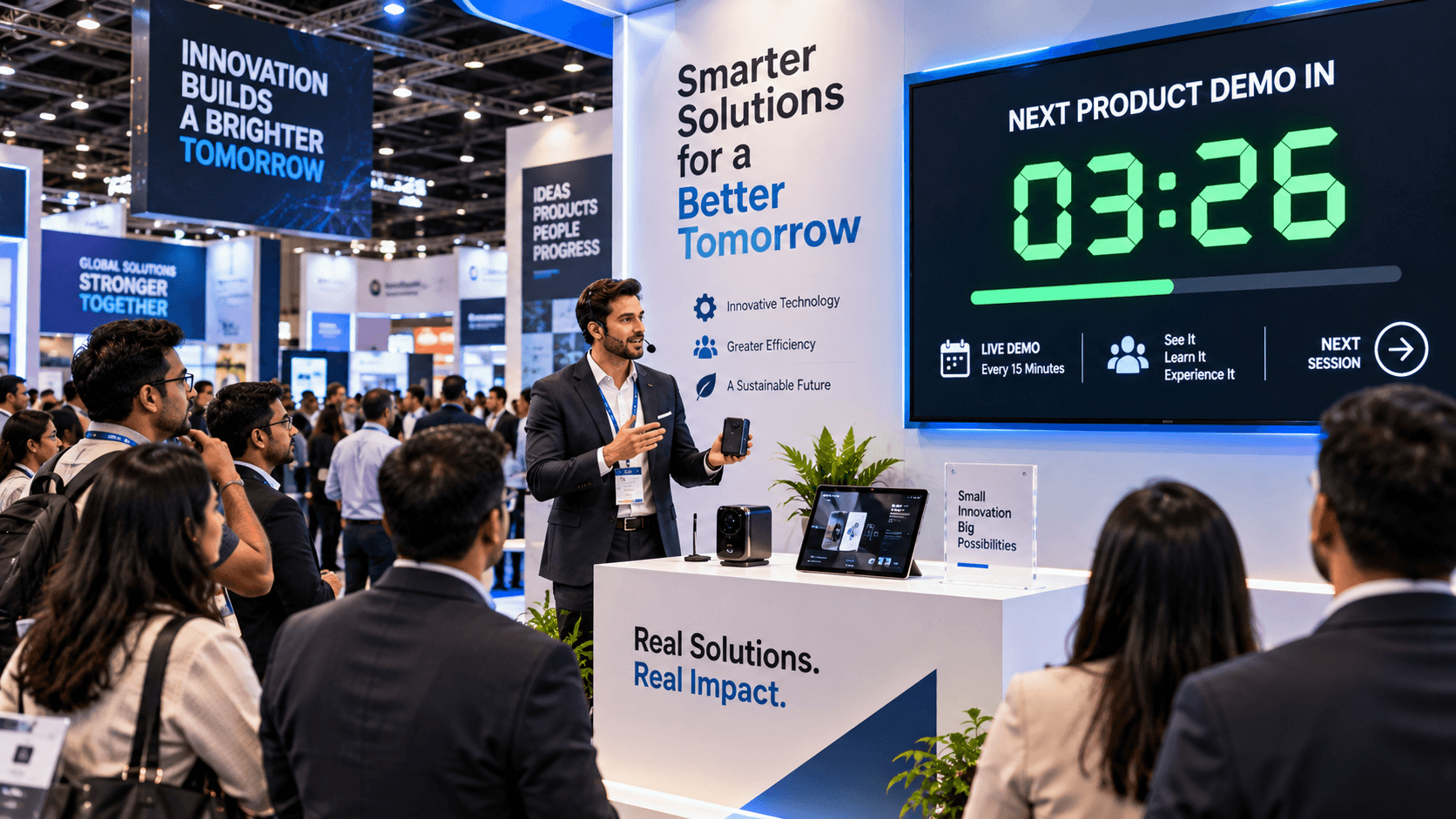
In today's professional world, presentations are no longer just about showing slides. Corporate meetings, boardroom discussions, conferences, webinars, and keynote speeches—presentations determine impact, clarity, and decision-making in all these settings. But one problem plagues every presenter: effective time management.
It's often observed that even with excellent content, presentations either finish too early or run over time. Both situations harm audience engagement and the presenter's credibility. This is why advanced tools like StageTimerControl have become essential for professional presentations.
Why is Time Management so important in presentations?
In professional presentations, effective time management is not just a technical requirement; it directly impacts the presentation's effectiveness and audience engagement. If the presenter doesn't manage their time properly, slides might be rushed through or discussions might become unnecessarily long. This reduces audience interest and dilutes the impact of the message.
The goal of every presentation should be clear and focused communication. Time-bound presentations help speakers deliver content segment by segment, ensuring that key points are effectively conveyed to the audience. Corporate meetings, conferences, and webinars have fixed time slots, and without proper time management, it becomes difficult for presenters or moderators to maintain the flow.
Furthermore, effective time management keeps presenters confident and stress-free. When speakers know that sufficient time is allocated for each segment and that real-time adjustments are possible, they can deliver their presentation in a natural and professional manner. Tools like StageTimerControl make this time management easy and effective, ensuring that the presentation is always polished and impactful.
What is StageTimerControl and how does it help with presentations?
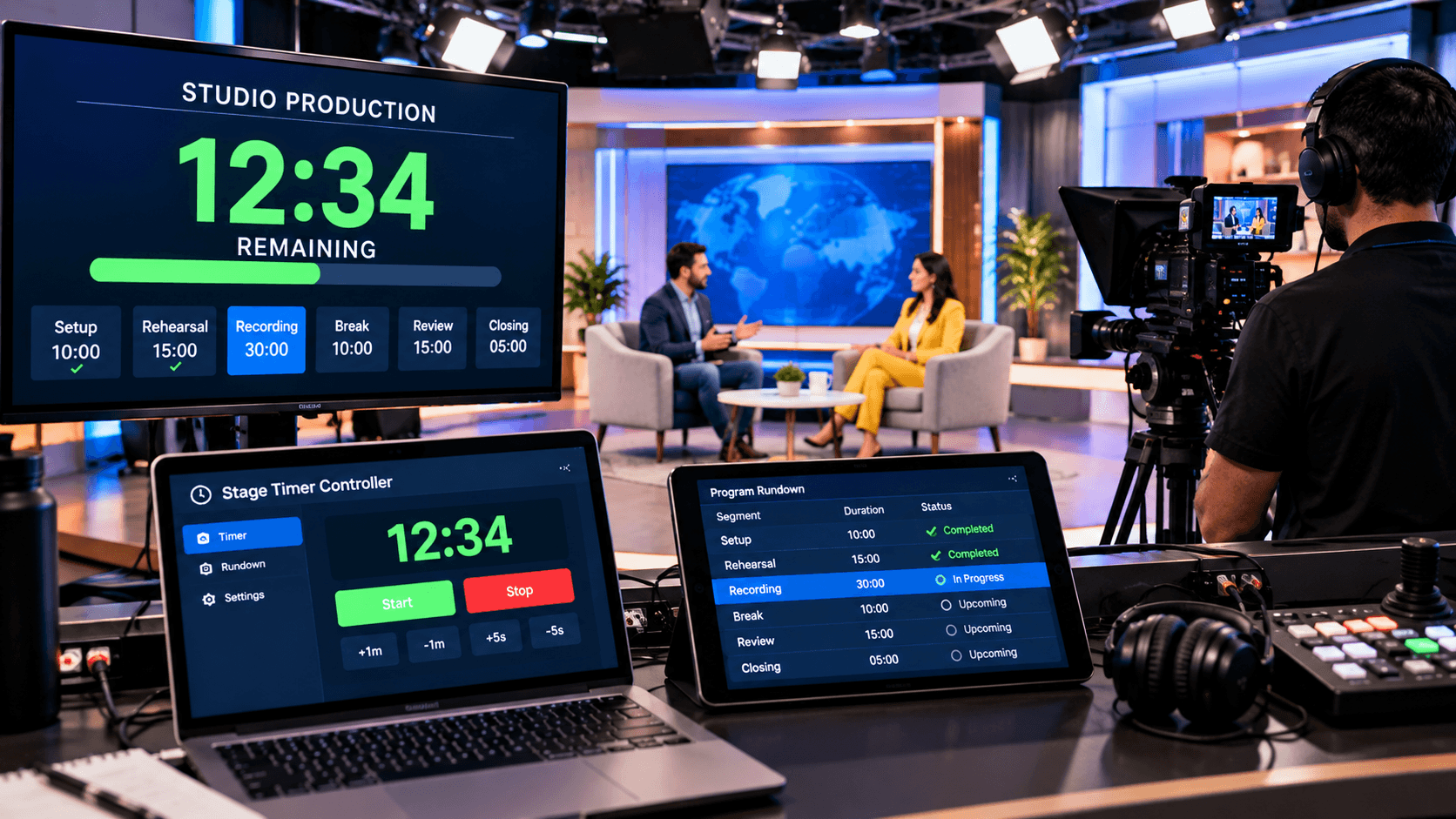
StageTimerControl is a modern, web-based time management tool designed for professional presentations, live events, and webinars. It gives presenters, moderators, and organizers complete control over every segment of their presentations. You can set individual timers for each slide or session, add segment-wise notes and labels, and adjust timers in real time.
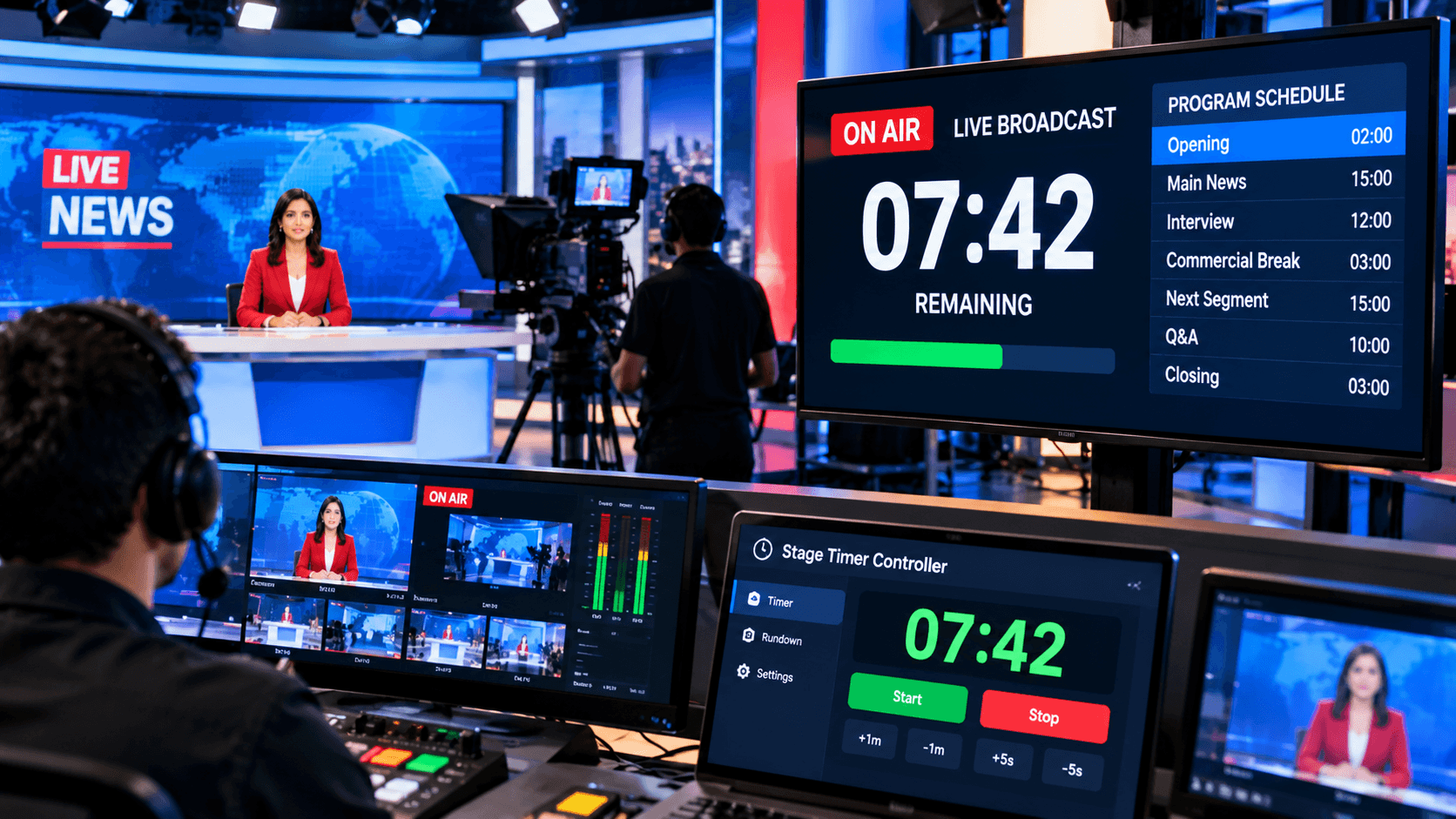
StageTimerControl's greatest strength during live or hybrid presentations is its flexibility and multi-device synchronization. The presenter can start, pause, resume, or extend timers from the controller dashboard, while co-presenters or moderators can view the real-time timer via view-only links. This ensures that presentations remain structured and on schedule.
In addition, this tool provides visual alerts and focus features. Cues such as Flash, Blackout, and Focus Mode discreetly signal the time to presenters, helping them stay aware of the time remaining for each segment and maintaining audience engagement. In this way, StageTimerControl makes presentations professional, organized, and high-impact.
Real-time Control in Live Presentations:
Live presentations often encounter unexpected situations. Sometimes there are more questions from the audience than anticipated, or the applause or discussion goes on longer than planned. In such cases, if the timer is fixed and there's no option for adjustment, the presentation's flow can be disrupted, and the speaker can become stressed.
StageTimerControl offers a simple solution to this problem. This tool allows you to control the timer for each segment in real time. You can pause, resume, or extend the timer for any segment as needed, without stopping the presentation or interrupting the audience's flow.
Key Benefits of Professional Presentations:
In professional presentations, effective time management not only structures the presentation but also makes it engaging and impactful for the audience. StageTimerControl makes it easy to time each segment, allowing the speaker to remain confident and keeping the audience's attention throughout.
Timed slides and segment-wise alerts prevent presentations from becoming chaotic or rushed. Furthermore, this tool enhances both audience engagement and professionalism. Visual cues such as Flash, Focus Mode, and Blackout transitions provide the presenter with discreet timing signals, resulting in a seamless and polished experience in boardrooms, conferences, or webinars.
Another significant advantage is that StageTimerControl remains perfectly synchronized in remote and hybrid presentations.
Conclusion:
In today's competitive professional world, presentation time management is not optional, but essential. No matter how good the content is, if the timing is off, the impact is diminished. StageTimerControl is a complete solution for professional presentations—providing structure, control, and confidence.
Whether it's a live stage, a boardroom, or a virtual webinar, this tool makes presentations powerful, polished, and professional. If you want your presentations to leave a lasting impact on your audience, then mastering time management is your greatest asset.