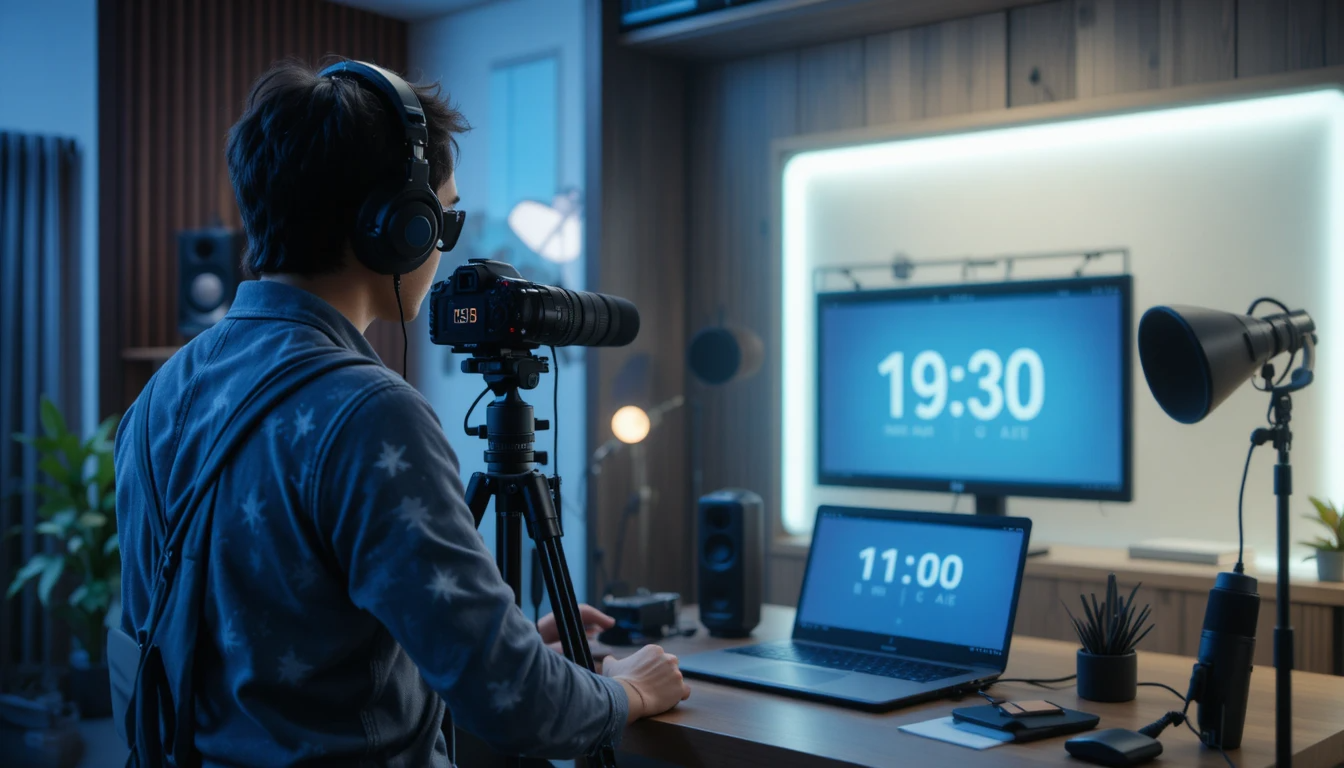
Today's content creator is not just a creator, but a complete production house. YouTubers and podcasters have to manage everything—ideation, scripting, recording, retakes, editing cues, and publishing—all within a limited timeframe. When recording sessions are unplanned, videos become longer, podcast episodes become inconsistent, and the production workflow becomes exhausting. This is why "Content Creators Time Management" has become the biggest strength of successful creators today.
In a studio environment, distractions and retakes are common. Sometimes the intro is too long, sometimes the creator deviates from the topic. Without a real-time timing reference, creators speak haphazardly, which increases the editing workload. The Stage Timer Controller provides creators with structured timing, making recording sessions focused, disciplined, and repeatable.
Time Management Challenges Faced by YouTubers & Podcasters:
Most creators have a rough idea before recording, but not an exact timing plan. This often results in a 10-minute video turning into 25 minutes of raw footage. Podcasters tend to spend too much time on the intro, causing the main discussion to feel rushed. Editing then requires extra hours to cut out unnecessary content.
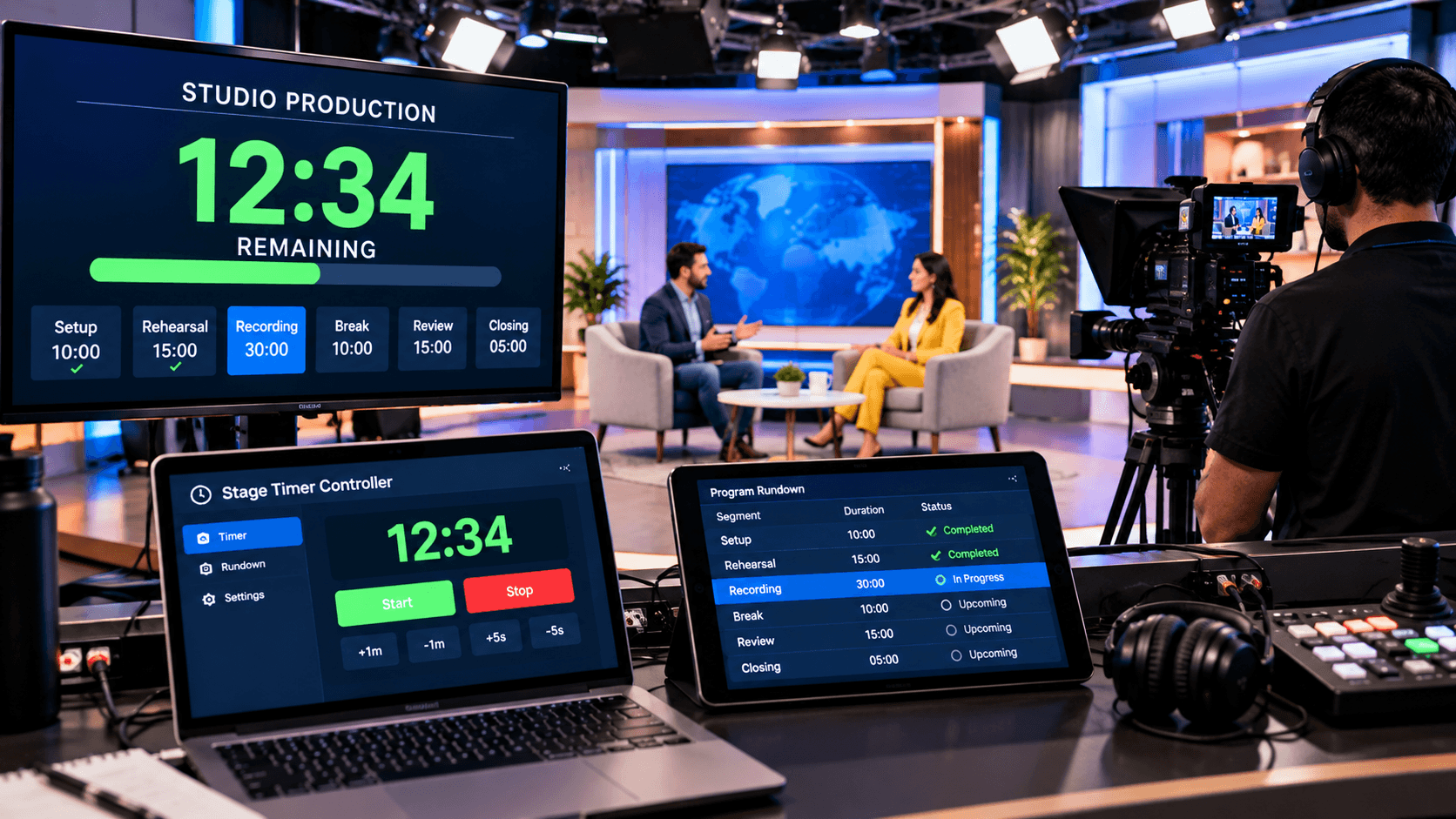
These problems are amplified with multi-camera setups, guest interviews, and live recordings. Without a visible timer, creators can easily lose track of time. Effective studio time management helps control these challenges and allows creators to focus on content quality.
How the Stage Timer Controller Transforms Studio Workflow:
The Stage Timer Controller allows creators to divide their recording into clear segments—such as Intro, Topic 1, Topic 2, CTA, and Outro. A separate timer can be set for each segment, letting the creator know how much time to allocate to each part. This makes the recording structured and easy to edit.
The Notes feature is incredibly powerful for creators. Reminders such as "B-roll mention," "Sponsor shout-out," "CTA reminder," or "Ad break" can be added. These notes act as a silent guide during recording, minimizing the chances of forgetting important elements.
Use in Podcast Recording and Guest Interviews:
In podcasts, guest conversations often run over the allotted time. The Stage Timer Controller gives the host real-time timing visibility, keeping the discussion balanced. Visual alerts provide the host with gentle reminders to wrap up or move to the next segment without disrupting the conversation.
Multi-device viewer access is especially helpful in recordings with remote guests. The host remains in controller mode, while the guest can view the time in viewer mode. This minimizes interruptions and awkward cutoffs.
Real-Time Control in Live Streaming and Recording Sessions:
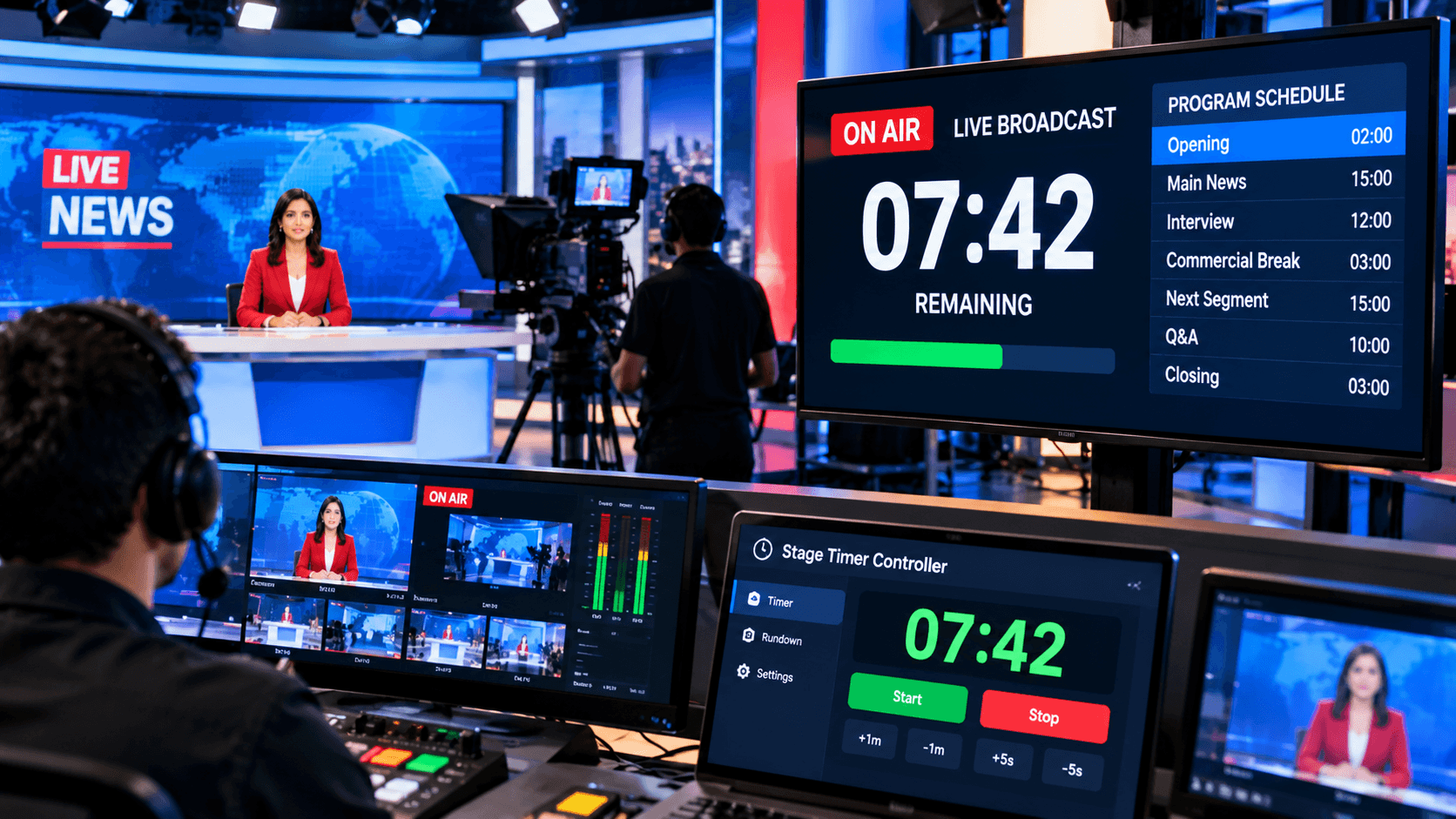
For live content creators, timing is even more critical. The Stage Timer Controller provides the flexibility to pause, extend, and adjust live sessions. If audience interaction increases, the next segment can be easily rescheduled.
Color coding helps live creators understand the urgency of different segments—for example, red = wrap-up, blue = discussion, green = Q&A. This reduces the creator's mental load and allows for a more natural performance.
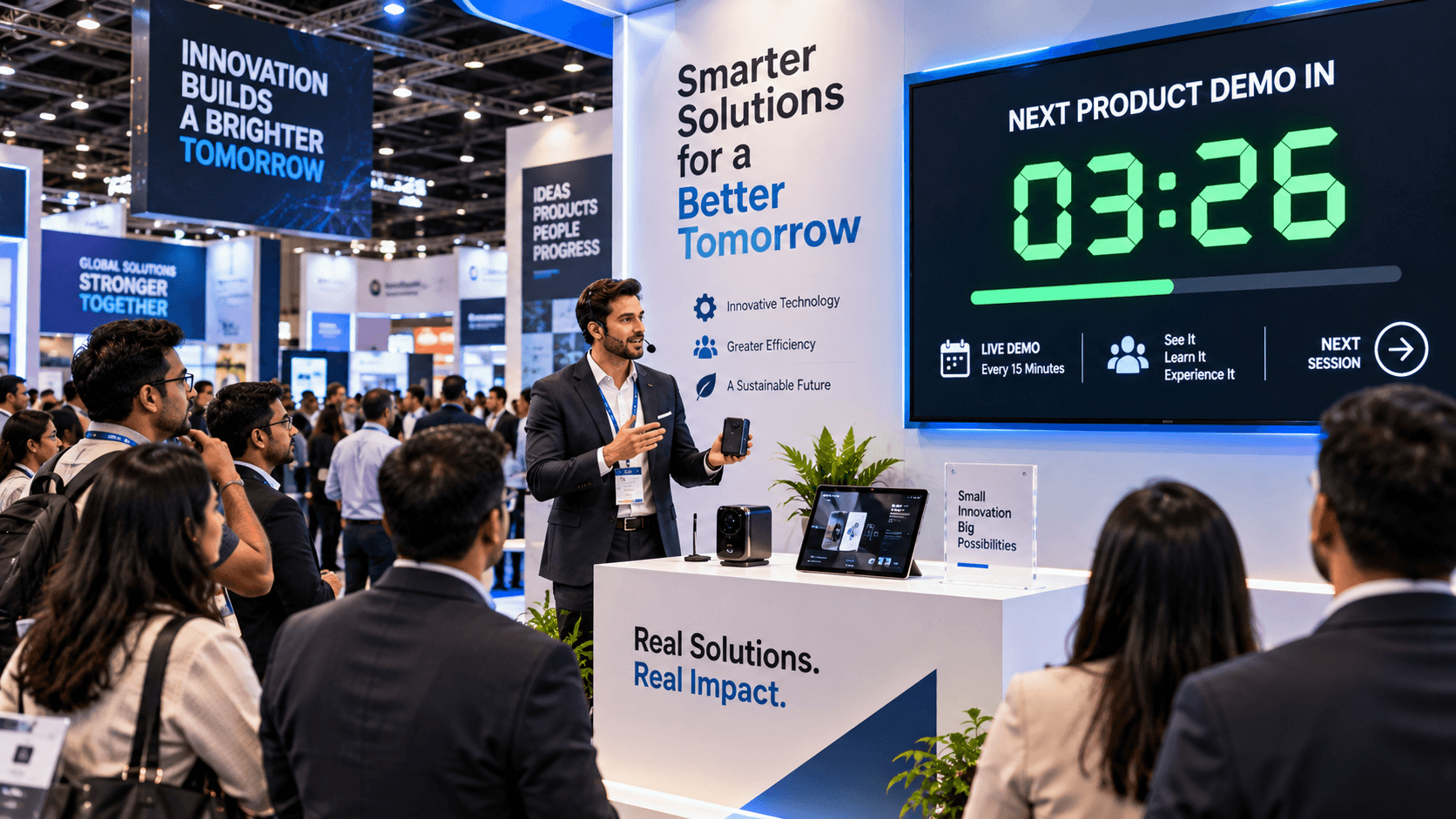
Custom timers provide creators with consistency. Each episode or video remains approximately the same duration, building audience expectations. Editing time is drastically reduced because the footage is more focused. Multi-device access is perfect for both solo creators and small teams.
Conclusion:
Time is the greatest asset for content creators and studios. When recording sessions are structured, creativity flows freely. The Stage Timer Controller provides creators with discipline, clarity, and control—whether it's for a YouTube video, a podcast episode, or a live stream.
If you want to make your content workflow professional, repeatable, and scalable, this tool can become an essential part of your studio setup. The right timing is the key to consistent growth.