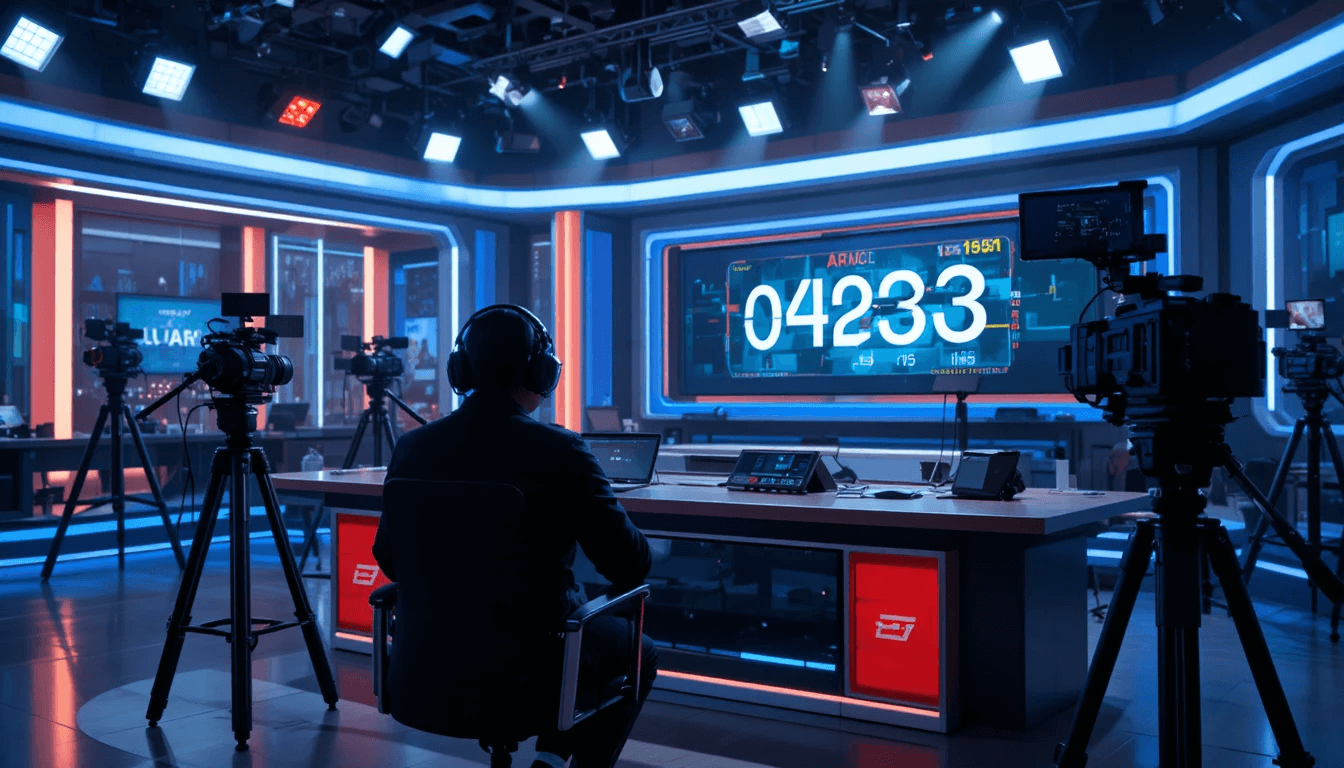
In the world of broadcasting, time is not just a number; it's the backbone of the entire show. Whether it's a live news bulletin, a TV debate, a sports broadcast, a religious program, a music show, or a breaking news segment—every second has a precise value. Even a slight delay can disrupt the entire broadcast schedule, affect advertising slots, and ruin the audience experience. This is why time management is considered the most critical element in the broadcasting industry.
Traditional methods involve anchors or floor managers giving cues manually or relying on verbal reminders, which often leads to confusion, overlaps, and timing errors. Today's modern broadcasting environment demands smart digital solutions that can keep the entire team synchronized on a single timeline in real time. The Stage Timer Controller fulfills this need and makes the broadcasting workflow structured, predictable, and professional.
The Role of a Stage Timer Controller in Broadcasting:
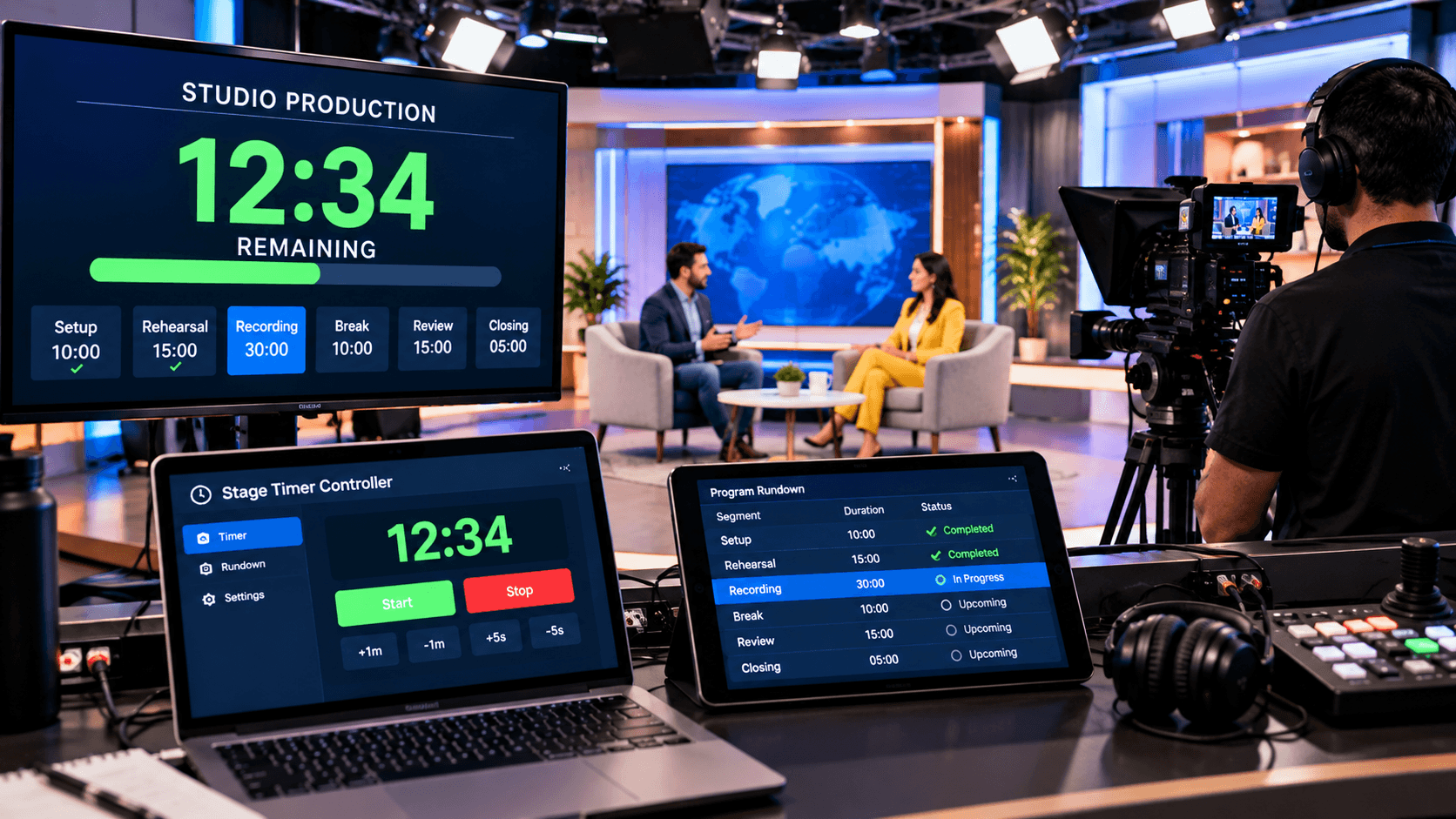
In live broadcasting, multiple departments work together—anchors, camera operators, sound engineers, the control room, producers, and technical staff. A stage timer controller provides a common visual reference for everyone, ensuring that each person knows how much time remains in the current segment and when the next transition will occur. This tool reduces reliance on verbal communication and enhances clarity through visual cues.
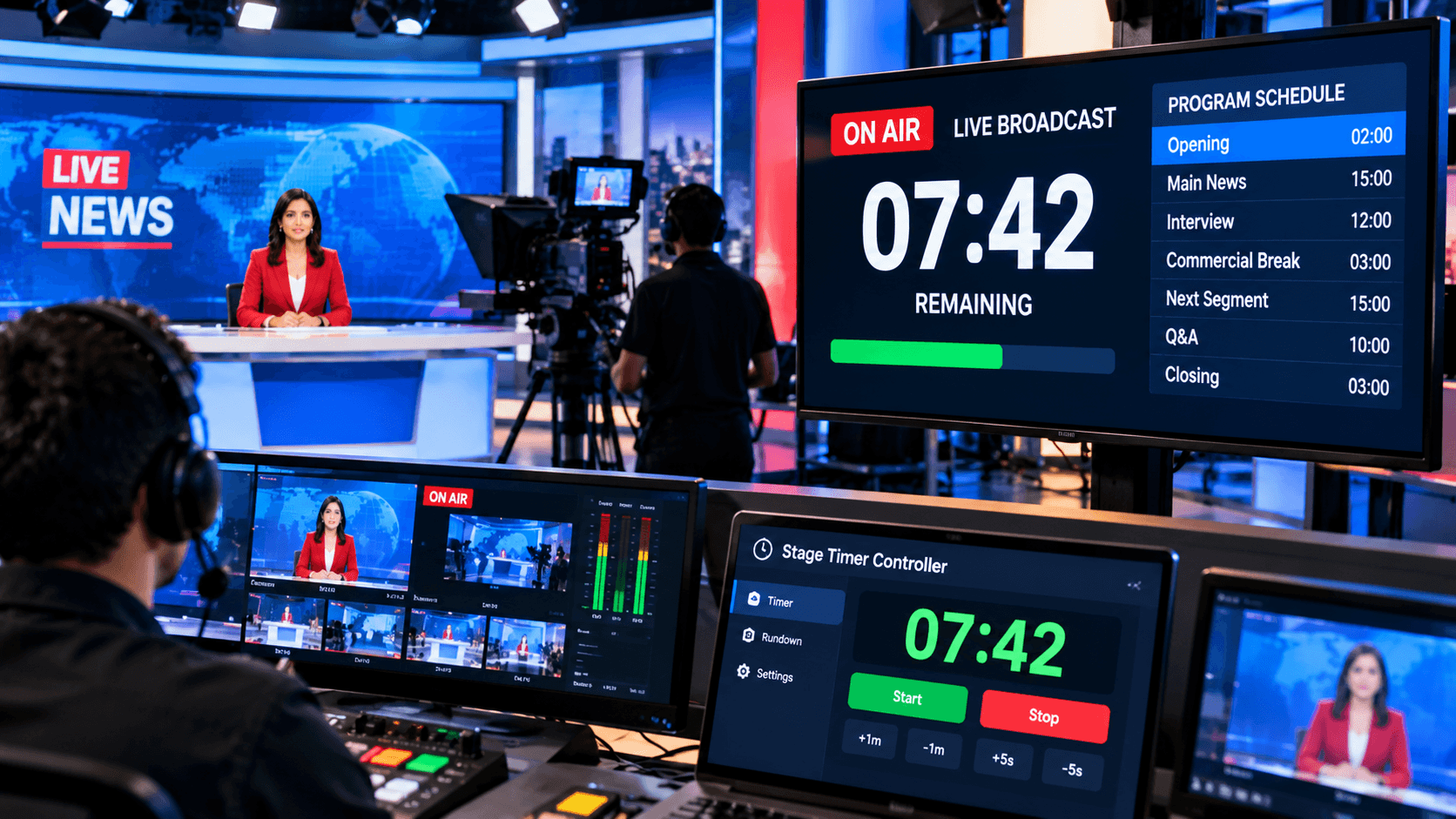
In news studios, where segments are very tightly timed—such as headlines, field reports, commercials, and weather updates—the stage timer helps anchors control their pacing. Anchors can deliver their segments smoothly without interruption because they have a clear countdown visible to them. The control room can adjust the timer, while the anchor sees only the essential information in viewer mode.
How to Use the Stage Timer Controller in Broadcasting?
Using the Stage Timer Controller for broadcasting is very simple. First, access the dashboard by opening stagetimercontrol.com/controller. Here, you can divide the entire broadcast show into segments—such as Opening, Headlines, Report, Break, Interview, Closing, etc. A separate timer is set for each segment, ensuring the entire show adheres to a fixed structure.
The Notes feature in the dashboard is particularly useful in broadcasting. The producer or director can add reminders to the notes—such as "Commercial cue," "Switch to Camera 2," "Lower third ON," or "Wrap in 30 sec." These notes silently guide the team during the live show. Color coding easily distinguishes urgent segments from those following the normal flow, keeping both the control room and the anchors alert.
Real-Time Control and Flexibility in Live Broadcasts:
Unexpected situations are common in live broadcasting—breaking news, technical delays, or a guest's response running longer than anticipated. The Stage Timer Controller's real-time controls make managing these situations easy. The timer can be paused instantly, the duration can be increased or decreased, and the changes are reflected instantly on all connected devices.
Visual alerts like flashing and focusing are incredibly useful in broadcasting. When a segment is about to end, the anchor receives a visual signal without needing verbal cues, indicating that it's time to wrap up. This minimizes awkward cut-offs or instances of talking over each other. This system gives the broadcast a polished and professional feel.
Multi-Device Sharing and Team Coordination:
Coordination is the biggest challenge in broadcasting. The Stage Timer Controller's multi-device sharing feature effectively solves this problem. The controller link remains with the producer or technical director, while the viewer link is opened on anchors', presenters', or studio screens. This allows everyone to see the same live timer, but control remains only with the authorized person.
This feature becomes even more valuable in remote broadcasting and hybrid setups. Field reporters, remote anchors, or online guests can also follow the exact timing via the viewer link. This significantly reduces the chances of delays, miscommunication, and missed cues.
Key Benefits of Broadcasting Time Management:
The biggest advantage of the Stage Timer Controller in broadcasting is accuracy and consistency. The show always starts and ends on time, which increases channel credibility. Anchors gain confidence, producers gain control, and viewers get a smooth experience. The timer-based workflow makes the broadcast team more disciplined and significantly reduces stress.
In addition, advertisement slots, sponsor mentions, and commercial breaks are managed more effectively. The problem of overruns or underruns is reduced, preventing revenue loss and scheduling conflicts. Overall, the Stage Timer Controller elevates broadcasting operations to professional standards.
Conclusion:
Broadcasting time management is one of the biggest needs of today's live media industry. Where every second counts, manual methods are no longer reliable. The Stage Timer Controller is a smart, flexible, and reliable solution for broadcasting that makes live shows, news studios, and broadcast productions perfectly timed.
If you want to make your broadcasts more organized, error-free, and professional, the Stage Timer Controller proves to be an essential tool. Precise timing, accurate control, and seamless coordination—these are the hallmarks of successful broadcasting.