Whether you're running events, meetings, fitness classes, live shows, broadcasting, video production, or education sessions—a synchronized timing system is crucial. When everyone sees the same timer, works to the same countdown, and reacts to the same signals—the entire workflow is smooth and perfectly coordinated.
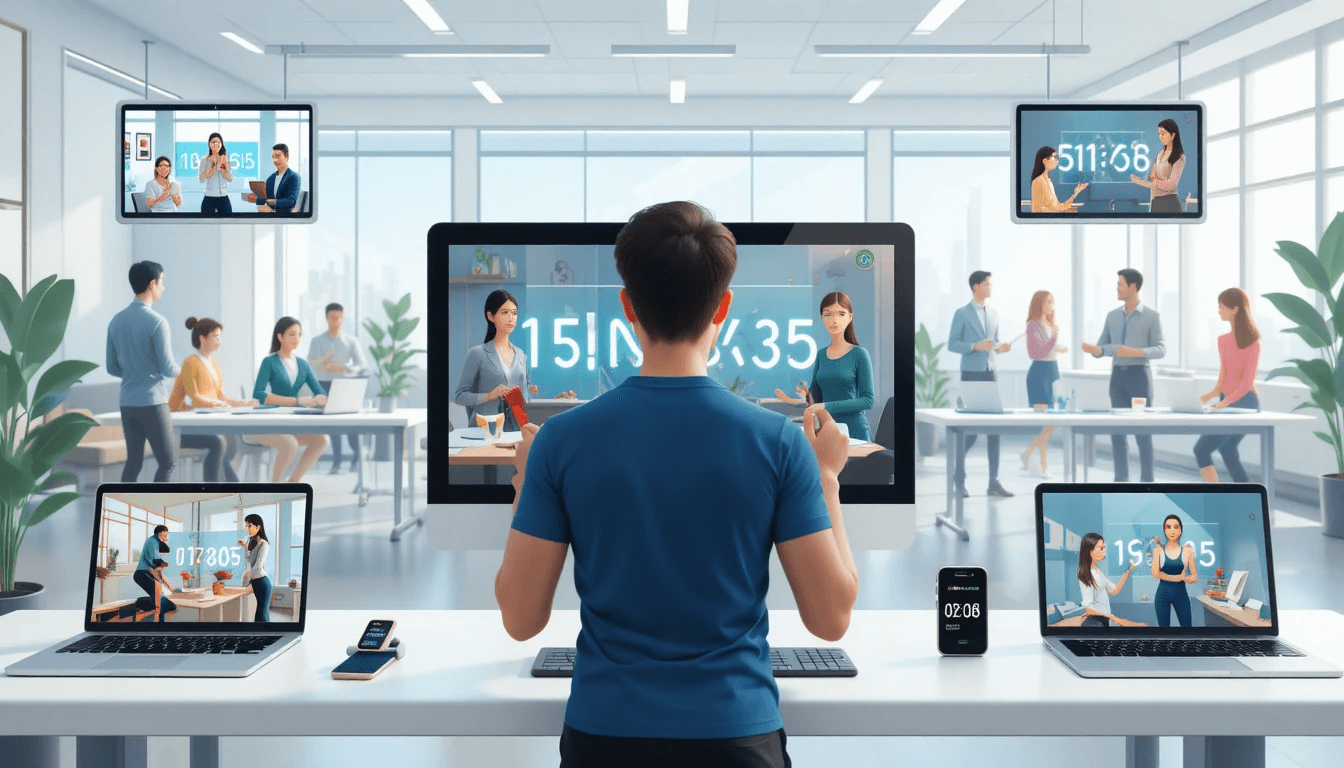
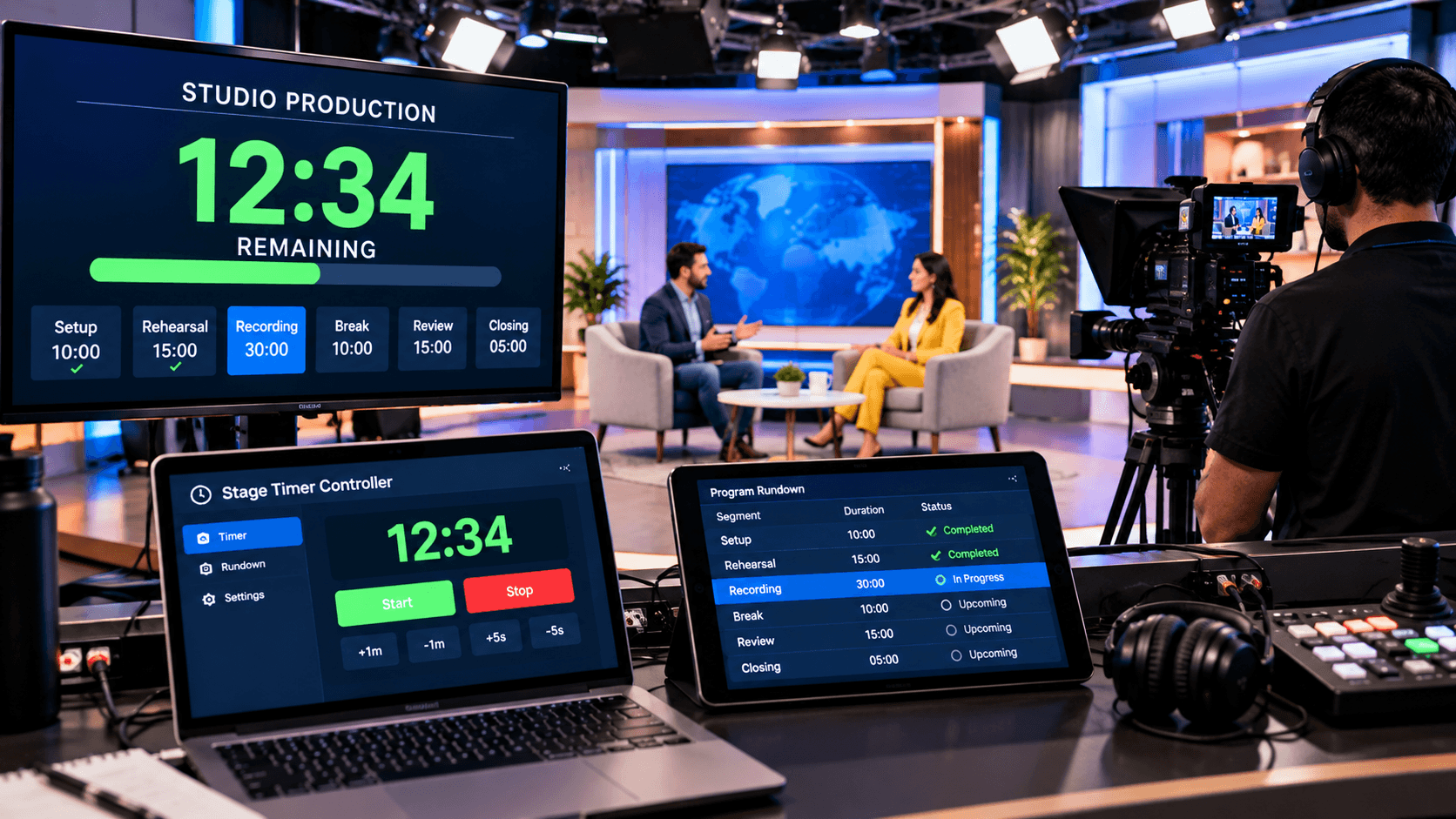
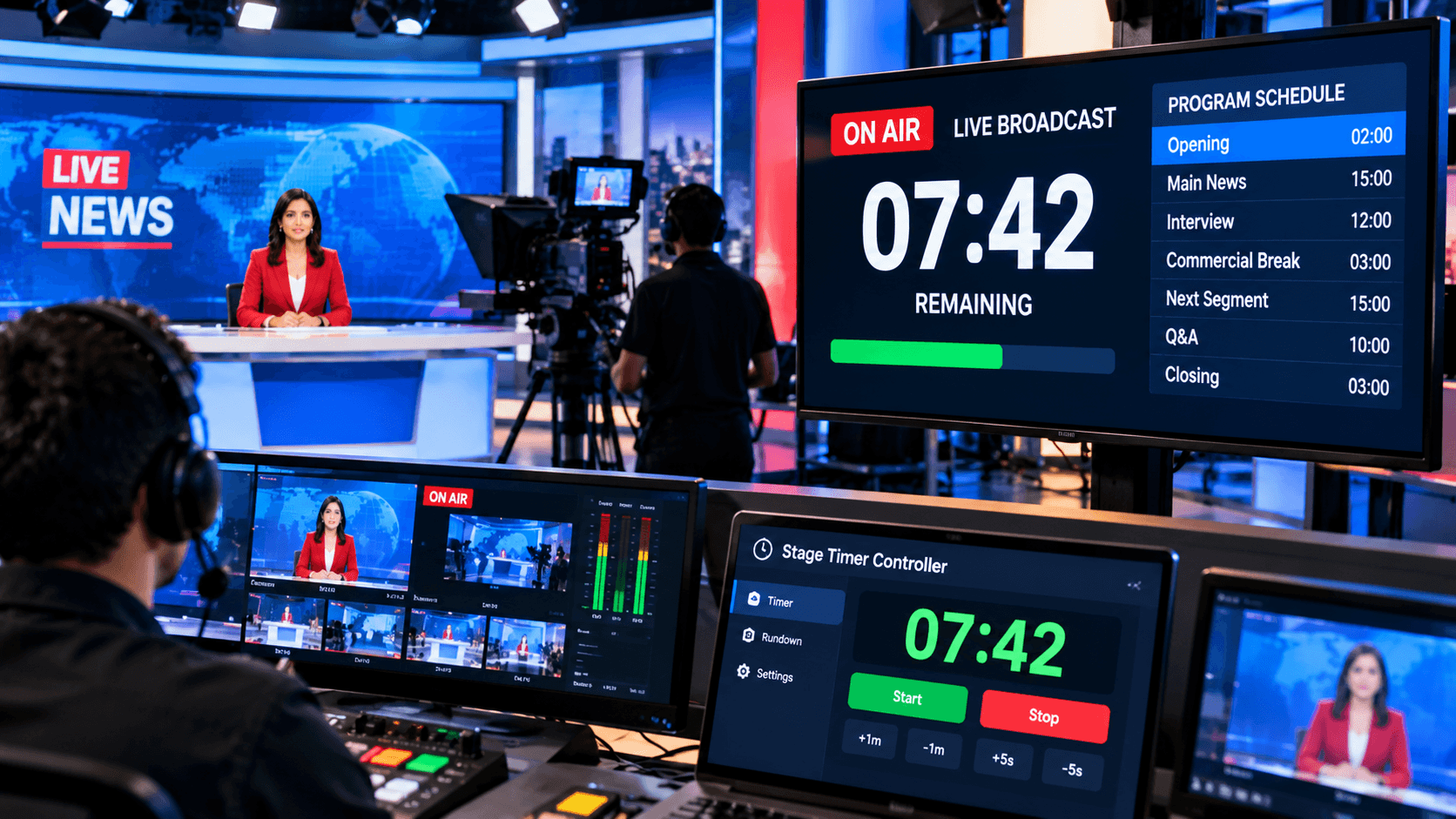
Stage Timer Controller makes this task incredibly simple. You can share a single timer across multiple devices—like mobile phones, tablets, laptops, projector screens, studio monitors, and remote client devices—with instant sync. This means your timer isn't just limited to your screen, but is broadcast in real-time to the entire team and participants.
The biggest advantage of this feature is that everyone—the organizer, speaker, performer, trainer, or technician—has a clear idea of what's going on and when to take the next step. This completely eliminates delays, miscommunication, and confusion.
How to Share Timers on Multiple Devices – Step-by-Step Guide:
Time management is crucial these days, especially when running live events, meetings, fitness classes, or team projects. Often, setting a timer on just one device isn't enough, so sharing timers across multiple devices becomes essential. The easiest and most effective way to do this is to use StageTimerControl.
The biggest advantage of StageTimerControl is that it's cloud-based, meaning your set timer updates in real-time across all connected devices.
Step-by-Step Guide:
Create an Account on Stage Timer Control: First, visit our website Stage Timer Control and register your account.
Set a Timer: After logging in, set a timer for your event or class. You can choose from different timer options, such as Countdown, Stopwatch, or Pomodoro.
Get a Shared Link or Code: After setting the timer, StageTimerControl will give you a shared link or code. You can send this to team members, participants, or other devices.
Open on multiple devices: Open the link in any browser or smartphone/tablet. Once you open the link, your timer will sync across all devices.
Real-time control: StageTimerControl lets you start, pause, or reset the timer from any device. This means you can control the timer from anywhere in the office, studio, or fitness class.
Benefits of Sharing Timers Across Devices:
Sharing timers across multiple devices has several significant benefits. The biggest advantage is that you receive consistent time-related information on any device. Whether you're running an office meeting, running a fitness class, or managing live events, real-time updates across all devices ensure you never miss a task or session.
It's also extremely helpful for teams and participants. Everyone can see the same timer, keeping meetings, presentations, or sessions on schedule. This is a huge boost to productivity, as everyone is aware of the time, preventing unnecessary delays or confusion.
Using a cloud-based platform like StageTimerControl, you can easily control timers on any browser, smartphone, tablet, or smartwatch. Furthermore, your data remains secure and there's no fear of loss. Thus, sharing timers across multiple devices is an effective method for time management, productivity, and team collaboration.
Best Use Cases for Multi-Device Timer Sharing:
Using a platform like StageTimerControl proves extremely effective in many situations. The first and most common use is in fitness and workout classes. Instructors can set a timer and share it in real-time across all participants' devices, ensuring everyone adheres to the timeline.
Another important use is in office meetings and project management. All team members can see the same timer, ensuring meetings end on time and meeting project deadlines. Furthermore, organizers of live events and webinars can share timers with participants, ensuring no one misses a session.
The third use is for academic or personal time management. Students can share Pomodoro or study sessions across mobile phones and laptops. Similarly, household and personal activities, such as cooking timers, meditation, or routines, can be shared with family members. Thus, StageTimerControl's versatility makes time management and collaboration easier in many situations.
Conclusion:
StageTimerControl is a great web-based platform that lets you share timers across multiple devices in real-time. Whether you're running a fitness class, organizing office meetings, handling live events, or managing team projects, you can ensure efficient time management and productivity.
With the right app and step-by-step process, you can make your daily tasks, team meetings, and personal routines more organized and effective. With StageTimerControl, your timer is synced, secure, and easily controlled across every device.