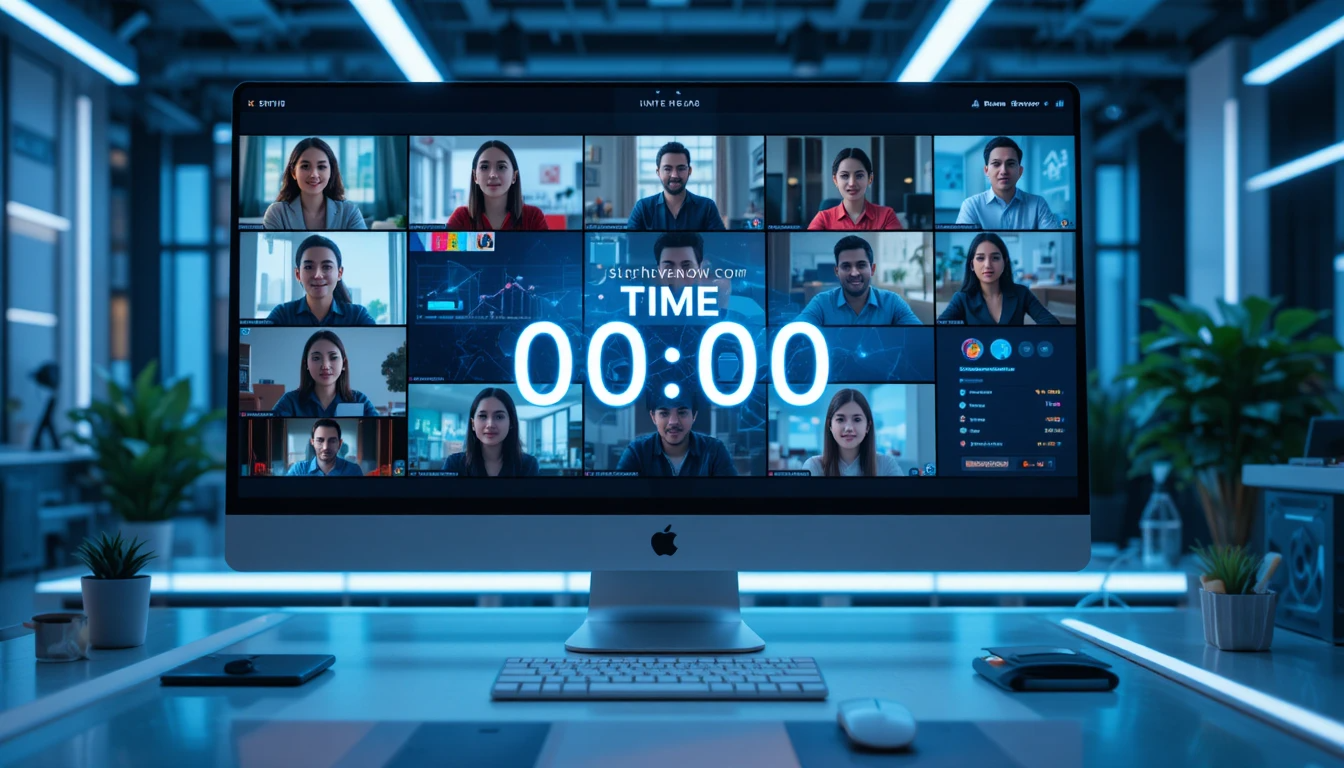
In today's digital age, remote events and virtual meetings have become commonplace. Whether you're hosting a webinar, conducting an online workshop, or managing remote team meetings, effective time management is crucial for success.
Often, in remote events, speakers are located in different places, and schedule overruns or delays can be quite disruptive for the live audience. This is why tools like StageTimerControl are essential, helping to make your events professional and seamless.
What is StageTimerControl and why is it necessary?
StageTimerControl is a web-based timer and control tool that helps you with time management for live events, meetings, webinars, and presentations.
Its main advantages:
Real-time timer control: Start, pause, resume, and extend options
Multi-device synchronization: Synced timers across all devices
Alerts and Visual Cues: Flash, Blackout, Focus mode
Notes and Labels: Information for each segment or session
You can use it on any device through a browser; no app installation is required.
The biggest advantage of StageTimerControl in remote events is that it allows you to show a synchronized timer to all participants and speakers simultaneously.
Step-by-Step Guide for Remote Events and Virtual Meetings:
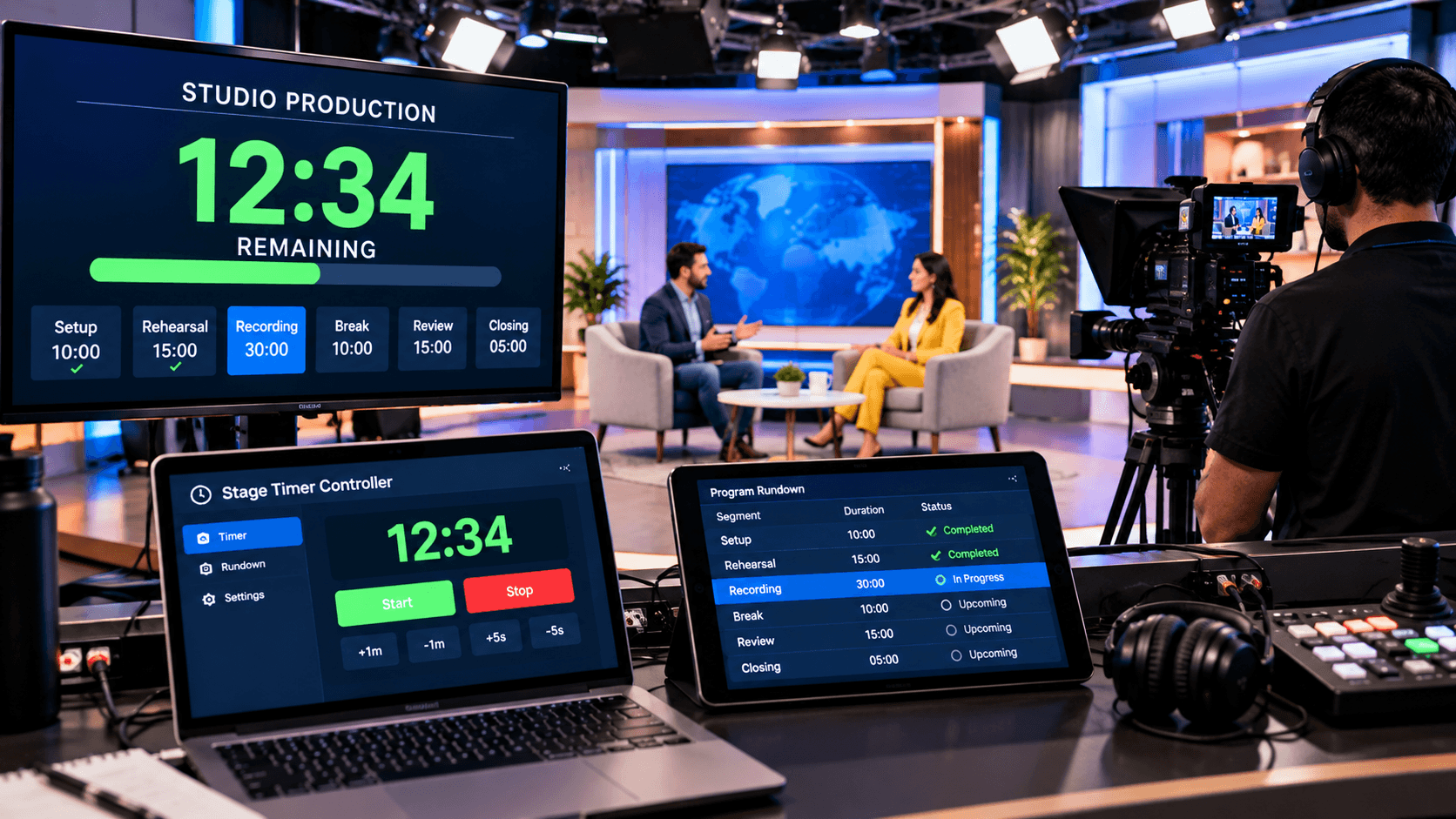
Successfully managing remote events requires the proper use of StageTimerControl. First, create all segment-wise timers before the event and clearly label and color-code them. Adding notes and instructions is also helpful so that presenters and the crew have complete information about each segment. This way, all sessions are prepared in advance, and the event runs smoothly.
The next step is device setup and synchronization. Open the Controller page on all devices of the organizer and team, and send the view-only link to the presenters. This allows all participants to see the timers in real-time and stay synchronized. Once the event starts, it's easy to start, pause, resume, or extend the timers, and the next segment can even be auto-started if needed.
Finally, use active monitoring and visual cues during the event. Alerts such as Flash, Blackout, and Focus Mode help keep the timers in focus. After the event concludes, analyze the timer history to make future events and presentations even better and more time-efficient.
How to Implement StageTimerControl in Remote Events:
To effectively implement StageTimerControl in remote events, preparation is key. Before the event, create timers for each session, set titles and labels, and add notes for the presenters. This pre-determines the timing of each segment and ensures a smooth event flow.
Before the event begins, open the Controller page on all organizers' and crew members' devices and ensure the timers are properly synchronized. Provide presenters with a view-only link so they can see the timing of their segment without accidentally altering the timer.
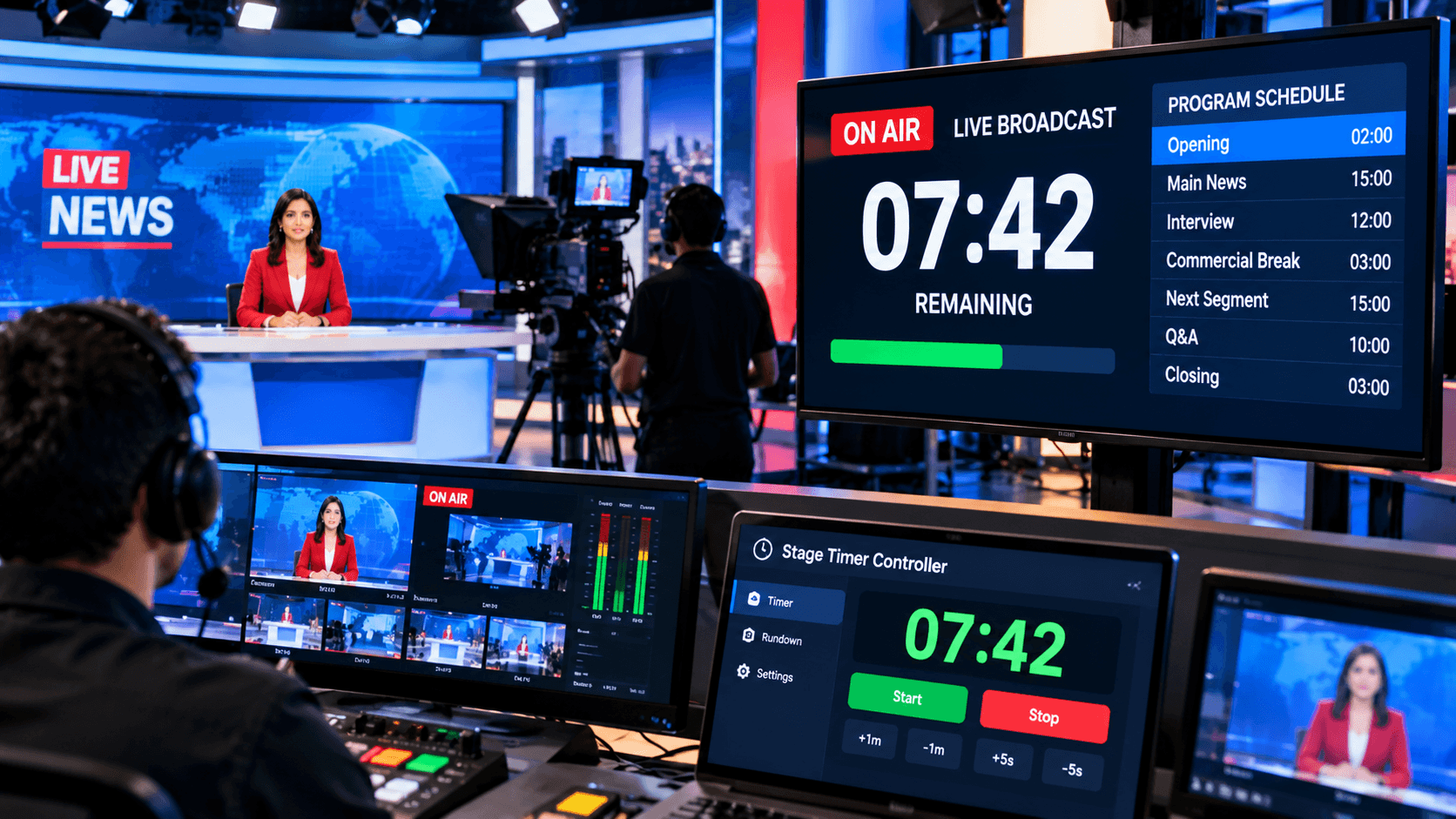
During the live event, organizers can start, pause, resume, or adjust the timers. If any segment requires modification, the duration can be instantly adjusted. In this way, StageTimerControl helps make every remote event time-bound, synchronized, and professional.
StageTimerControl: Users and Key Benefits:
StageTimerControl can be used in any type of remote event and virtual meeting. Whether you're running webinars, online conferences, workshops, team meetings, live streams, or virtual fitness classes – this tool is useful for all scenarios. Its simple and user-friendly dashboard ensures that whether you're a beginner or a professional, you can easily set, control, and share timers.
Its biggest advantage is that the timers remain synchronized in real-time across all devices, keeping both presenters and the audience aware of the time. Visual alerts and cues such as Flash, Blackout, and Focus Mode make the event professional and smooth. Segment-wise timing, color-coded labels, and notes allow organizers to easily manage each session.
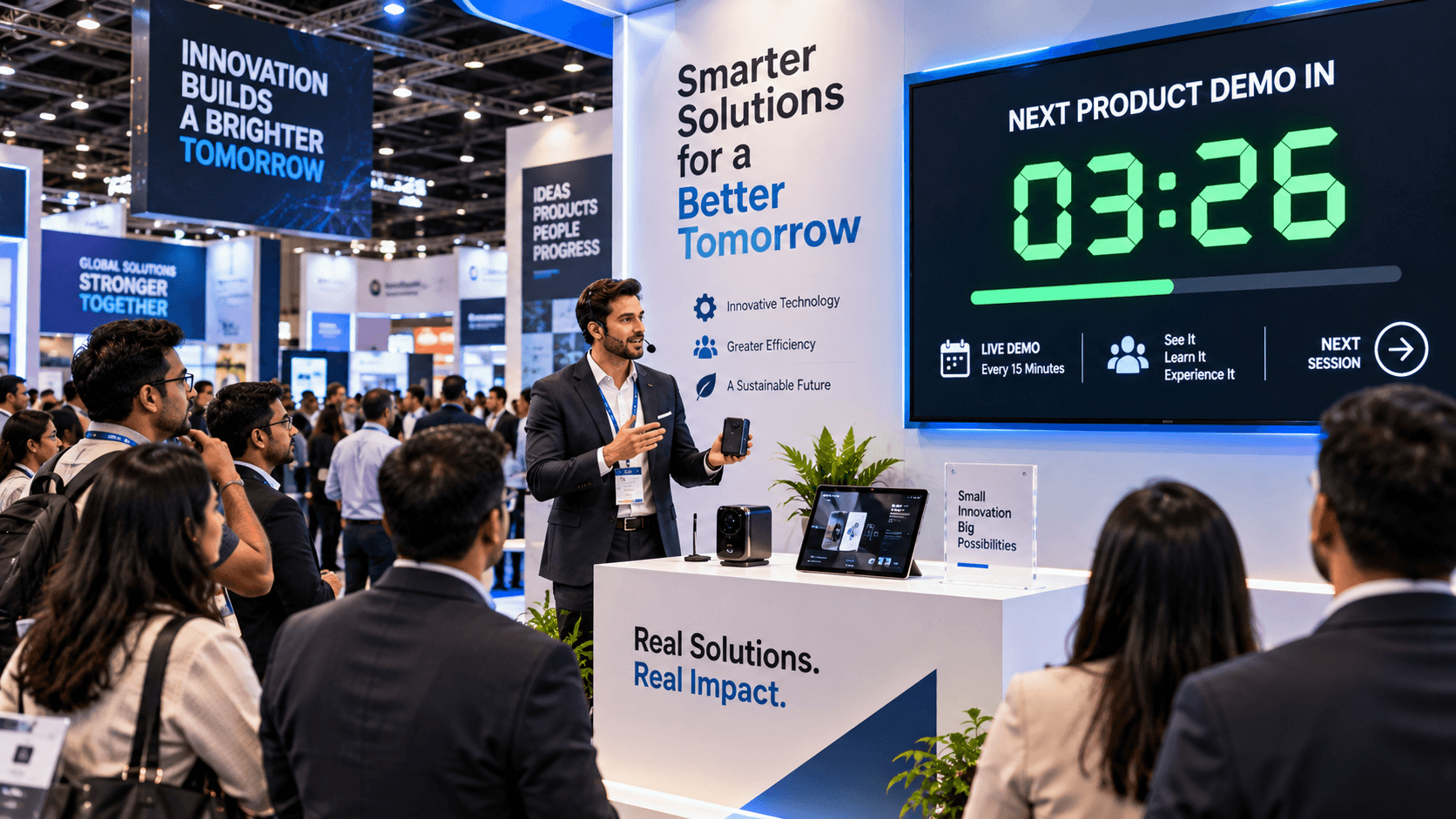
Furthermore, StageTimerControl is ideal for remote and hybrid events. It's not just a timekeeping tool, but it makes your event well-timed, synchronized, and audience-friendly. Multi-device sharing, view-only links, and real-time adjustments make it an essential tool for all types of online and remote events.
Conclusion:
StageTimerControl has become an essential tool for remote events and virtual meetings. It's not just a timekeeping device, but a solution that delivers a professional, smooth, and synchronized event experience.
Whether you're hosting a webinar, conducting online training, or organizing remote team meetings, StageTimerControl ensures your event runs on time, effectively, and is audience-friendly.
Its simple dashboard, multi-device sync, and visual cues make it perfect for all types of remote and hybrid events.
You can try it out today at StageTimerControl.com and take your events to the next level of professionalism.