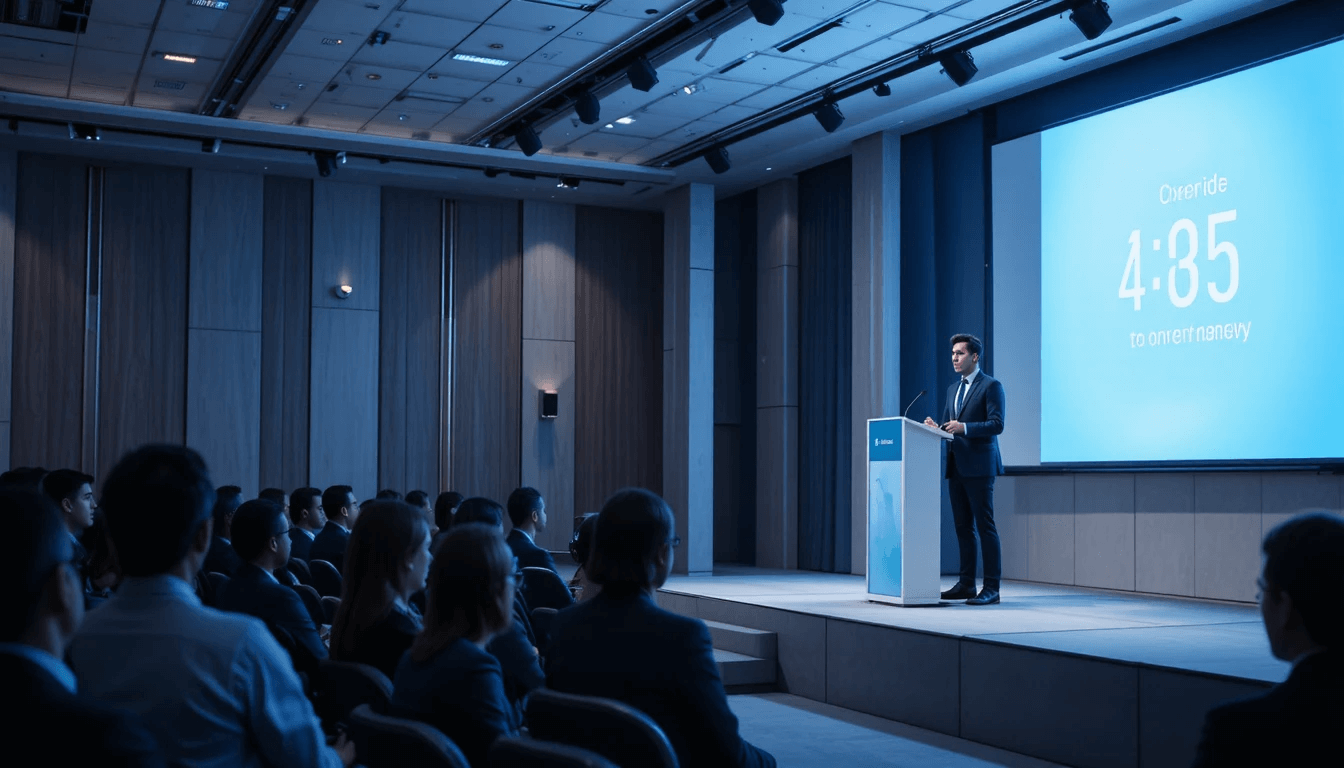
Giving a presentation or engaging in public speaking is not just about using the right words, but about the art of saying the right thing at the right time. You've probably seen many speakers who, despite having excellent content, finish too early, while others talk excessively and lose the audience's attention. This is why Presentations & Public Speaking Time Management has become a critical skill for professional speakers, trainers, teachers, and corporate presenters today.
In seminars, meetings, conferences, classrooms, or motivational talks—time is always limited. A presentation's introduction, main content, examples, stories, and Q&A—everything needs to flow within a balanced timeline. When a speaker is unsure how much time they have left, nervousness increases, and the delivery suffers. This is where a smart digital tool like a Stage Timer Controller helps make the presentation structured, confident, and professional.
Challenges of Time Management in Presentations & Public Speaking:
The biggest challenge during public speaking is maintaining the flow. Many speakers spend too much time on the introduction, leaving insufficient time for the main message. Sometimes, the slides finish too quickly, and the speaker is left in an awkward silence, or there's no time left for Q&A. All these problems are a result of poor time management.
Furthermore, in live presentations, external factors can also disrupt the timing—such as audience interaction, questions, technical delays, or announcements on stage. If the speaker doesn't have real-time timing visibility, they end up speaking based on guesswork. This makes the presentation unbalanced and less impactful. Effective presentation time management is the key to solving all these issues.
How the Stage Timer Controller Transforms the Presentation Experience:
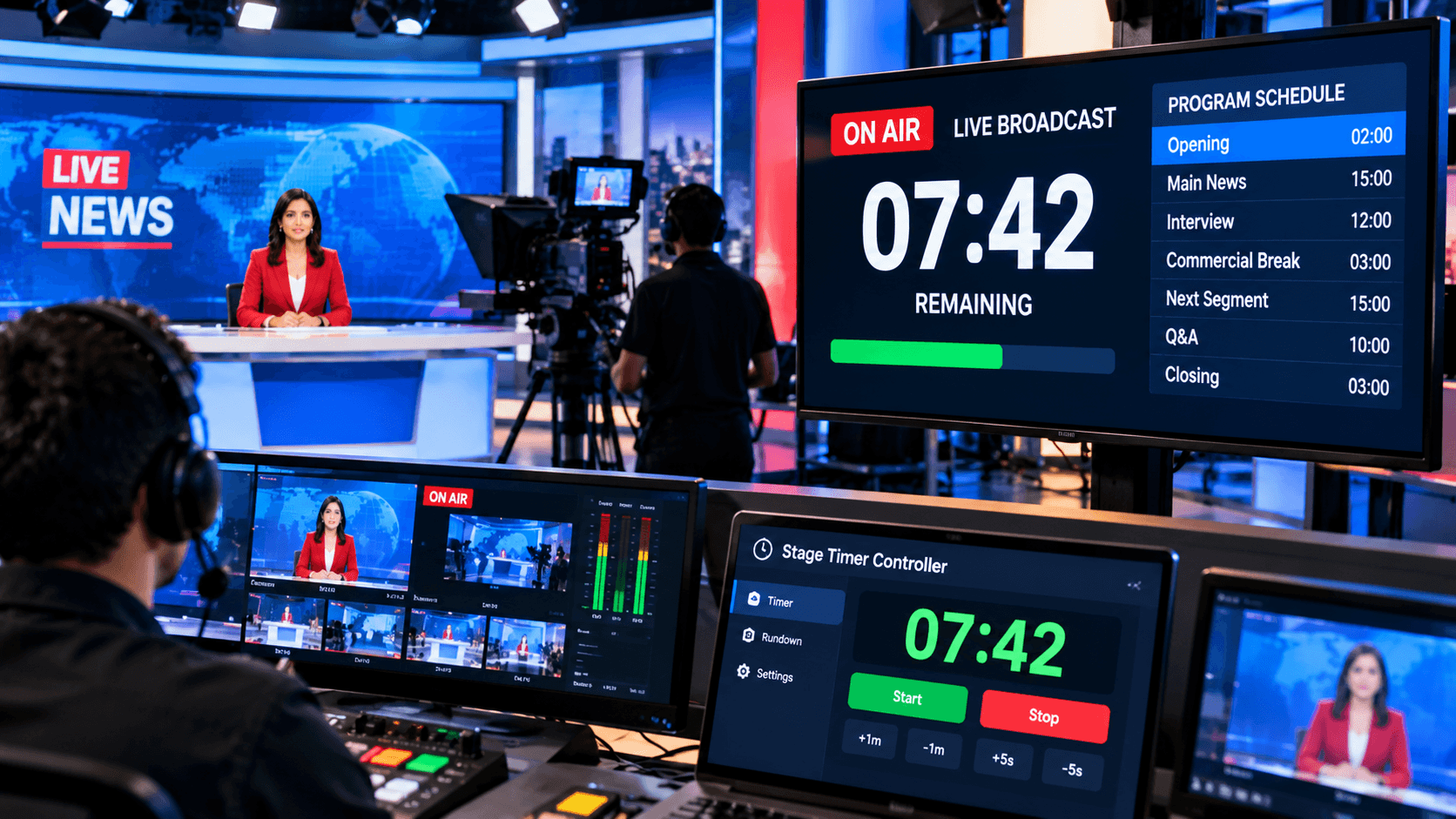
The Stage Timer Controller provides presenters with a clear visual reference, allowing them to know exactly where they are in their presentation at all times. The speaker sees a clean countdown display, enabling them to naturally adjust their pace. This prevents both over-speaking and under-speaking.
The biggest advantage of this tool is that the speaker doesn't need to constantly check their watch or rely on signals from an assistant. The timer guides silently, allowing the speaker to maintain focus on the content and the audience. This significantly boosts confidence in corporate presentations, keynote speeches, and training sessions.
How to Use the Stage Timer Controller for Presentations?
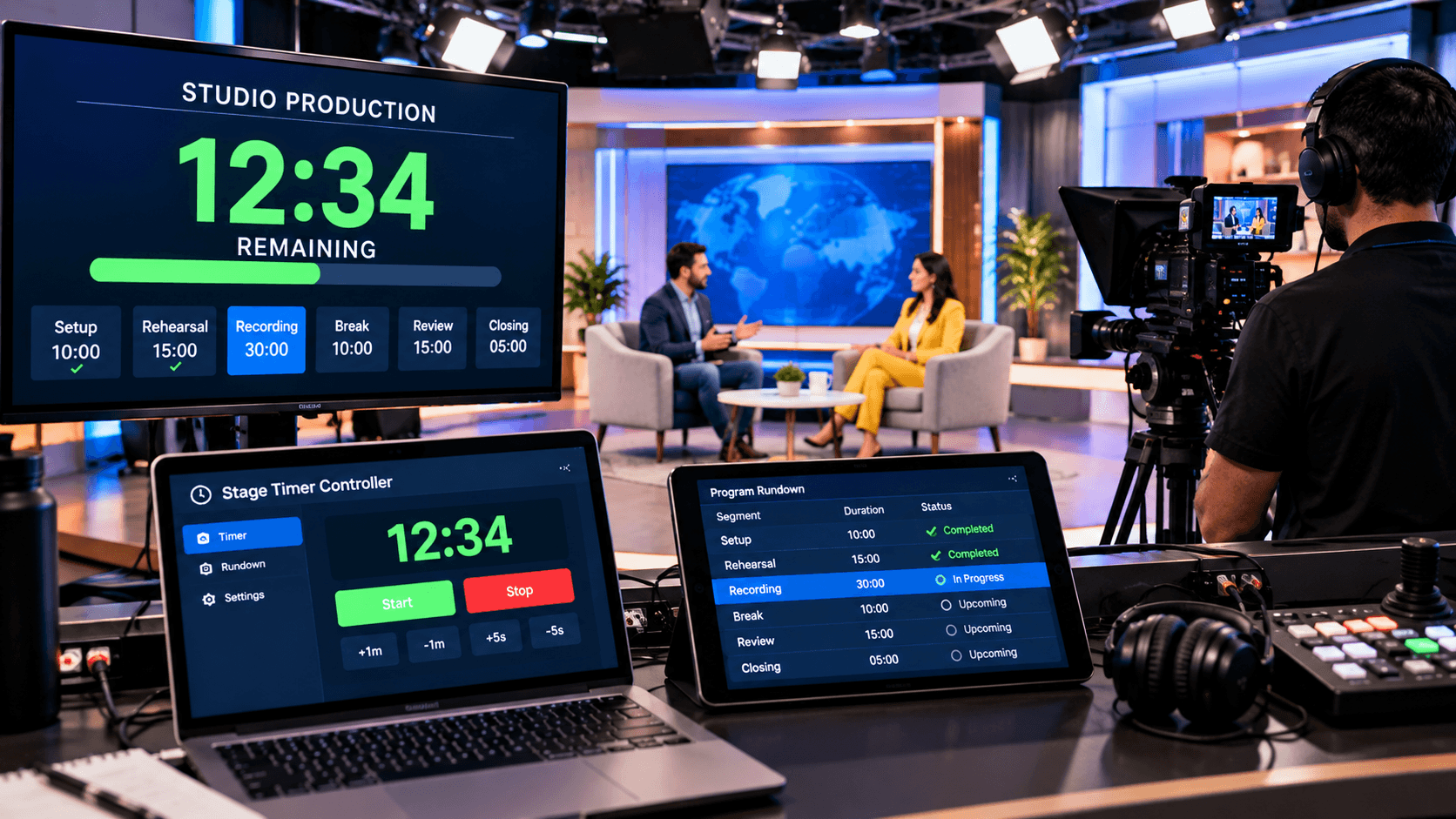
Before the presentation, the dashboard is accessed at stagetimercontrol.com/controller. Here, you can divide your presentation into different segments—such as Introduction, Slide Section 1, Case Study, Interaction, Q&A, and Conclusion. A separate timer is set for each segment, giving the entire presentation a clear structure.
The Notes feature is incredibly useful for presenters. You can write reminders such as "Story example," "Audience question," "Key takeaway highlight," or "Slide change." These notes provide silent guidance during the presentation. Color coding helps visually distinguish important segments, letting the speaker know which parts are critical.
Visual Alerts and Speaker Focus:
In public speaking, timing cues should be subtle. The Stage Timer Controller's visual alerts—such as Flash or Focus—gently signal to the speaker that time is running out. This allows the speaker to naturally begin wrapping up without abrupt interruptions.
The Focus mode keeps the speaker's attention solely on the current segment. In large conferences or stage presentations where distractions are common, this feature helps the speaker remain calm and centered. The result is a smooth, confident, and audience-friendly delivery.
Multi-Device Access and Practice Sessions:
A presentation isn't just created on stage; time management is crucial during rehearsals as well. The Stage Timer Controller's multi-device access feature provides speakers with the same timing environment during practice sessions. Rehearsals can be conducted on any device—laptop, tablet, or mobile phone.
During practice sessions, the speaker can see which parts are taking too much time and where the content needs to be shortened. This eliminates surprises during the live presentation. This rehearsal advantage proves invaluable for trainers, teachers, and keynote speakers.
Benefits of Presentations & Public Speaking Time Management:
Effective time management makes a presentation professional. The speaker remains confident, the audience stays engaged, and the organizer is assured that the schedule will not be disrupted. The Stage Timer Controller makes presentations predictable and polished, thereby increasing the speaker's credibility.
Furthermore, Q&A sessions are handled more effectively because the speaker knows how much time has been allocated for discussion. In corporate meetings and conferences, this discipline makes presenters stand out. Starting on time and finishing on time—that's the hallmark of a powerful presentation.
Conclusion:
Presentations & Public Speaking Time Management is a skill that transforms good speakers into great speakers. No matter how good the content is, if it's not delivered effectively within the allotted time, its impact is diminished. The Stage Timer Controller empowers presenters to perfectly align their message with the available time.
Whether you are a corporate presenter, trainer, teacher, motivational speaker, or conference keynote speaker—this tool makes your presentations structured, confident, and audience-focused. The right timing, the right flow, and the right impact—that's the true formula for successful public speaking.