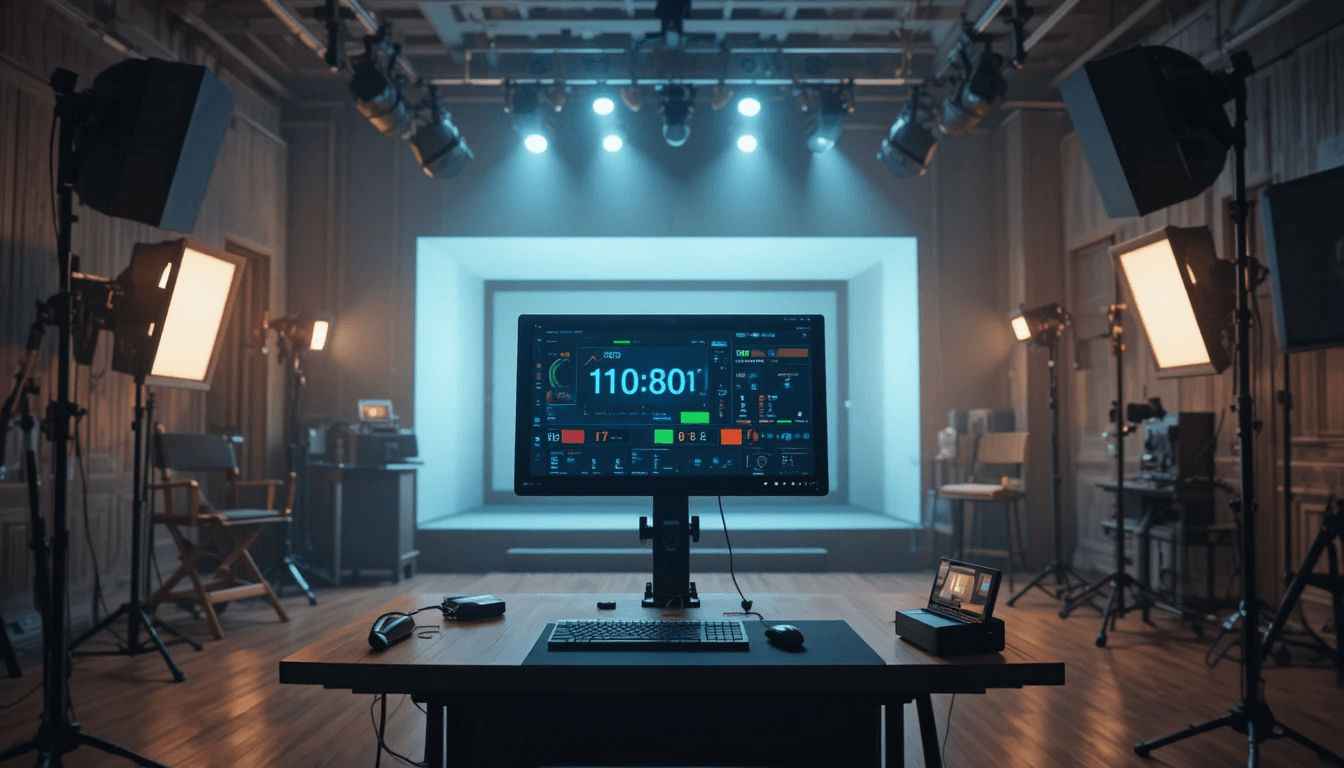
In the world of filmmaking and studio recording, time is the most precious resource. Every take, every light setup, camera angle, sound sync, and performance—everything operates on a timeline. Whether it's large film projects or small indie music videos, poor time management can derail both the budget, schedule, and workflow. This is why the use of Time Management Tools is rapidly increasing in today's production houses, studios, and film sets. A smart timer system is crucial for streamlining scene switches, break durations, costume/lighting preparation, and coordinating multiple crew members.
The Stage Timer Controller is designed with this need in mind, allowing the crew, director, actors, and technical team to work on a synchronized timeline. It's not just a timer, but a real-time shoot coordination system that makes the production workflow smooth and efficient.
The Importance of the Stage Timer Controller in Studio Recording and Film Shoots:
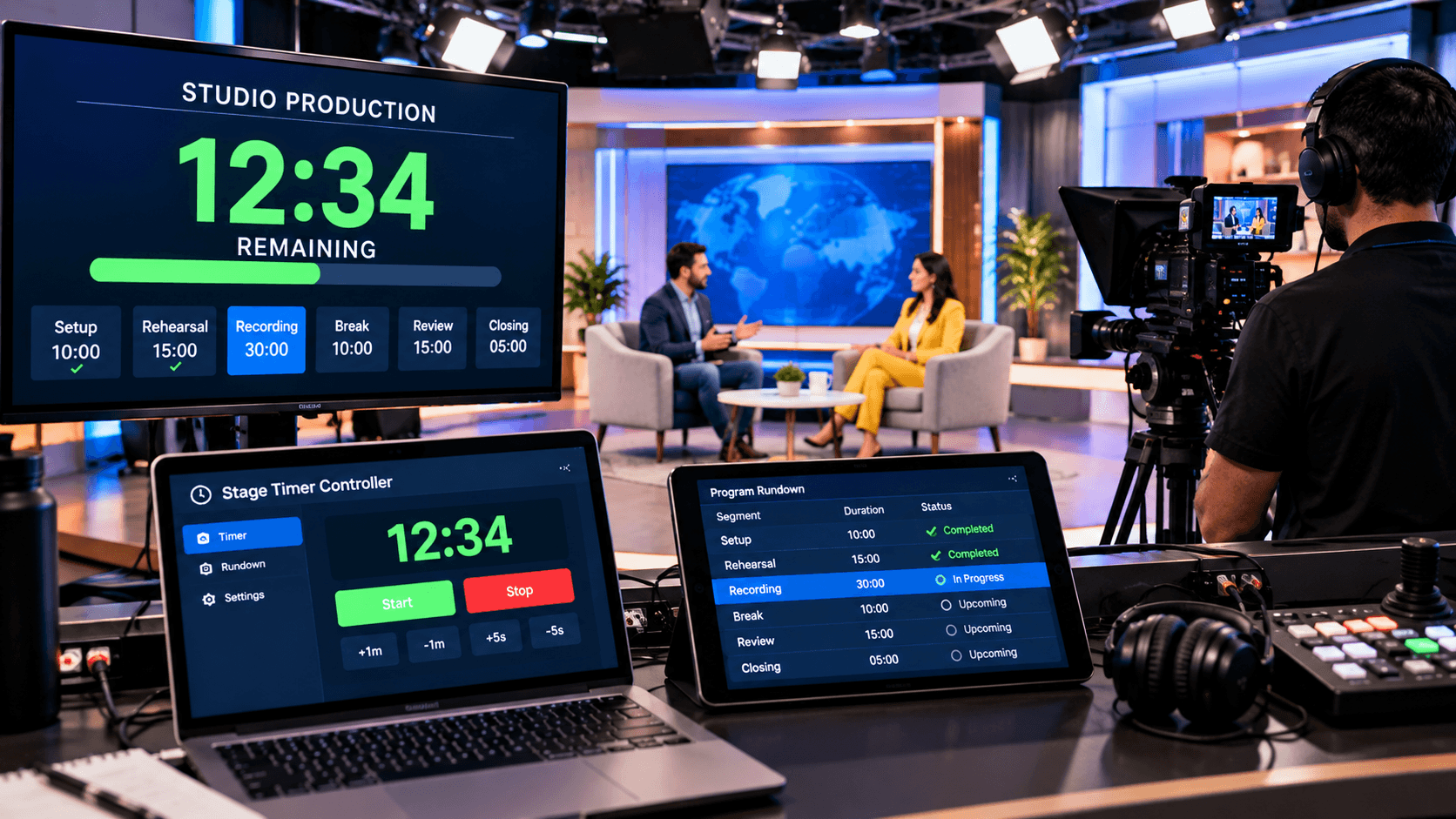
In film shooting, the scene schedule is often tight. The director has to manage time carefully, considering scene durations, retakes, setup changes, and actor availability. The Stage Timer Controller allows setting separate timers for each shoot segment. This enables every department to see how much time is left for each scene and when the next step will begin. This significantly reduces time loss in large projects.
In studio recordings, musicians, sound engineers, and camera crew have to work on a fixed timeline. If the recording overruns, it leads to extra studio costs, tiring reshoots, and workflow delays. The Stage Timer Controller provides real-time countdown, pause/resume, and extend controls, allowing the team to adjust timing instantly. On-screen color alerts inform the team when buffer time should begin or when to wrap up the recording.
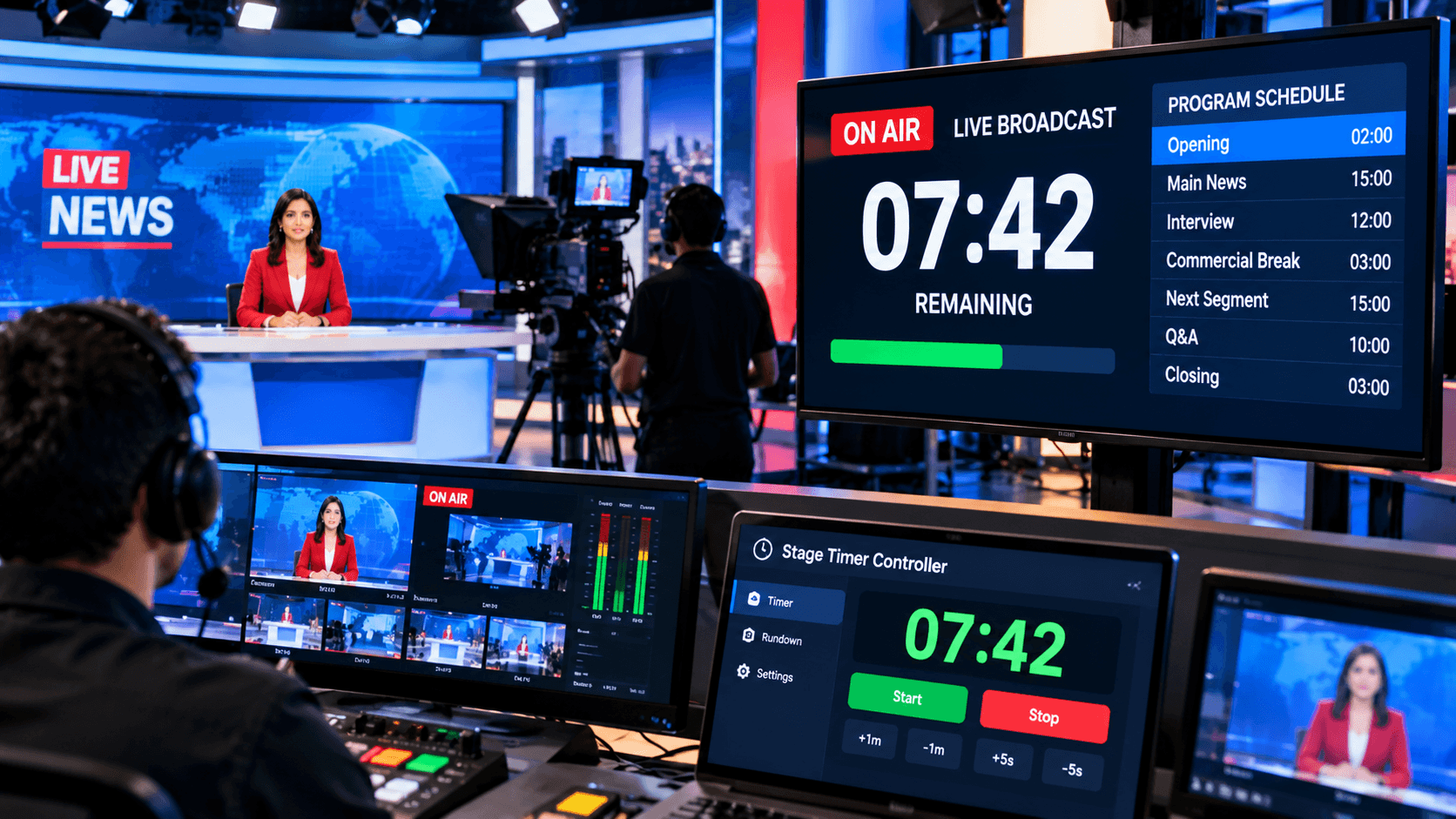
In film production, departments are diverse—lighting, sound, makeup, camera, set design, etc. The multi-device viewer access feature allows everyone to view the same timer. The director controls from the dashboard, while the rest of the crew can view the time in viewer mode on their mobile devices or monitors. This reduces background chaos and ensures everyone is prepared according to their role and timing.
How to use the Stage Timer Controller?
The first step before starting a studio recording or film shoot is to open the dashboard at stagetimercontrol.com/controller, from where the entire shoot timing can be controlled. All the features, such as the Timer Panel, Add Timer Button, Note Box, Controls, and Visual Alerts, are clearly visible on the dashboard. According to the flow of the shoot, you can set timers for different scenes, audio takes, lighting setups, or breaks. Simply click on the Add Timer option, set the Timer Duration, and save it with a Scene Name or Task Title.
After setting the time for each scene, you can write down the tasks or instructions in the Notes section, such as "Camera Angle Change," "Light Setup B," "Actor Entry," "Music Cue Start," etc. This allows crew members to perform their duties with a clear understanding without verbal reminders. With the help of Viewer Mode and the Sharing Feature, the director or controller operates the main panel, while the rest of the team can only see the countdown and alerts live on their devices. This ensures that every action is executed on time on the set without noise and confusion.
Customization also makes this tool even more valuable in film production. You can choose a color code for each timer, visually distinguishing urgent shots, normal takes, and wrap-up stages. During a running shoot, if the time needs to be increased or decreased, the director can easily pause, resume, or extend the timer. At the final stage, Flash or Focus alerts give the team instant visual cues that the shot is about to end or that it's time to start the next setup. This entire step-by-step workflow keeps the shoot on schedule and significantly increases production efficiency.
Benefits of Custom Timers in Studio Recording & Film Shoots:
The biggest advantage of a custom timer in studio recording and film shoots is that it allows you to set different time durations for each scene, shot, retake, or setup. This gives the director a clear overview of the entire shoot beforehand, knowing exactly how long each segment will take. The Notes feature is also very useful, allowing you to write short instructions such as "Light Change," "Makeup Touchup," "Camera B Setup," etc., providing clear directions to the team, reducing confusion and speeding up execution.
Custom timers make coordination on the film set much smoother. With the multi-device sharing feature, the director operates the panel in controller mode, while the rest of the crew can view the time flow in viewer mode—ensuring everyone works in sync. This feature is especially helpful in large productions with multiple departments, as each team remains prepared according to the schedule.
This not only saves shooting time but also reduces costly overtime, reshoots, and schedule delays, improving overall production efficiency and budget control. The custom timer setup provides an organized, disciplined, and professional workflow on the film set, which is the most crucial foundation for any successful shoot.
In studio recording and film shoots, time management is not just a matter of discipline, but a crucial element for the success of the production. When scenes, retakes, setups, and technical adjustments are executed on schedule, the shoot is not only completed faster but also results in higher-quality output. The Stage Timer Controller is a smart time management tool designed with this need in mind, helping the director, crew, actors, and production team work together on a synchronized timeline. Features like custom timers, notes, color coding, flash alerts, and multi-device sharing prove highly effective in keeping the shoot organized and flowing smoothly.
Whether you're shooting a short music video, a commercial ad, a documentary, or a full-length feature film, effective time management allows you to complete the shoot professionally while saving on costs, energy, and resources. When used effectively, the Stage Timer Controller not only structures the workflow but also significantly increases production efficiency. Therefore, this tool is an essential digital partner for every studio and film set in today's modern filmmaking environment, helping you transform your creative vision into reality within the given timeframe.