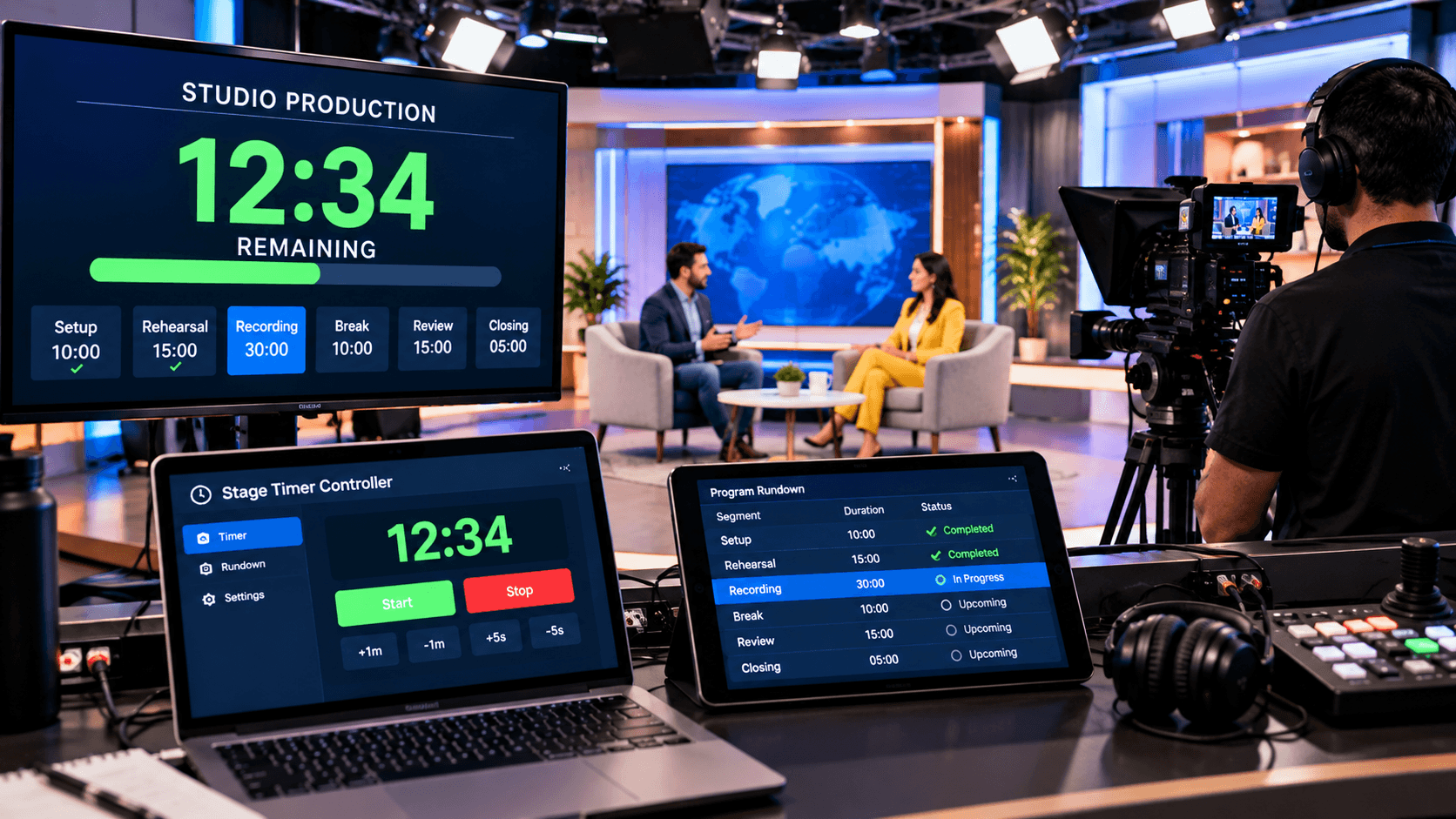
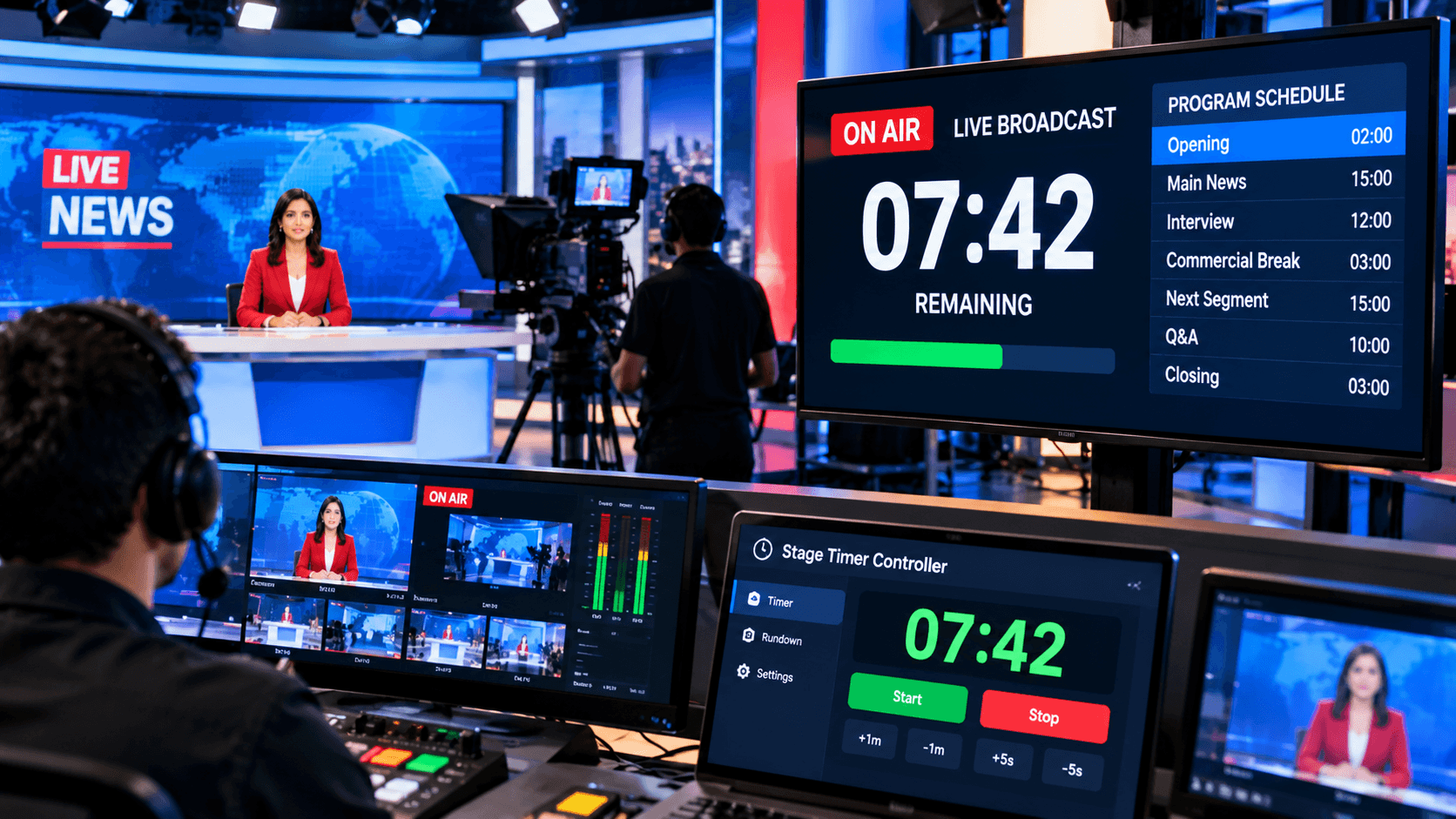
Time is the most precious resource in our lives. Whether you're working on office projects, focusing on your studies, or participating in online meetings, effective time management directly impacts your focus and productivity.
People often think that "time takes care of itself," but the reality is that without proper time management and the right tools, your work will drag on and your focus will suffer. That's why everyone needs a reliable online timer today.
An online timer is more than just a digital clock. It's a way to maintain a balance between work and breaks. With the right timer, you can make the most of your time.
Why is a timer necessary?
Effective time management is the key to success in every task, study session, or meeting. Often, people get distracted or fail to utilize their time efficiently while working, leading to decreased productivity. This is why using a good online timer becomes crucial. It helps you work for a set duration and also manages your break times. Working with a timer allows you to break down your day into smaller, manageable sessions and maintain focus for longer periods.
An online timer is not only helpful for individual work but is also beneficial for team meetings and group study sessions. Setting timers for agenda items in meetings reduces wasted time and ensures that all important issues are discussed promptly. In this way, the best online timer makes your daily routine more structured, productive, and focused, enabling you to achieve your goals on time.
Timer Methods & Techniques:
There are several popular techniques for effectively using online timers. The Pomodoro Technique is one of the most popular, involving working for 25–30 minutes followed by a 5-minute break. This technique helps maintain focus for extended periods and reduces fatigue.
Other options include Time-boxing, Countdown timers, and Multi-timers. Time-boxing involves setting a specific time frame for each task, while a Multi-timer tracks multiple tasks and break sessions simultaneously. Setting timers for meetings is also useful to ensure the agenda is completed on time and the meeting doesn't run over.
Best Online Timers: Types and Uses:
Online timers come in various types and can be used in different ways for different tasks. The most common type is the Countdown Timer, which provides an alert after a set period of time. This is very useful for keeping track of time during work, study sessions, or meetings.
Another popular type is the Pomodoro Timer, which incorporates short, focused work sessions and breaks. The Multi-Task Timer is useful for those who need to track multiple tasks simultaneously.
For meetings, a dedicated Meeting Timer is used to keep agenda items on schedule and ensure the meeting ends on time. By utilizing these different types of timers, you can effectively manage your work and breaks and increase your productivity.
Tips for Using an Online Timer:
Using an online timer effectively can significantly boost your productivity and focus. First, set your goals and time limits before starting work, studying, or a meeting. This will ensure you work with a clear direction during each session and avoid distractions. Taking short breaks during long work or study sessions is also crucial to keep your mind fresh and prevent fatigue.
Additionally, keep the timer clearly visible on your screen for easy tracking at all times. If you have multiple tasks or meeting items, use a multi-tasking timer. Creating a time-bound agenda for meetings is also beneficial, ensuring all important issues are discussed on time and the meeting doesn't run over. By following these tips, you can get the most out of your online timer.
Things to consider when choosing the best online timer:
When choosing the best online timer, the first thing to consider is that it should have a simple and user-friendly interface. The timer should be easy to use so you can set it quickly and avoid distractions during work or study sessions. The real-time sharing feature is also important, especially when you're using the timer for team meetings or group study. This allows all members to track the timer simultaneously and manage their time effectively.
Additionally, look for customization options. The ability to adjust work, study, and break times according to your needs is crucial, allowing you to use the timer in accordance with your personal or team schedule. Notifications and alerts are also helpful, ensuring you're reminded when the timer ends so you can take a break or start the next session on time.
A single timer isn't right for every person or every task. But the best online timer tools, such as StageTimerControl, Timer.network, SETimer, and Pomodoro.so, can help you make the most of your time. These tools not only help maintain focus but are also beneficial for structuring long work, study, and meeting sessions.
By choosing the right timer and using it regularly, you can improve your productivity, focus, and time management. Whether you're working alone or with a team, using a timer makes your routine more structured and results-oriented. Choose your best online timer today and start using your time more effectively.