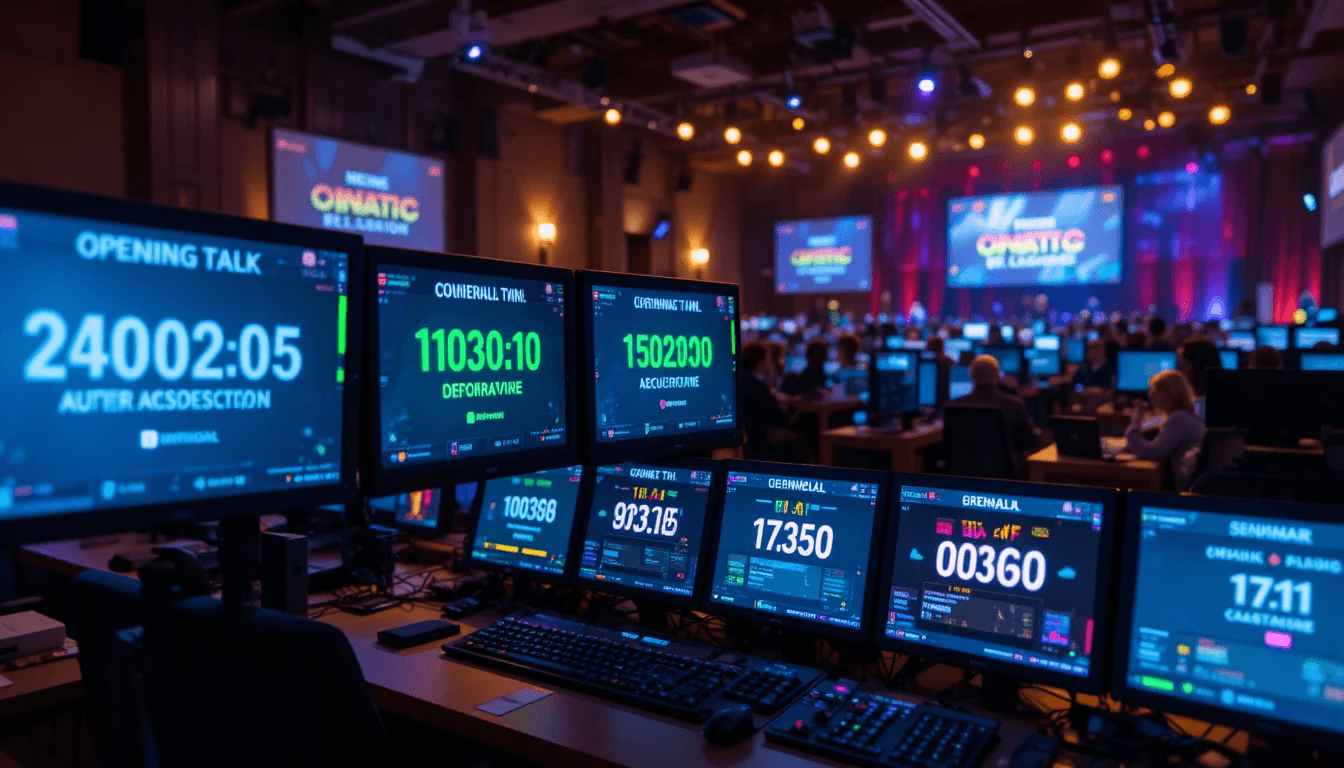
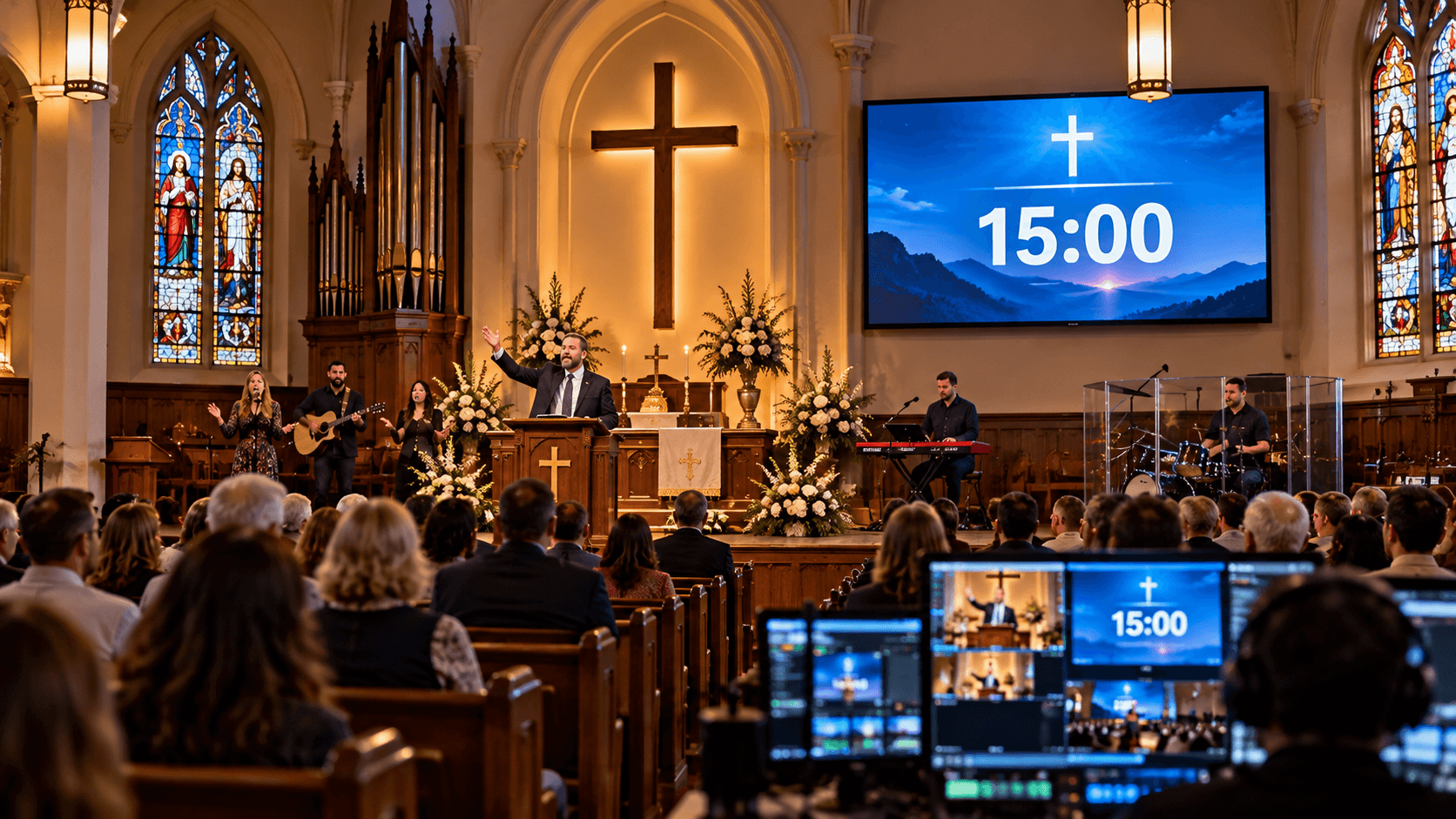
The success of any event depends not only on planning, but also on time management. A small miss can disrupt the entire flow—a speaker's time may be over, a live session may be cut short, or the audience may get tired. Custom Event Timers serve as a reliable companion for your team.
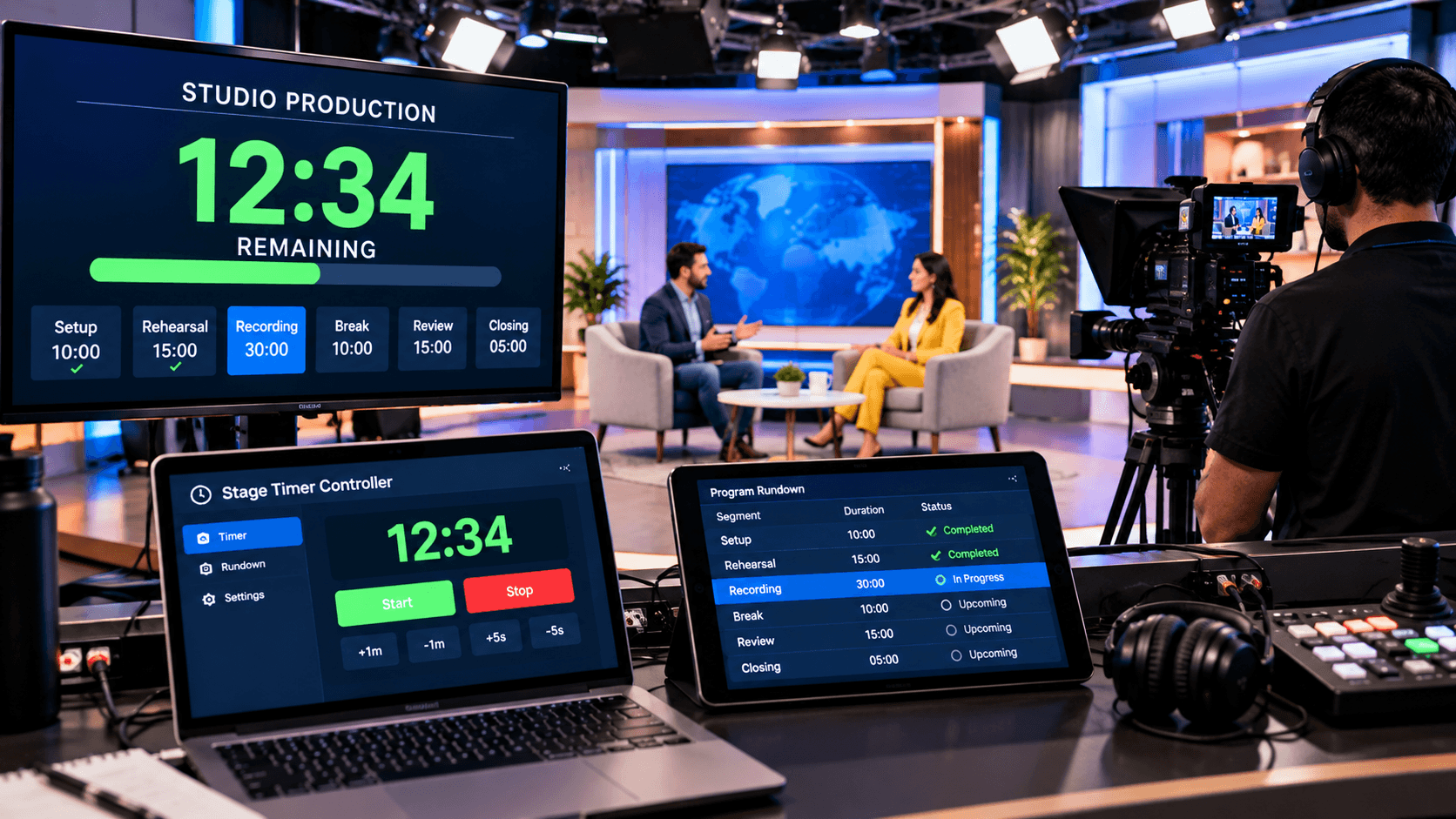
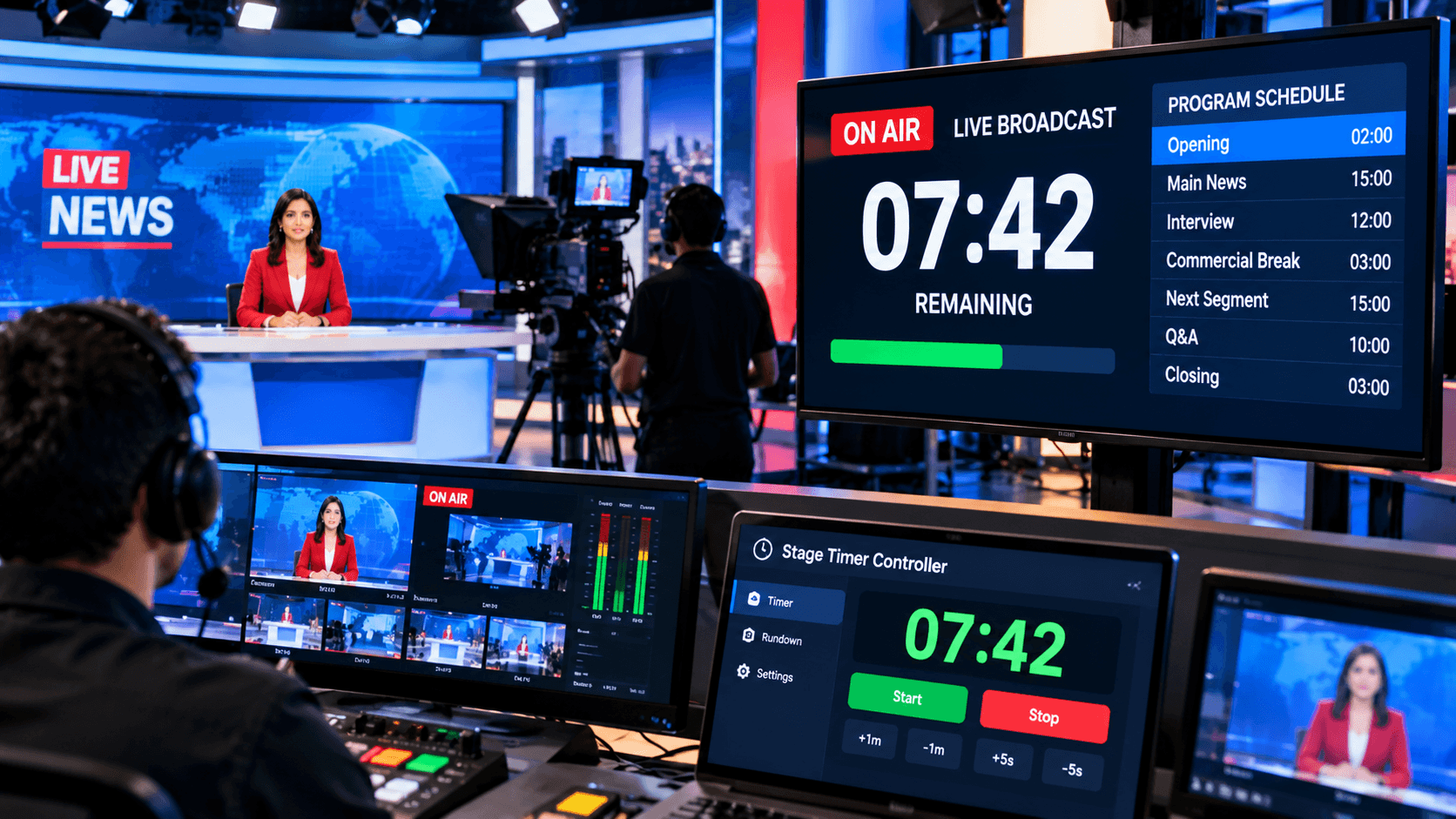
Digital tools like Stage Timer Controller have become essential for all types of events today—whether it's a conference, livestream, education session, video production, church service, or corporate meeting. This tool helps you set precise times for each section, share real-time updates, and keep the entire event in sync.
This blog will show you how to set and customize Custom Event Timers for your event so that every moment runs on time—without stress and confusion.
Choose an Event Type — Start Right Here:
Every event is different, so the timer requirements vary.
For example:
Conferences: Setting specific time limits for speakers is essential.
Livestreams: Segments and transitions must be perfectly timed.
Education Sessions: Break and Q&A timings must be managed.
Video Productions: Maintaining a precise scene-wise schedule is essential.
So, initially, decide what type of event you will be and how many phases it will have. Then, create a custom event timer for each phase. This will be your first step towards effective event time management.
Set Timer Duration and Format:
Once the event type is decided, it's time to set the duration. Is your event continuous or segmented? Do you want a countdown timer or a count-up timer? You can fully customize the hours, minutes, and seconds in the Stage Timer Controller.
For example:
Opening Speech – 10 minutes
Main Presentation – 20 minutes
Q&A – 10 minutes
Wrap-up – 5 minutes
This kind of structured event timer setup brings clarity to your event. Sometimes, organizers also add a "buffer time" so that delays in a speaker or segment don't impact other parts. It's a small step, but it keeps the overall pace of the event running smoothly.
Multi-Device Access and Sharing:
Modern events involve not just one person, but entire teams—stage managers, production teams, presenters, technicians, and more. Therefore, it's crucial that timers are accessible to everyone simultaneously. Online stage timer platforms like Stage Timer Controller allow you to share your custom event timers across multiple devices. Laptop, tablet, or smartphone—the same timer is displayed in real-time everywhere.
This feature is especially useful if the event is hybrid or remote, with multiple participants joining from different locations. Everyone gets a synchronized timeline, eliminating any potential for confusion.
Timer Controls and Live Adjustments:
Sometimes, events can experience situations like speaking overtime, increased audience interaction, or technical delays. This is where the "live adjustment" feature comes in handy.
With Stage Timer Controller, you can pause, extend, or reset a running timer—without interrupting the flow of the event. This flexibility makes Custom Event Timers a dynamic management tool, not just a rigid countdown.
Every event has specific notes—such as "next slide cue," "change mic," "start video playback," etc. If these notes are included in the timer, production coordination becomes much easier.
You can add a short instruction note to each timer to provide timely cues to crew members or hosts. This feature significantly increases event efficiency.
Benefits of Custom Event Timers:
Using custom event timers is the most effective way to make any event look organized and professional. When you schedule each segment in advance, the entire event runs in perfect sync. These timers not only provide accurate timing information to speakers and organizers but also help the entire team work in a common rhythm.
The biggest benefit is that custom event timers maintain time discipline at events. Setting a specific time for each speaker, session, or performance prevents delays or confusion. Furthermore, when the entire schedule is displayed in real-time on all devices, the team is immediately informed of any changes or instructions—making event coordination much easier.
Finally, custom event timers also play a vital role in creating a professional image. When your event runs with precise timing, clear transitions, and perfect coordination, both spectators and attendees perceive it as a high-quality experience. In this way, these timers are not just time-telling devices but the secret pillars of successful event management, making every event more smooth, effective and memorable.
Conclusion:
A successful event is one in which time, content and presentation are in balance. Custom Event Timers are the most effective way to maintain this balance. They help your team work in a rhythm, making better use of every second.
Modern online stage timer solutions like Stage Timer Controller have become a part of every professional event today. Their use not only saves time but also improves both the quality and experience of the event.
So if you want perfection at your next event, be sure to incorporate Custom Event Timers into your workflow and make every event perfectly timed, organized, and stress-free!