Time is the most valuable resource in the world of video production. Whether it's a live shoot, a studio recording, or a multi-camera setup—every second counts. A small timing error can lead to an entire scene being reshot. Therefore, an effective video production time management system helps ensure your project is completed on time and accurately.
Stage Timer Controller is a revolutionary tool that keeps your team synchronized, provides clear timing for each scene, and provides control over every stage of production. This tool is designed not just to display time, but to streamline the entire production flow.
The Importance of Stage Timer Controller in Video Productions:
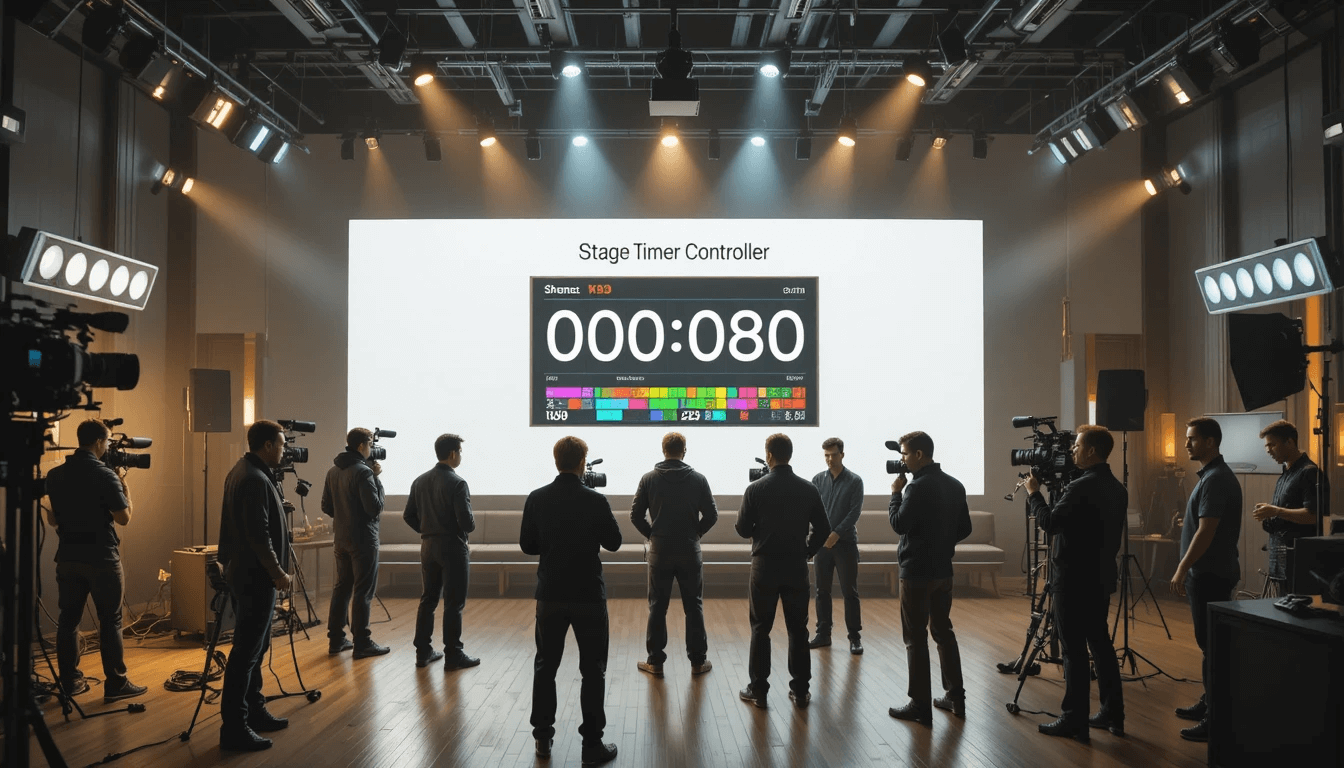
During a video shoot, multiple teams work together—camera team, lighting, sound, makeup, and direction. Each has their own time schedule, which, if not managed properly, can lead to delays, miscommunication, and increased production costs.
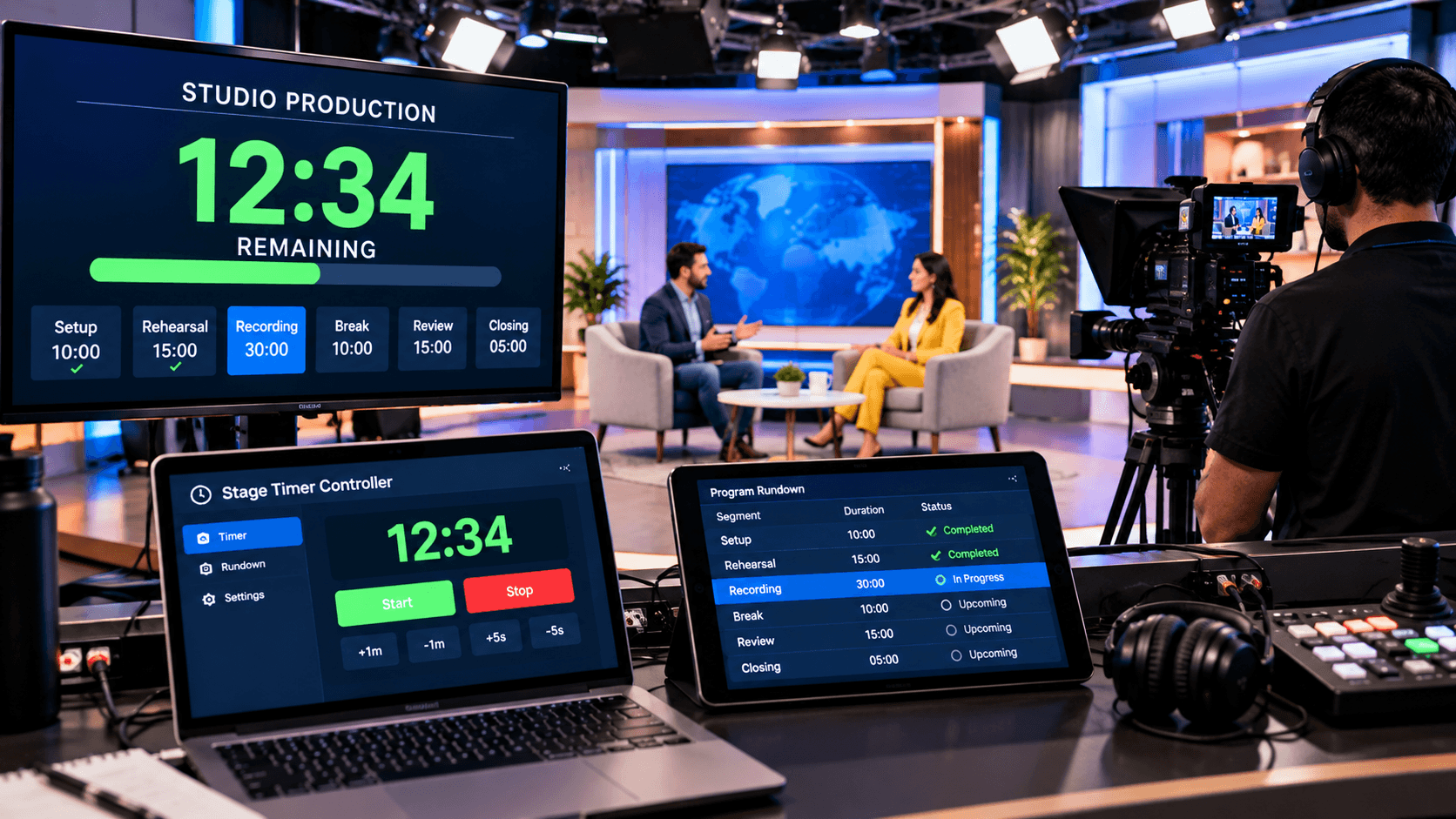
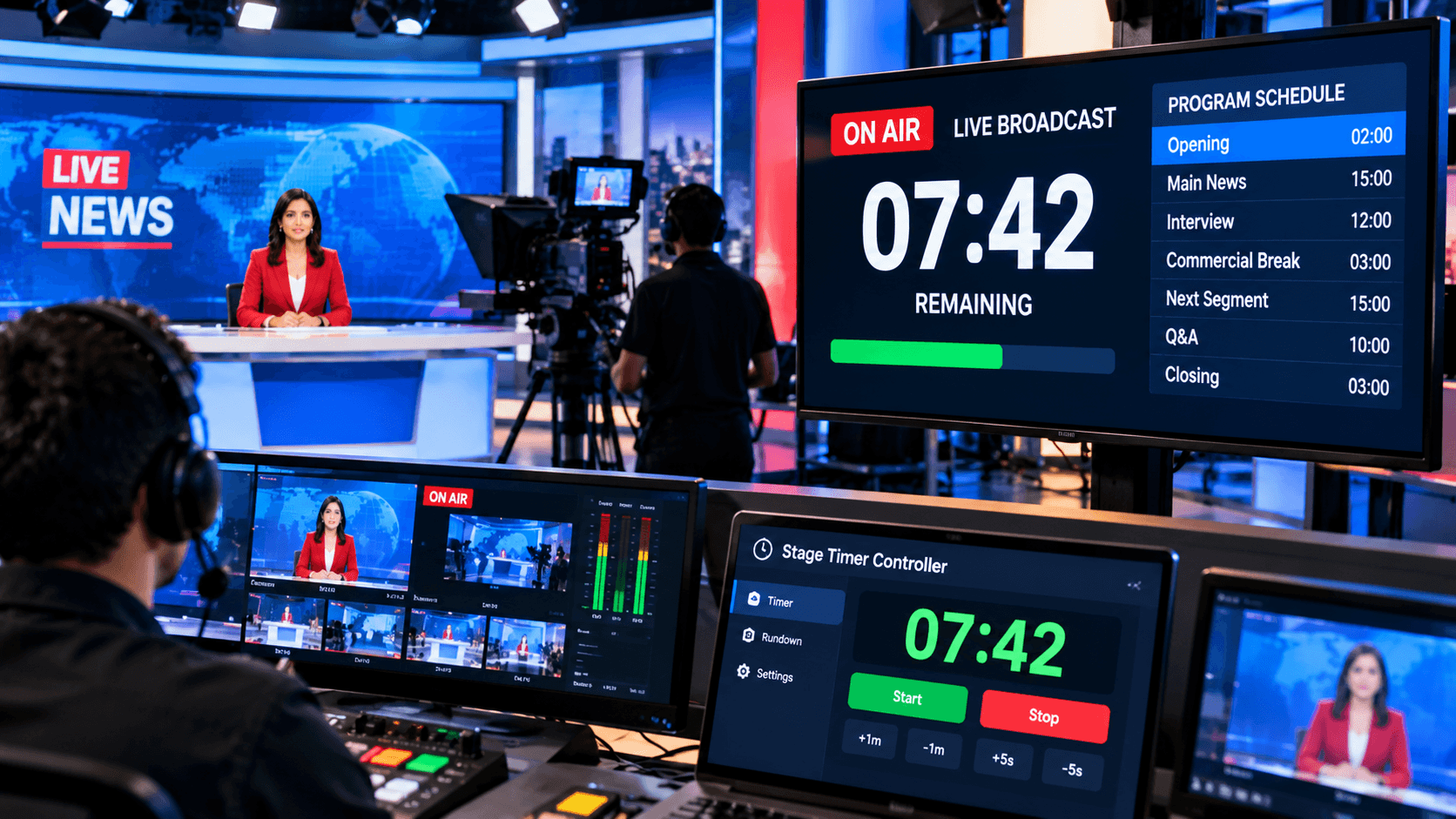
Stage Timer Controller simplifies this complex process. Its dashboard allows for live time tracking, so every team member knows when the next scene starts or how much time is left for a break.
Furthermore, features like color labels, custom notes, and remote control access make it a professional time management tool for video production.
How to Use Stage Timer Controller – Step by Step Guide:
Create and Set a Timer:
Create a new timer based on your shoot or project. You can specify the name and duration of each scene, take, or segment.
Add Notes and Labels:
Add different notes or labels to each scene so crew members can quickly understand when each part starts and what needs special attention.
Simplify Time Visualization with Color Coding:
Stage Timer Controller's color feature helps identify different segments—such as "shooting," "break," "retake," "setup," etc.
Remote Sharing:
This feature is particularly useful. You can share a single timer across multiple devices (phones, tablets, laptops) so the entire team works on the same timeline.
Best Practices for Video Production Time Management:
The key to success in video production is proper time management. If every team member knows when the next scene starts, when the break is, or how much time is left for setup, the entire shoot runs smoothly. Therefore, it's crucial to adopt some best practices that not only save time but also increase your team's efficiency.
First, pre-plan. Set up a schedule for the entire day in Stage Timer Controller before the shoot begins. This gives every team member a clear timeline and keeps everyone working in the same direction. A good schedule not only streamlines the shoot but also prevents unnecessary delays and confusion.
Second, provide real-time updates. Changes often occur during shooting—a scene may require retakes, or lighting setup may take time. In such a situation, it's essential to provide instant updates in Stage Timer Controller so that all members are aware of the new timing and no one gets incorrect information.
By adopting these best practices, you can not only make video production time management effective, but also ensure your shoot is professional, accurate, and successful.
Conclusion:
Efficient time management in video production improves both quality and results. Stage Timer Controller not only ensures accurate timing but also helps your team work in an organized framework.
This tool makes video production time management easy, effective, and professional.
If you want to take your video projects to new heights, be sure to include Stage Timer Controller in your production setup—it will make every second count.